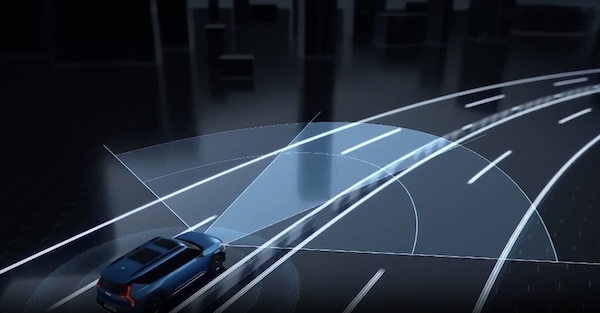
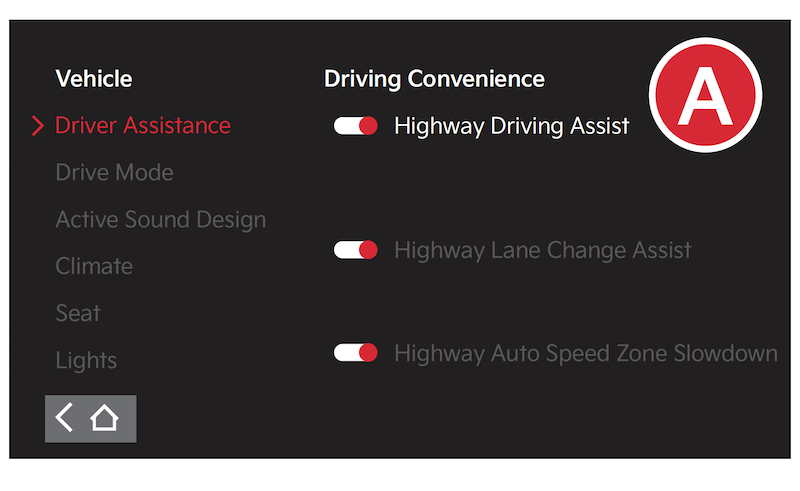
Highway Driving Assist (HDA)
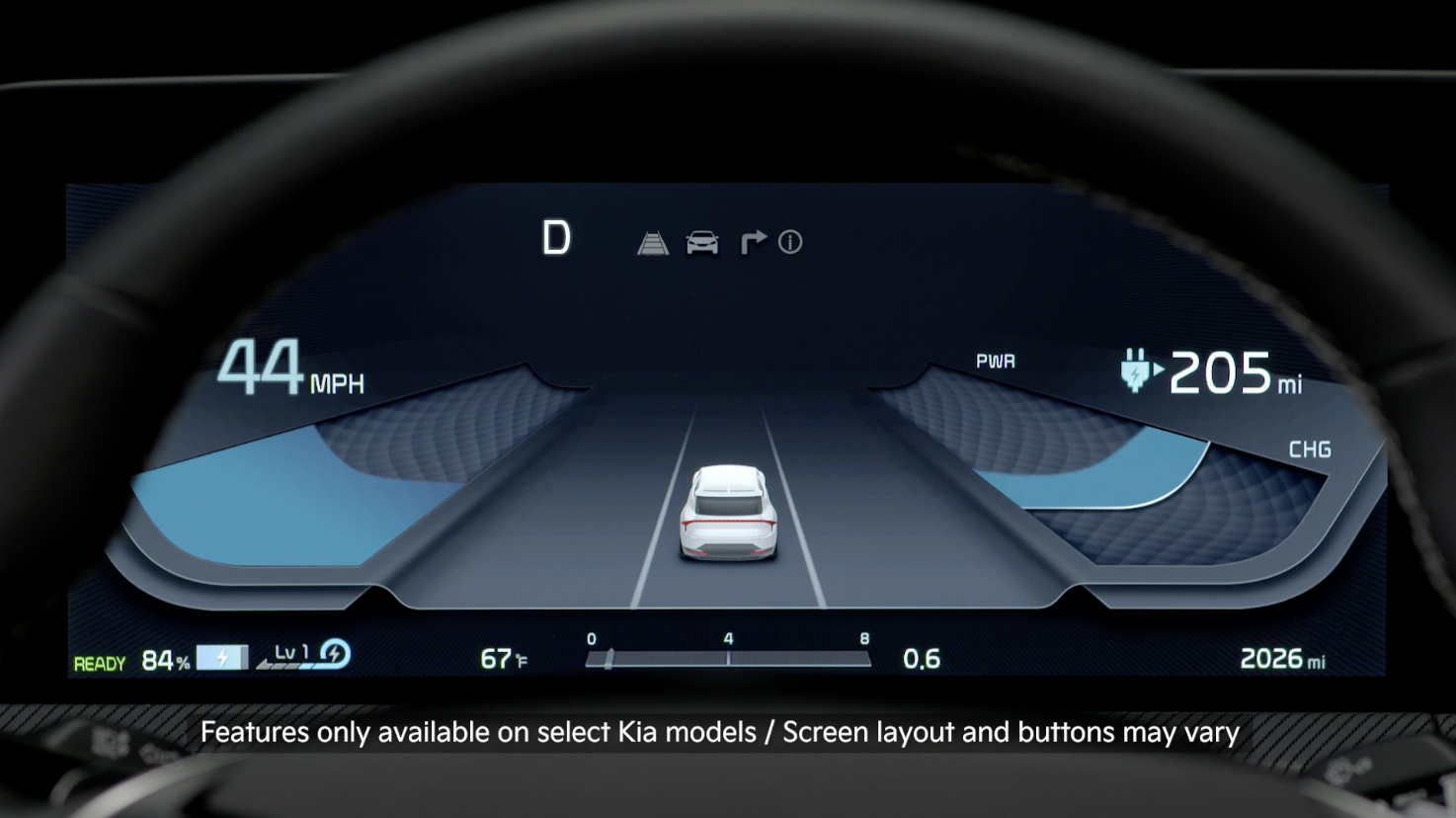
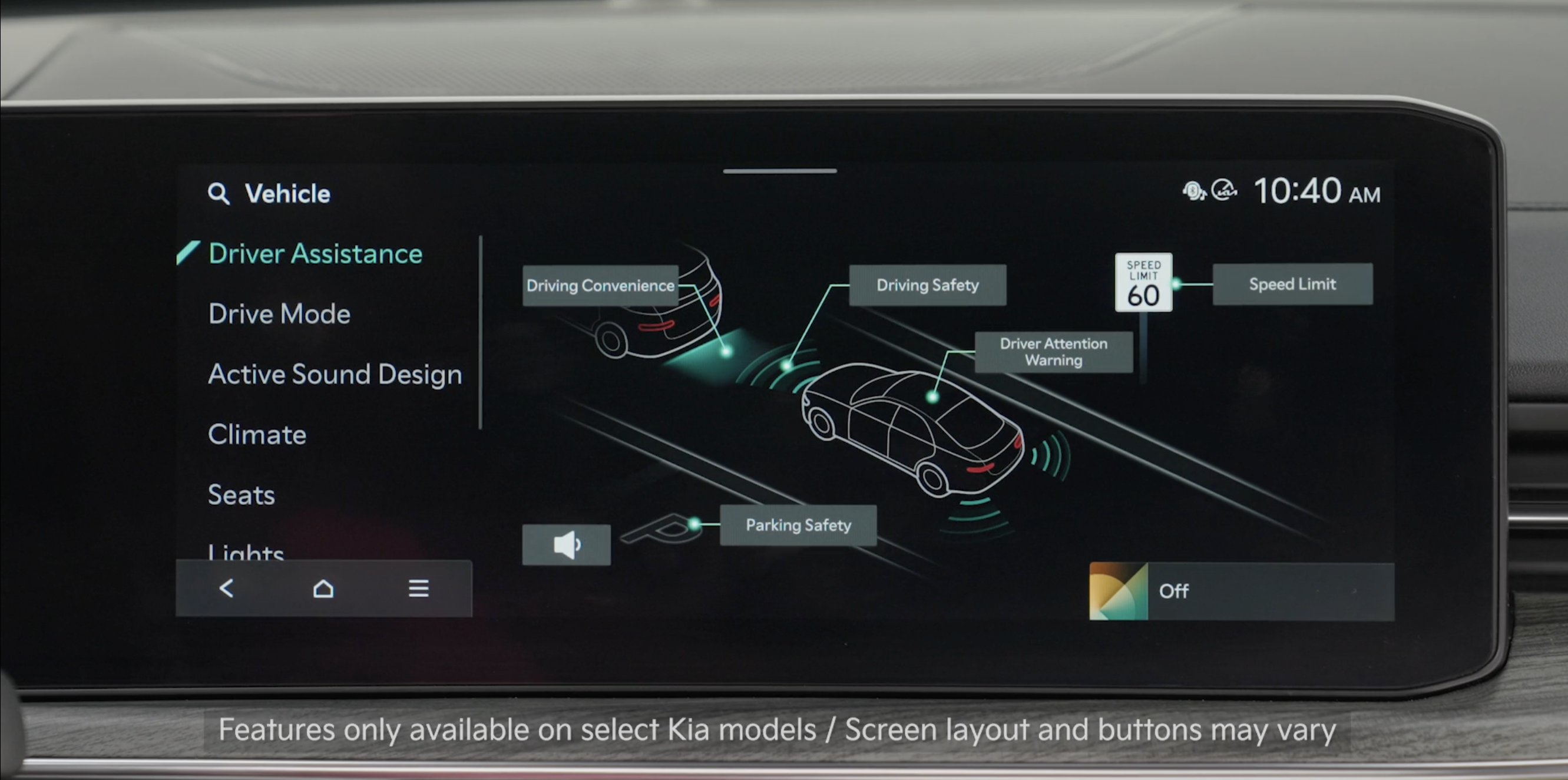
Highway Driving Assist is designed to detect lanes and vehicles ahead, help maintain the distance from the vehicle ahead and the set speed, and center the vehicle in the lane while driving on certain highways/freeways.
When HDA is activated and the conditions are met, the Instrument Cluster indicator  will illuminate green. If the conditions are not met, HDA will be in standby mode and the HDA indicator light will illuminate white. When in operation, and if both lanes are detected, the Instrument Cluster will show the lanes illuminated white and the HDA indicator illuminated green.
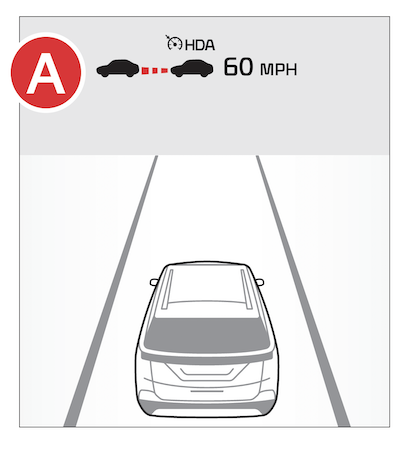
Hands-off Warning - If the driver takes their hands off the steering wheel for several seconds, a warning message will appear on the Instrument Cluster, and an audible warning will sound. If hands on the steering wheel is not detected, HDA will cancel.
*See LEGAL page for legal information.
Certain features are available only on select Kia models.
When engaged, Highway Driving Assist is not a substitute for safe driving, may not detect all objects around the vehicle, and only functions on certain federal highways. Always drive safely and use caution.
See section 5 in the Owner’s Manual for more detailed information, limitations and conditions.

