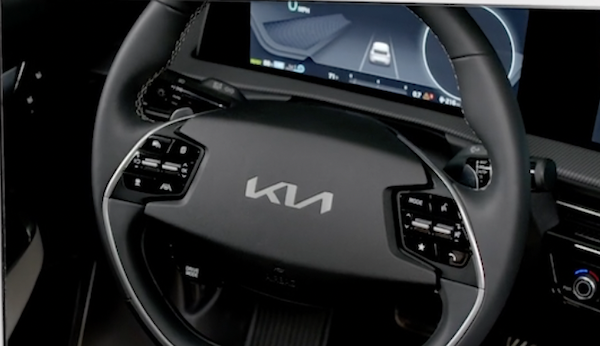
Steering Wheel Controls
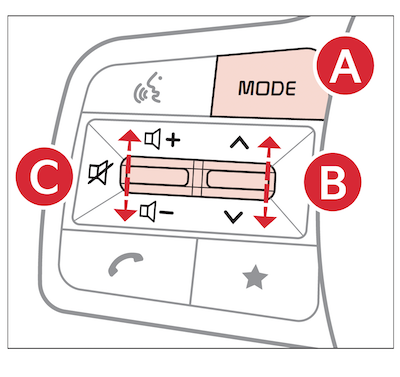
 Audio MODE button: Press to cycle through FM/AM/SiriusXM®/Media modes; Audio System ON: When off, press to turn the power on
 Seek/Track button: FM/AM/ SiriusXM® Modes: Press up/down to advance through Preset Stations. Press and hold to auto seek Media Modes: Press up/down to move the track up/down. Press and hold to fast forward/rewind (except for Bluetooth® Audio)
 Volume button: Press up/down to raise/lower volume
Mute button: Press to mute all audio (in some Media modes the media pauses when pressed)
*See LEGAL page for legal information
Certain features are available only on select Kia models.
Driving while distracted is dangerous and should be avoided. Drivers should remain attentive to driving and always exercise caution when using the steering-wheel-mounted controls while driving.
Your vehicle’s steering wheel buttons may differ from those in the illustrations.
Refer to section 4 in the Owner’s Manual for more information.

