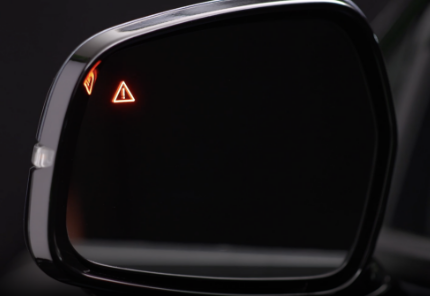
Blind-spot Collision-Avoidance Assist (BCA)
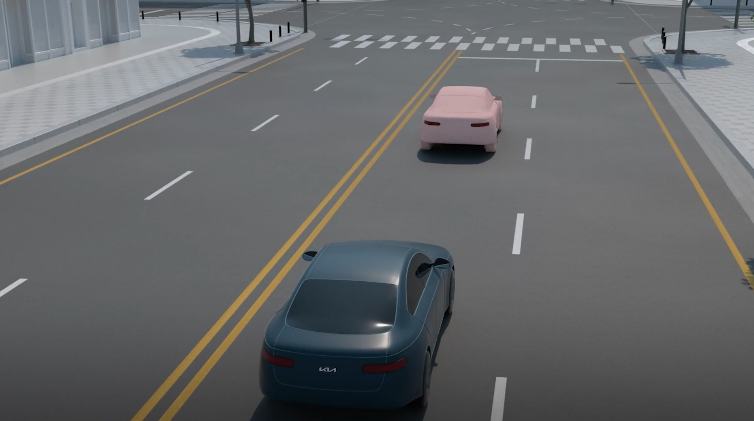
BCA uses rear corner radar sensors in the rear bumper to monitor and warn the driver in certain situations if it detects an approaching vehicle in the driver’s blind spot area, before changing lanes and exiting parallel parking. When a potential collision with a vehicle is detected, BCA initially issues a collision warning through audible alerts and visual indicators on the outside rearview mirrors. If a collision risk is identified while exiting a parallel parking space, BCA may apply braking assistance to help avoid a collision.
When another vehicle is detected within collision warning boundary  , an indicator will illuminate on the outside rearview mirrors
  .
.
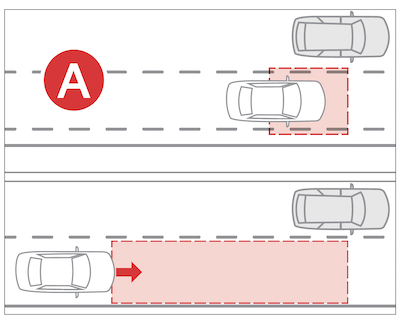
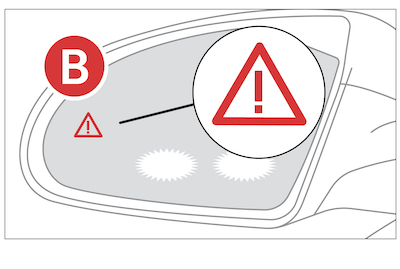
Collision warning: When vehicle detection warning is on and the driver activates a turn signal, BCA may alert the driver with a warning light on the cluster, outside rear-view mirrors (side-view mirrors) and head-up display.
When the turn signal is turned off or you move away from the lane, the collision warning will be canceled and the function will return to Vehicle detection state.
Collision-Avoidance Assist: When you are driving forward out of a parking space, if BCA determines that there’s a collision risk with an approaching vehicle in the blind spot, it can help avoid collision by applying the brake.
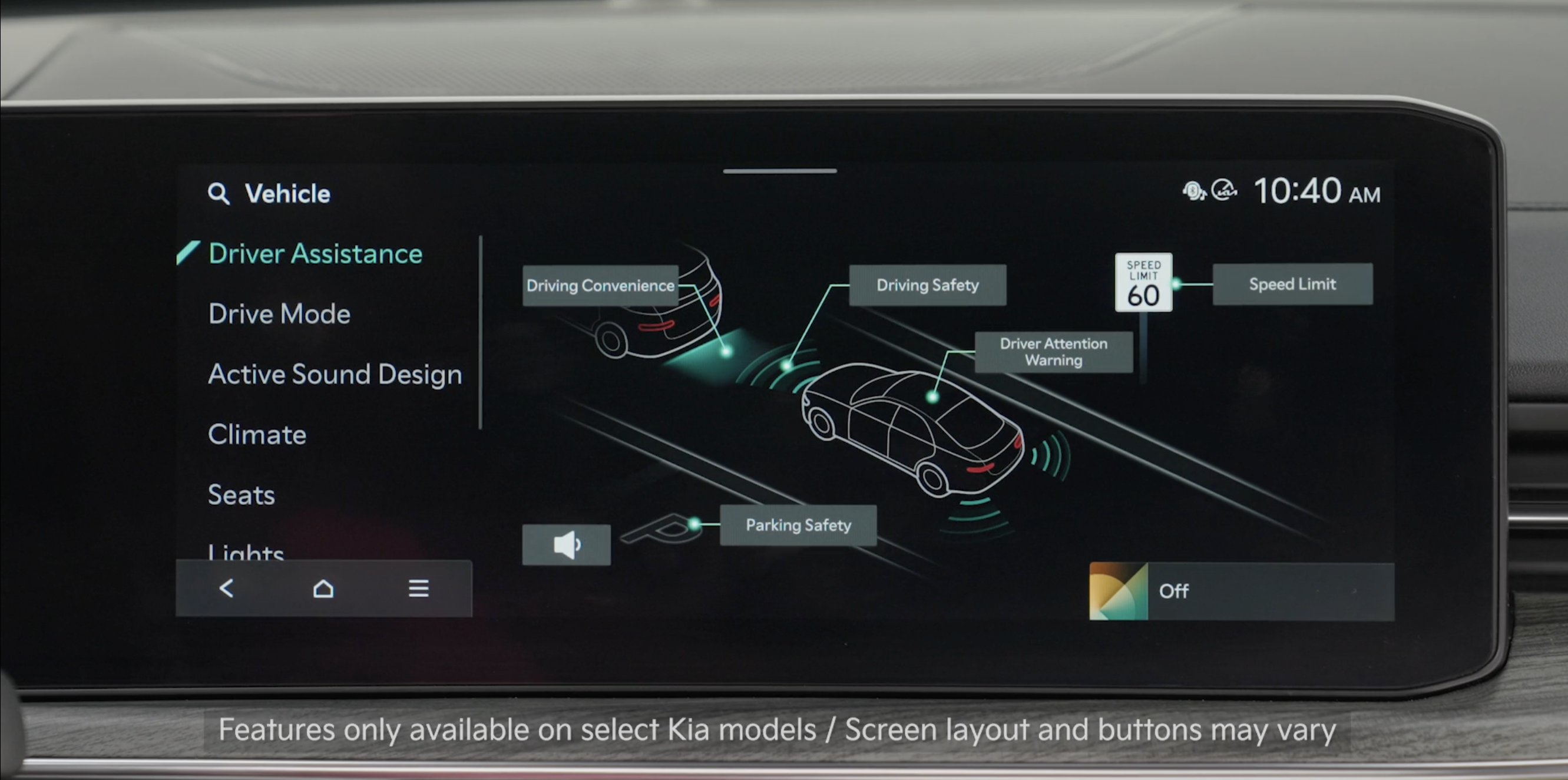
. Select Setup, Vehicle, Driver Assistance, Driving Safety, then Blind Spot Safety to turn the system on. Repeat the steps to turn off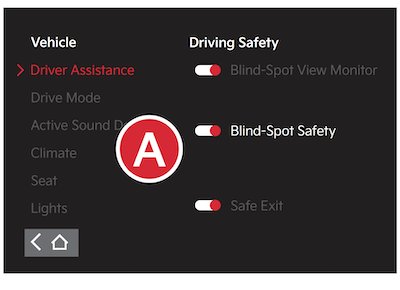
*See LEGAL page for legal information
Certain features are available only on select Kia models.
The images on these pages are for illustrative purposes only and may not reflect actual feature or operation.
When engaged, BCA is a supplemental system. Do not solely rely on this system and always pay attention to the road and its conditions.
Refer to section 5 in the Owner’s Manual for more information.

