DIGITAL CLOCK
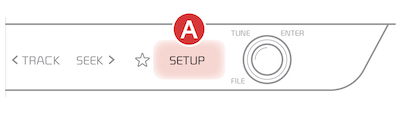
- Press SETUP key
- Press General
- Press DATE/TIME button to display the Time and Date setting screen.
- Then use the onscreen buttons to adjust time and date.
Certain features are available only on select Kia models.
Your Automatic Climate Control system may differ from those in the illustrations.
For more information, refer to the Car Infotainment System Quick Reference Guide.

