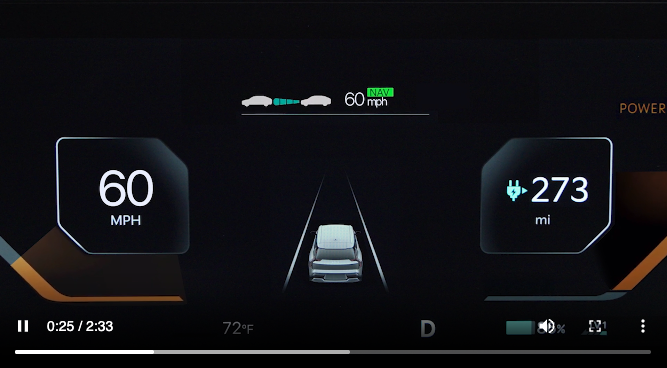
Navigation-based Smart Cruise Control (NSCC)
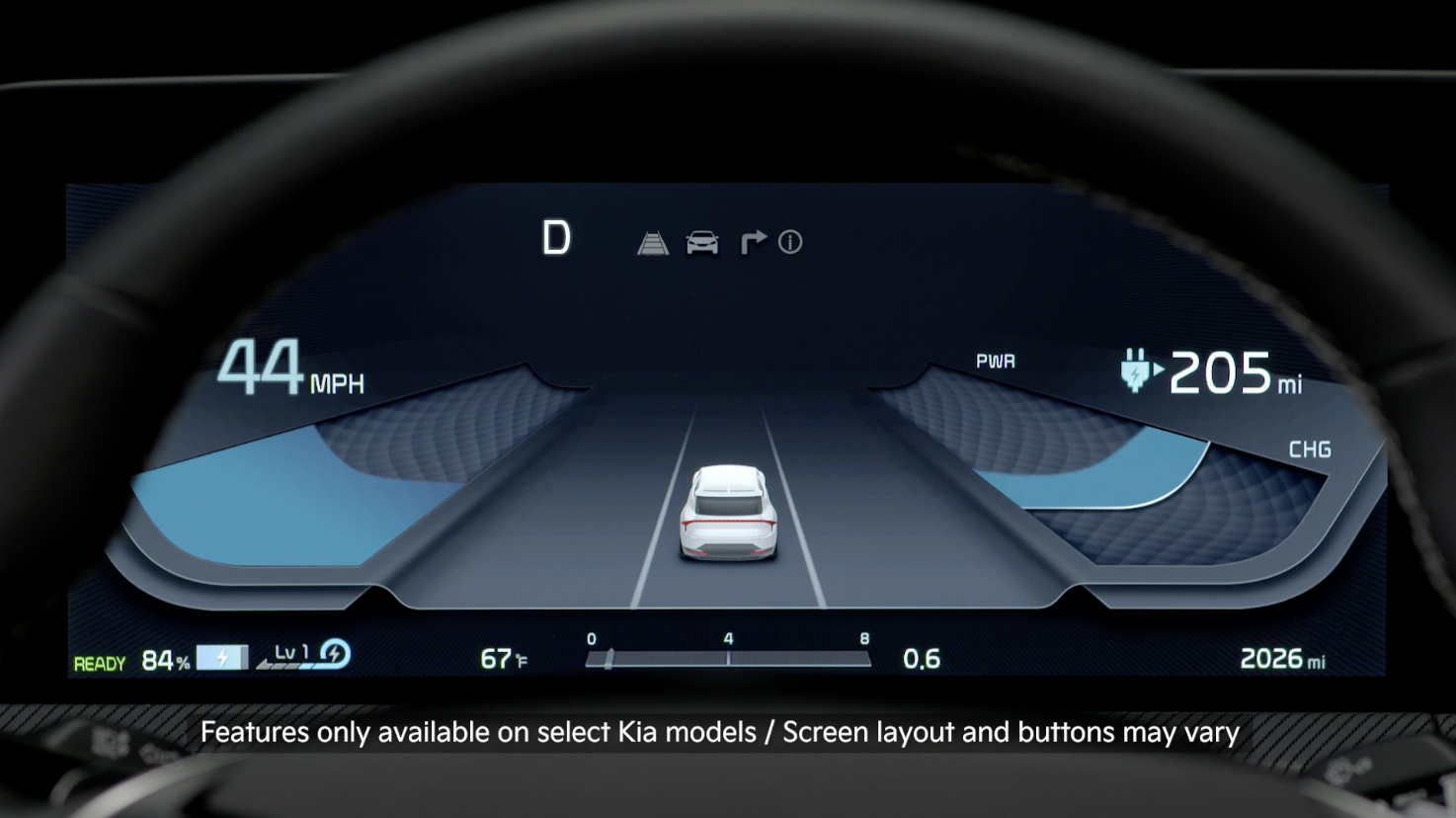
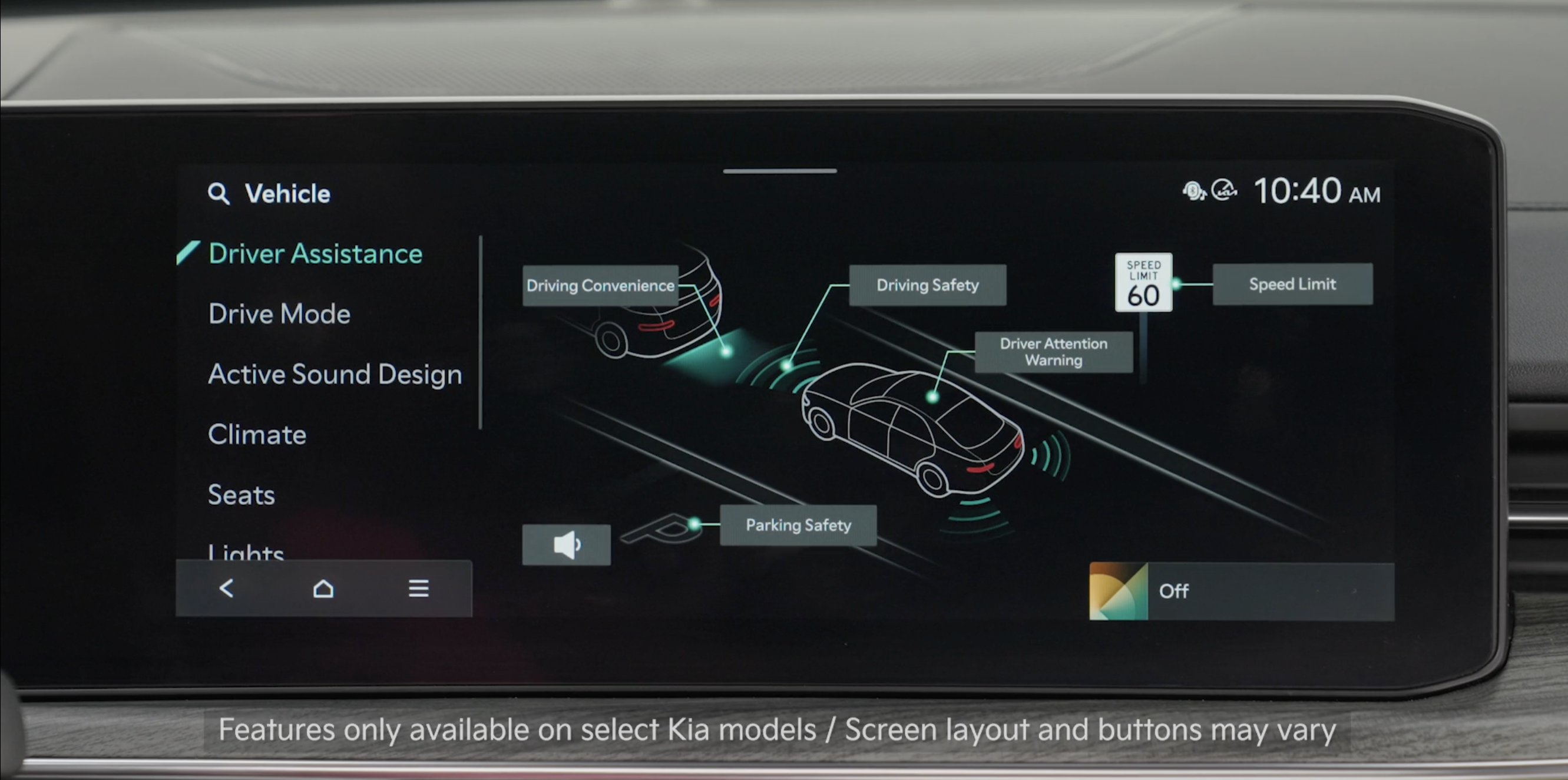
Navigation-based Smart Cruise Control may automatically adjust the vehicle speed when it detects a curved road ahead and when it receives road information from the navigation system.
When NSCC is on and operating, and the vehicle is driving on limited/controlled access highways, the AUTO icon  will illuminate white on the Instrument Cluster.
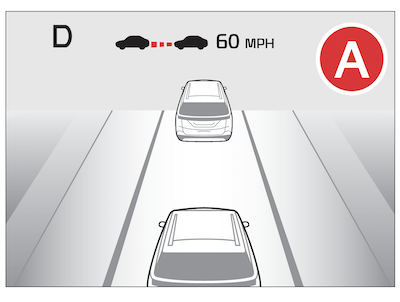
When NSCC detects a curve ahead, activates, and reduces the vehicle speed, the AUTO icon will turn green. When the vehicle passes the curved road, the vehicle may return to its previously set speed.
To turn NSCC on, refer to SCC Settings.
During NSCC operation, if the speed is set to the speed limit on the highway, the set speed is changed automatically whenever the speed limit changes.
To turn on Highway Set Speed Auto Change, go to User Settings in the Instrument Cluster or the Vehicle Settings in the Infotainment System, by selecting Driving Convenience and Highway Auto Speed Change.
• Adjusting the Warning Timing and Warning Methods or Volume will adjust settings for other driver assistance systems
*See LEGAL page for legal information
Certain features are available only on select Kia models.
Images are for illustrative purposes only. Actual image or feature may vary.
See section 5 in the Owner’s Manual for more information. For more setting information, refer to the Car Infotainment System Quick Reference Guide. NSCC and Cruise Control are supplemental systems and are not substitutes for safe driving. It is the responsibility of the driver to always check the speed and distance to the vehicle ahead.

