
Kia Full Synthetic Oil

The Service mode indicates when scheduled vehicle service is required.
The Service Interval feature calculates and displays the approximate miles or days of when the next maintenance service is due.
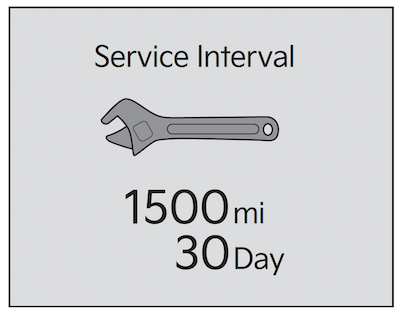
Service required: A “Service required” message appears when you’ve driven beyond the recommended service interval.
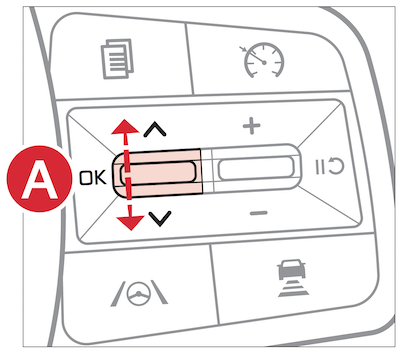
You can schedule service by tapping on the Schedule Service button. To reset the service interval to the mileage and days you inputted before, press the OK button  for more than 1 second.
Certain features are available only on select Kia models.
Images are for illustrative purposes only and may vary.
Refer to section 4 in the Owner’s Manual for more information.

