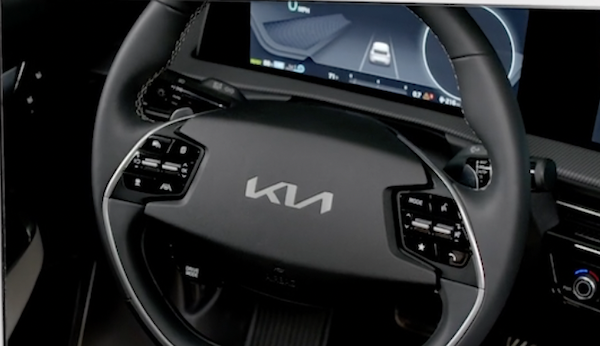
Steering Wheel Controls
The Trip Computer is a driver information system that displays information related to driving. It appears on the display when the ignition switch or the Engine Start/Stop button is in the ON position.
To cycle through the Instrument Cluster LCD Modes, press the Mode button  .
. 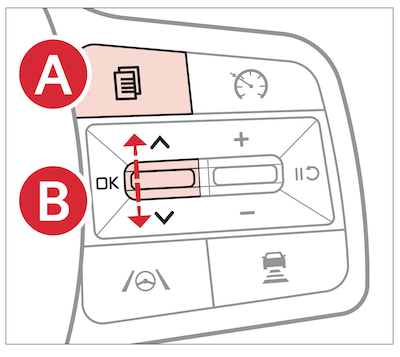
Trip Computer:
 , press the OK button
  up or down and then press again to enter.up or down and then press again to enterto reset the Tripmeter to zero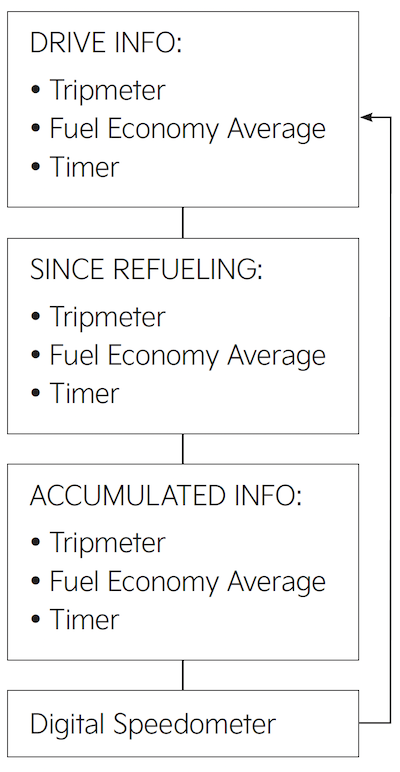
Certain features are available only on select Kia models.
Your vehicle’s steering wheel buttons may differ from those in the illustrations.
Refer to section 4 in the Owner’s Manual for more information.

