Low Battery Warning – When the high-voltage battery level reaches 8% or less, this warning message appears on the Instrument Cluster LCD and the warning indicator light illuminates. Charge the high-voltage battery immediately.
 Charge immediately. Power limited – When the high-voltage battery level reaches 3% or less, this warning message appears on the Instrument Cluster LCD, the warning indicator light illuminates and the power down warning light turns on simultaneously.
The vehicle’s power will be reduced to minimize the energy consumption of the high-voltage battery. Charge the high-voltage battery immediately.
 Power limited – This warning message appears when the vehicle’s power is limited for the following reasons:
- When the high-voltage battery is below a certain level, or voltage is decreasing
- When the temperature of the motor or high voltage battery is too high or too low
- When there is a problem with the cooling system or a failure that may interrupt normal driving
Power limited due to low EV battery temperature. Charge battery – When the outside temperature is low and you turn the vehicle on or off, this warning message may appear on the Instrument Cluster LCD. If the battery level is low and the vehicle is parked outside for a long time, vehicle power may be limited. Charging battery before driving helps increase power.
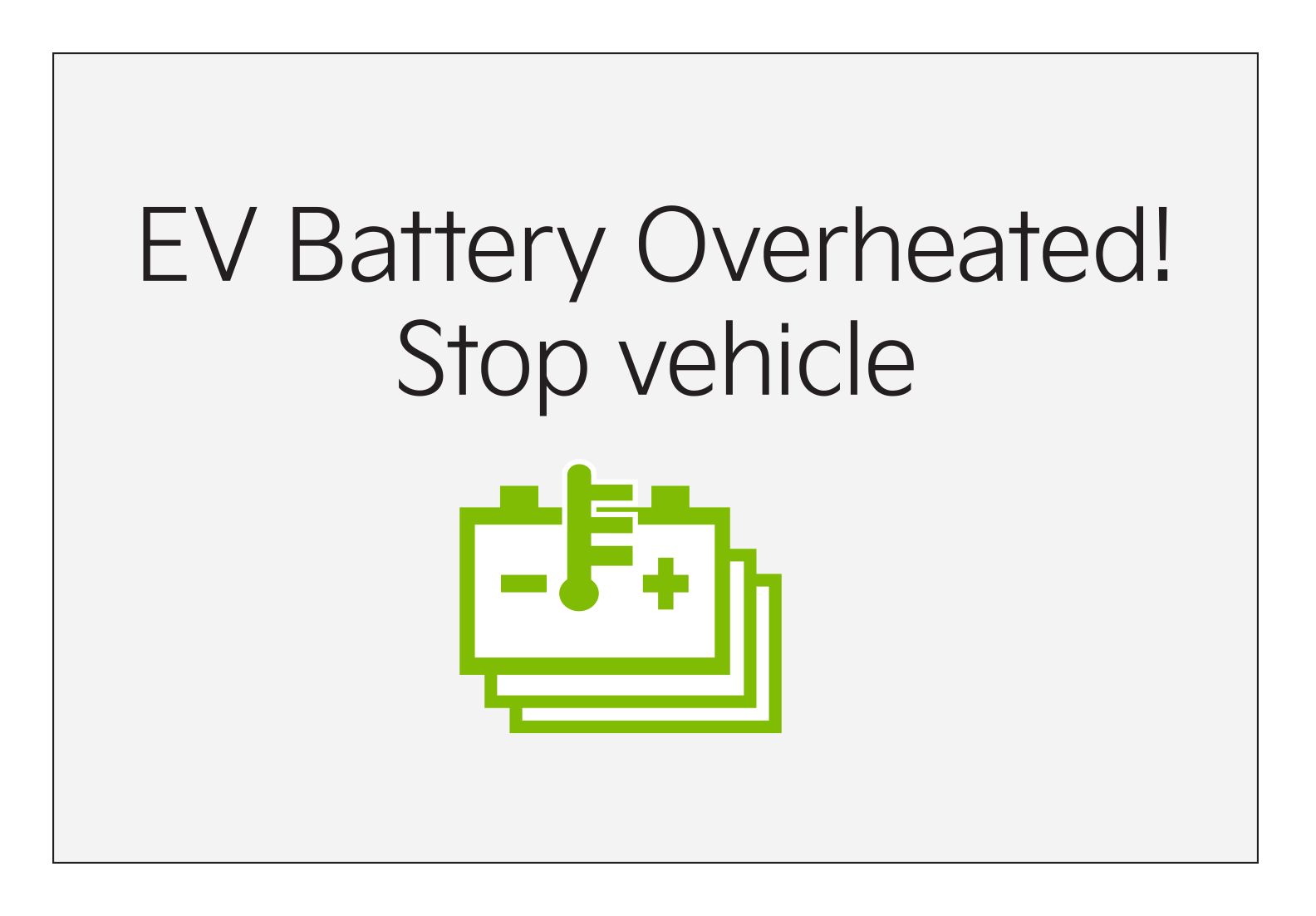
EV Battery Overheated! Stop Vehicle – When the high-voltage battery temperature is too high, this warning message will appear on the Instrument Cluster LCD. Stop the vehicle and turn off the Power button so that the battery temperature decreases.
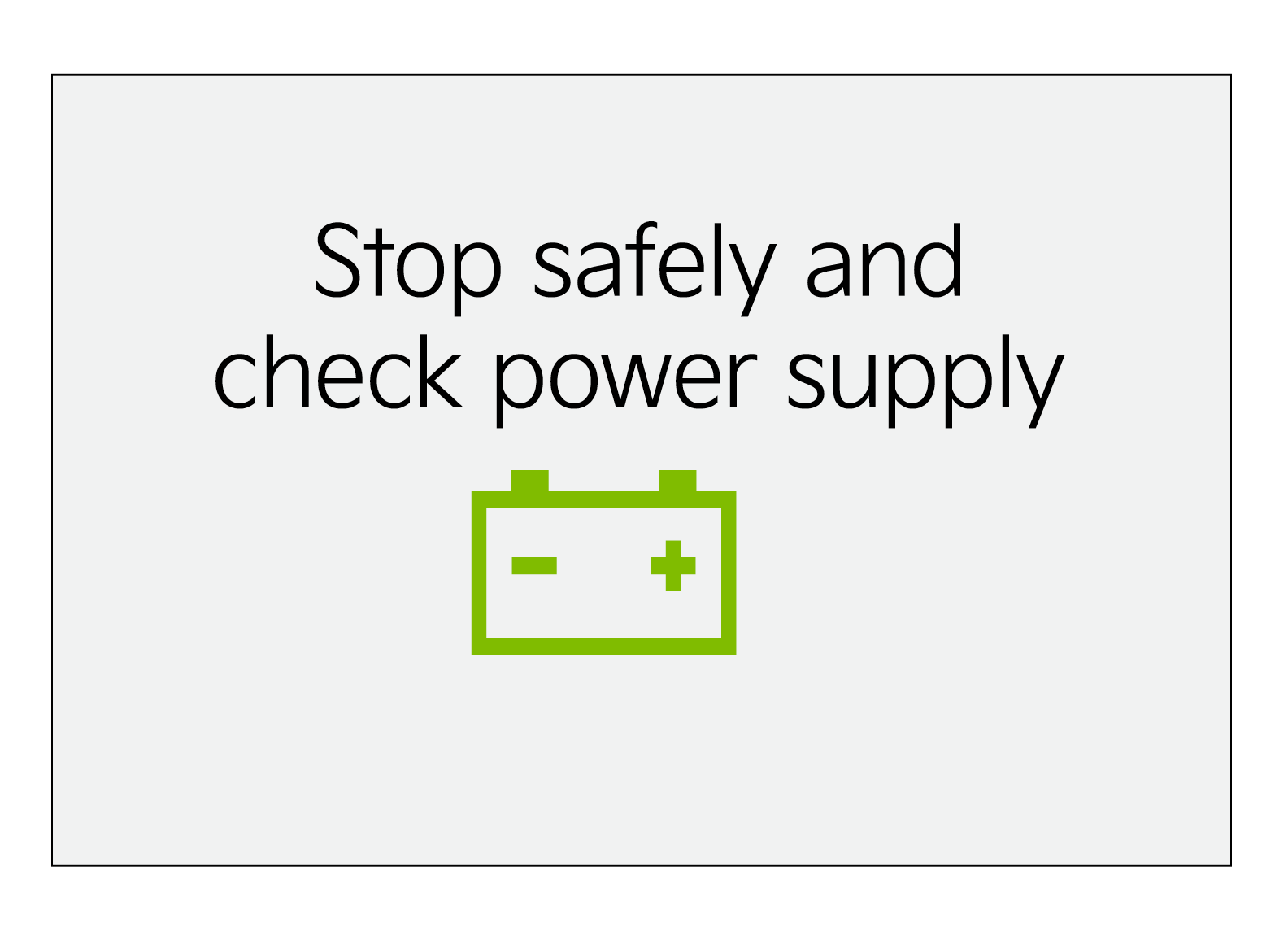 Stop vehicle and check power supply – When there is a failure in the power supply system, this warning message appears on the Instrument Cluster LCD. Park the vehicle in a safe location and have it towed to the nearest Kia dealer for inspection.
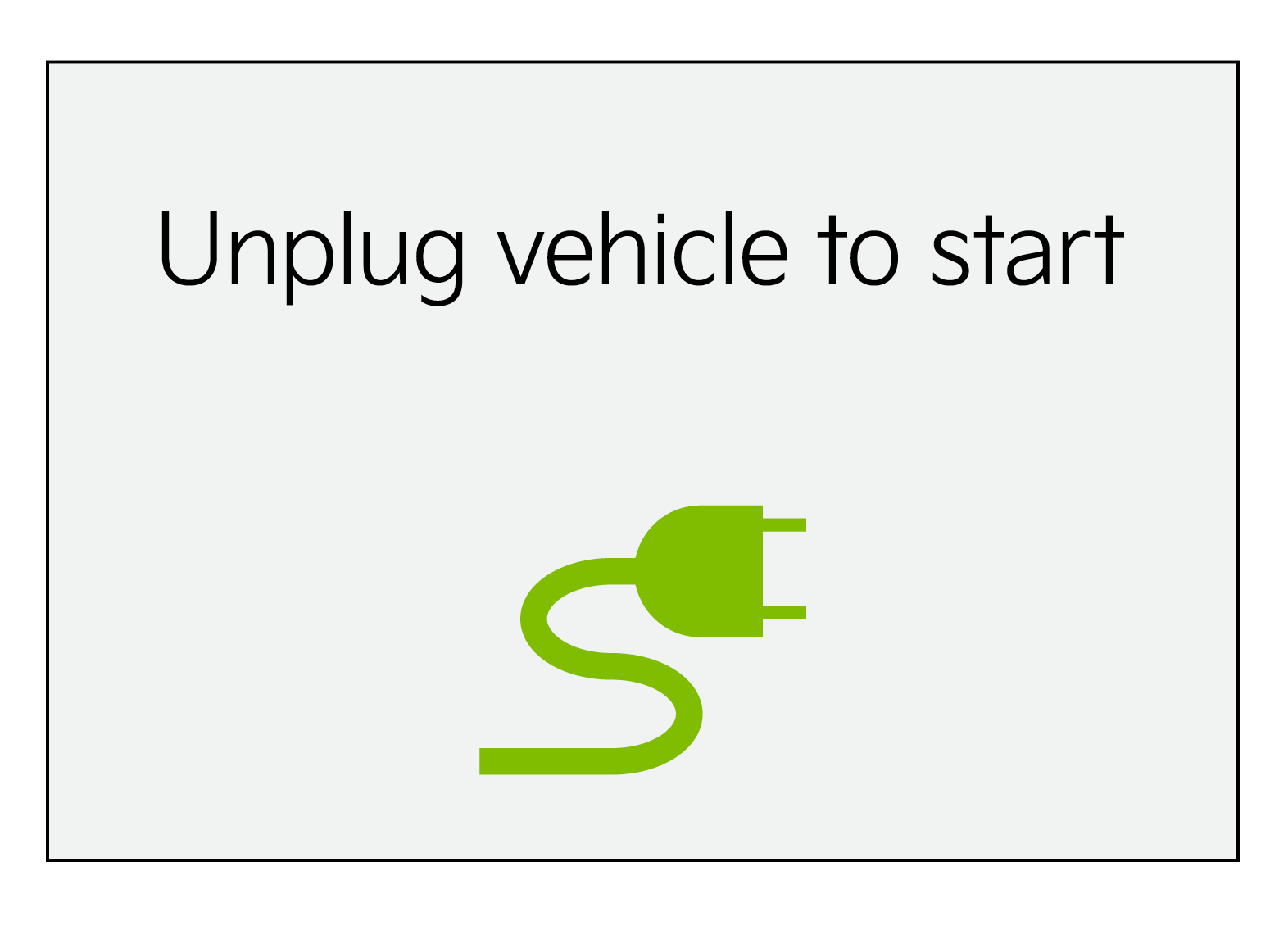 Unplug vehicle to start – When starting the vehicle while the charging connector is still connected, this warning message will appear. Remove the charging connector and then start the vehicle.
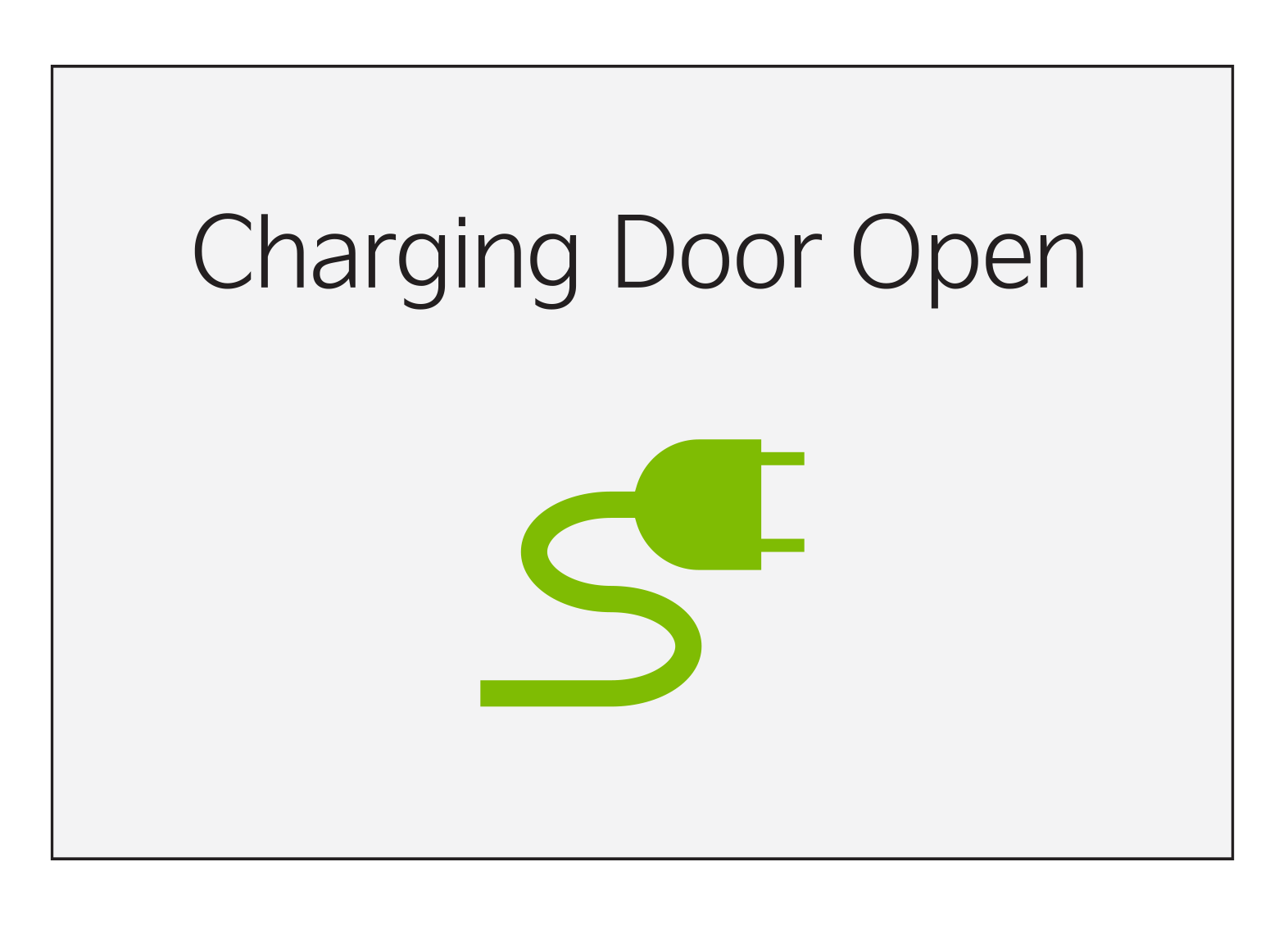
Charging Door Open – When starting the vehicle while the charging door is still open, this warning message will appear. Close the charging door after charging is complete and then start the vehicle.
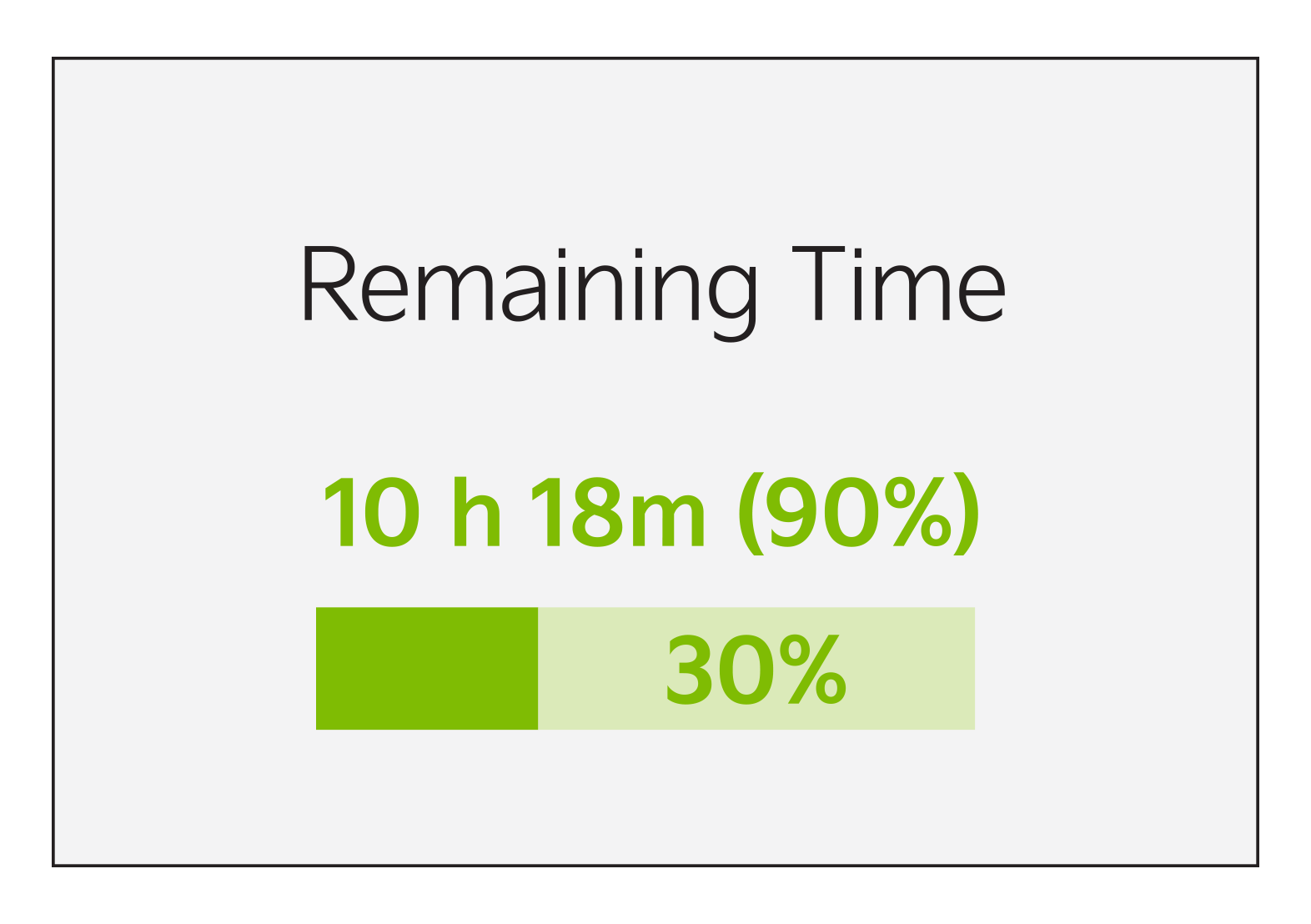
Remaining Time – Displays the remaining time to charge the battery to the selected target battery charge level, current SOC and the charging rate.
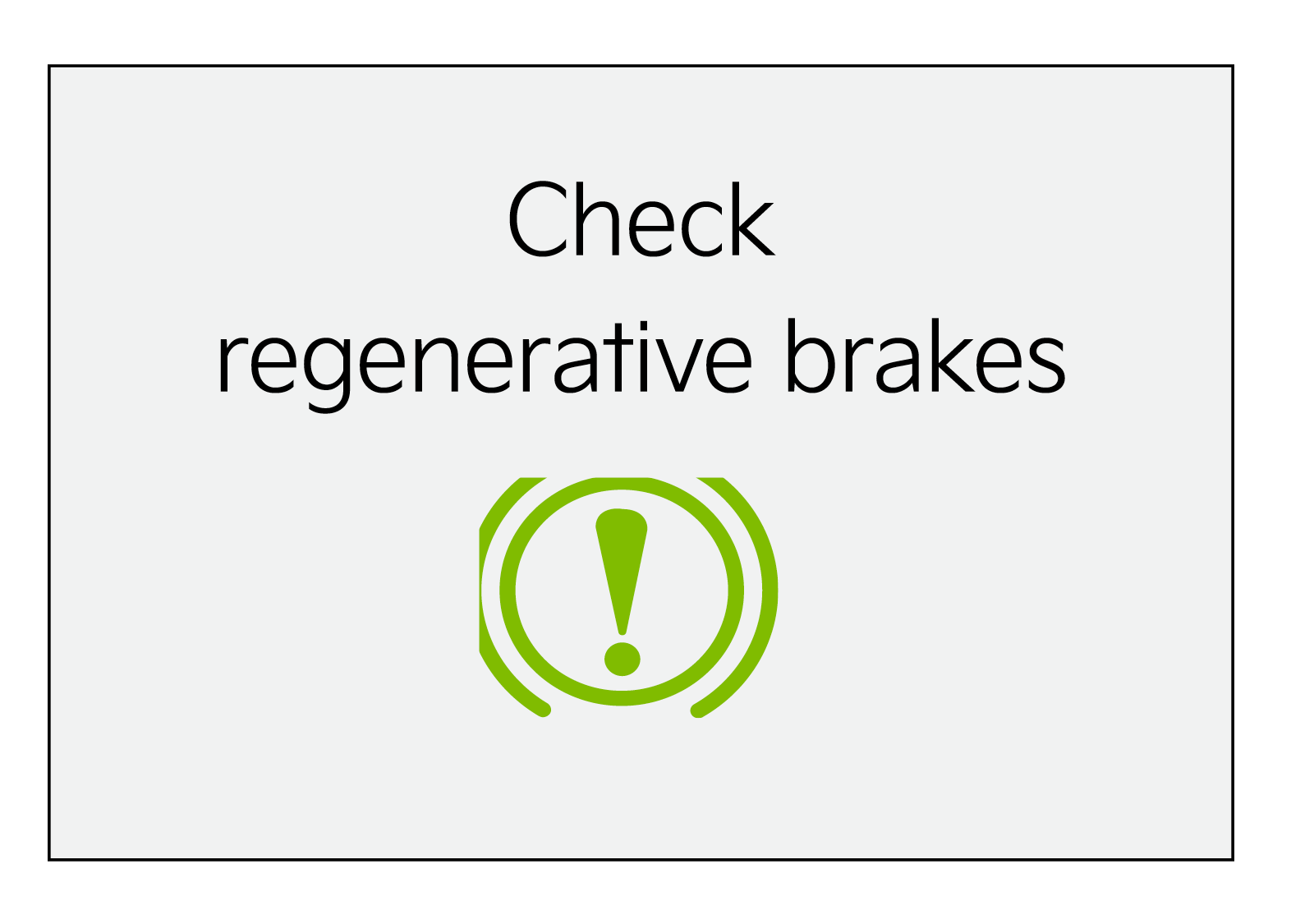 Check Regenerative Brakes – Displays when the regenerative brake system does not work properly. In this case, have your vehicle inspected by an authorized Kia dealer.
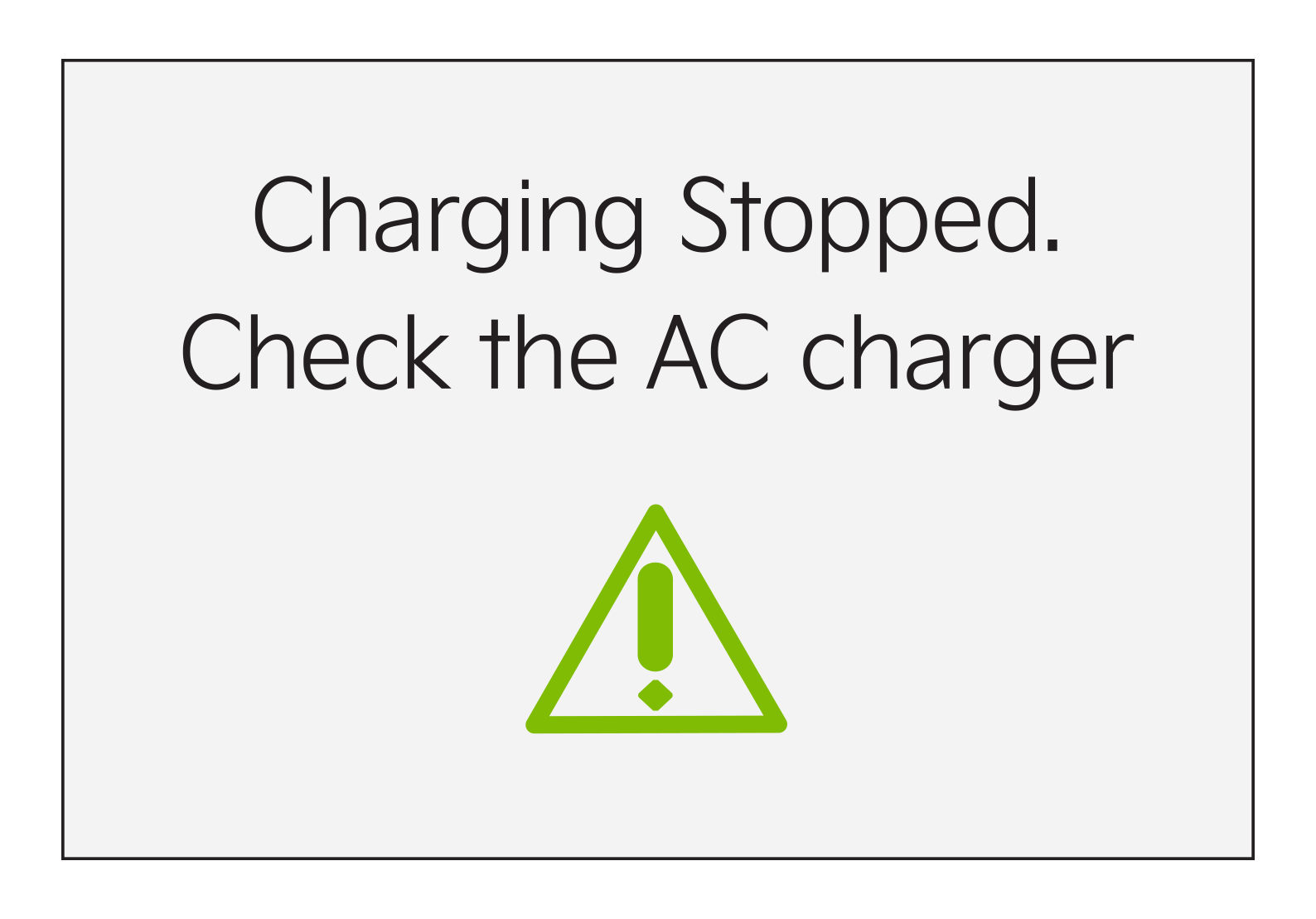
****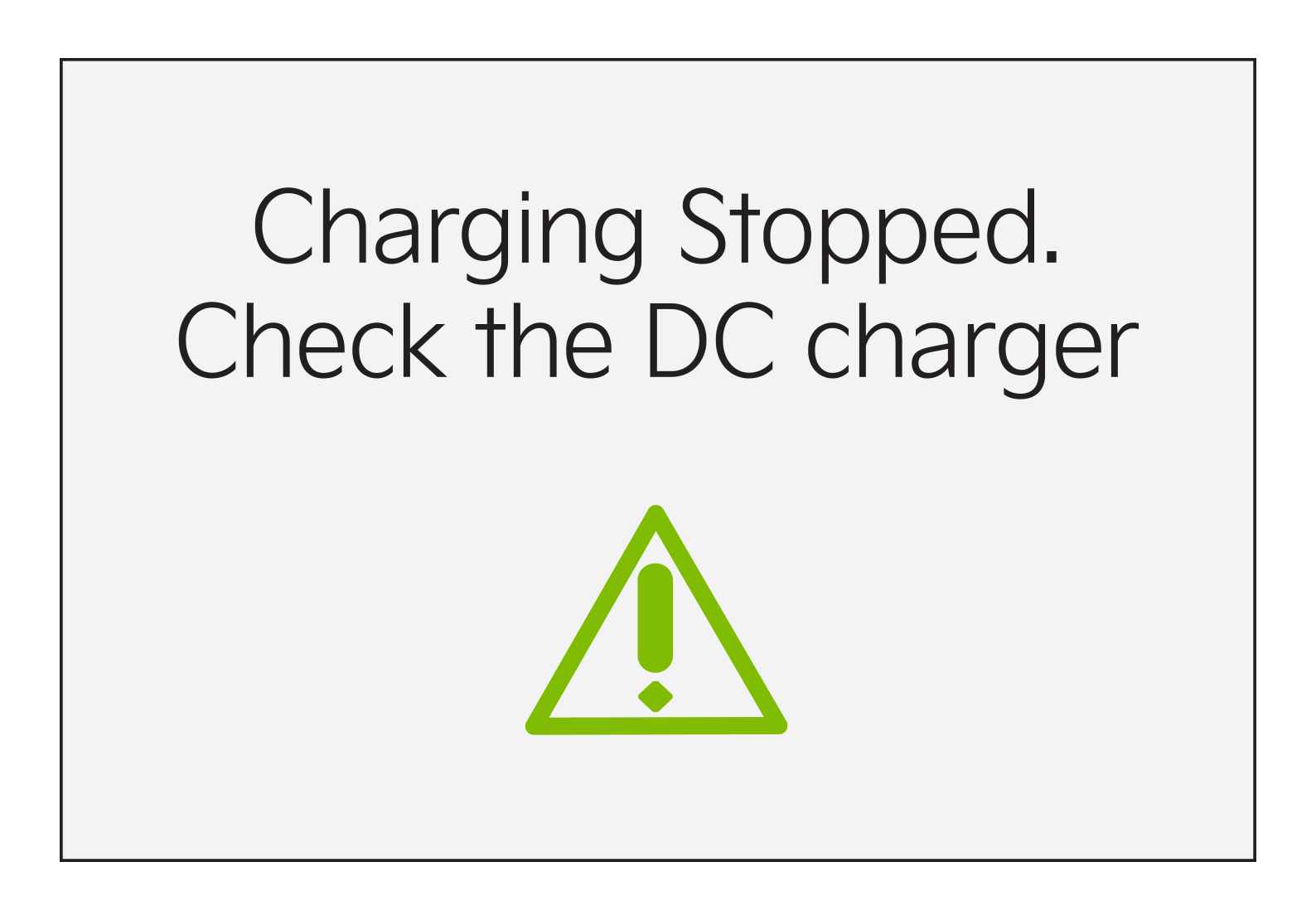
Charging Stopped. Check the AC/DC charger – When there is a problem with the external AC or DC charger, when the AC charger stops charging or when the charging cable is damaged, this message will appear.
Check whether there is a problem with the charger or cable. If no problem is found, see an authorized Kia dealer for further assistance.
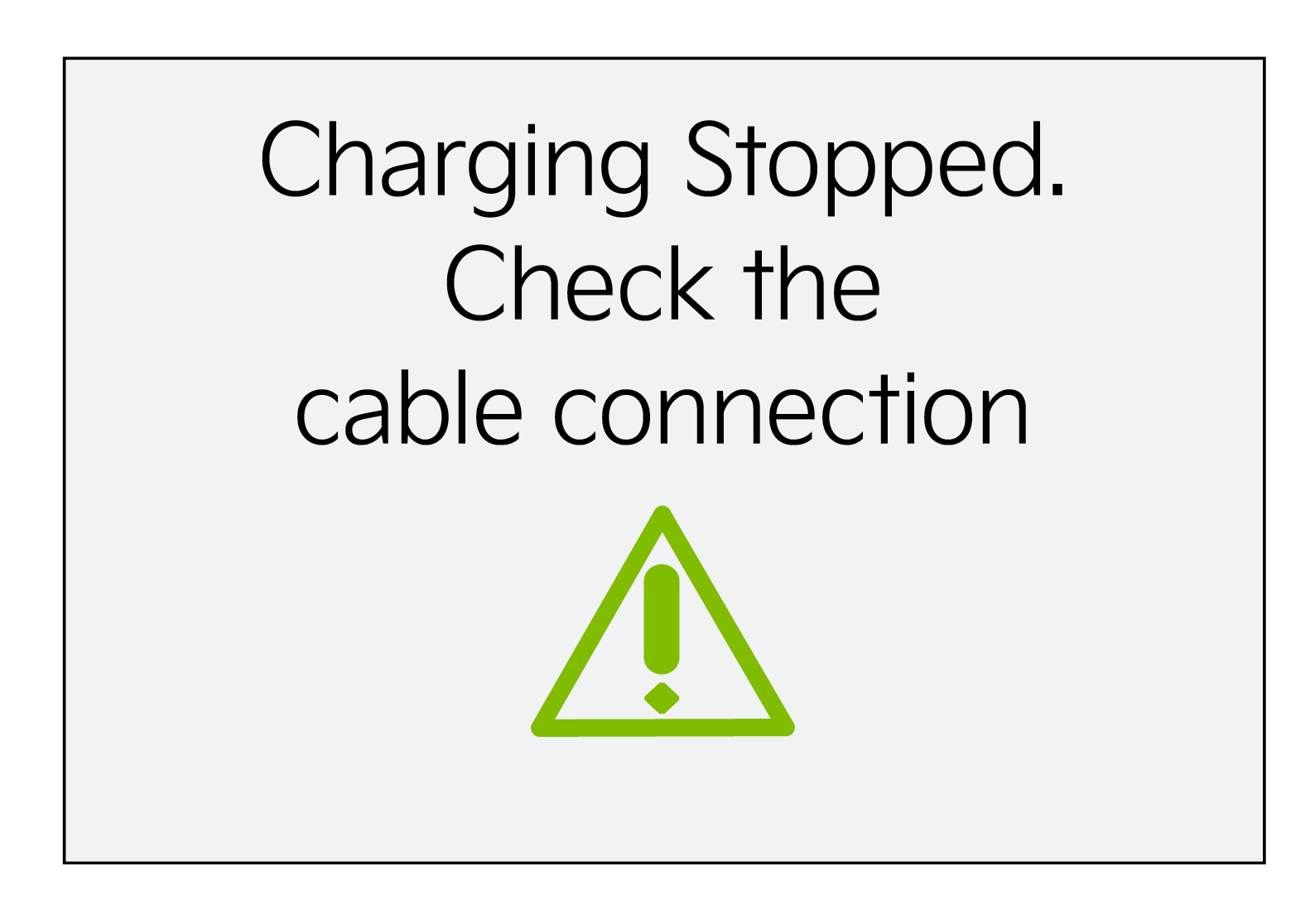 Charging Stopped. Check the cable connector – When the charging connector is not correctly connected to the charging inlet or the charging connector lock release button is pressed, this message will appear. If this occurs, separate the charging connector and reconnect it.
Check whether there is any problem (external damage, foreign substances, etc.) with the charging connector and charging inlet. If the problem continues, see an authorized Kia dealer for assistance.

