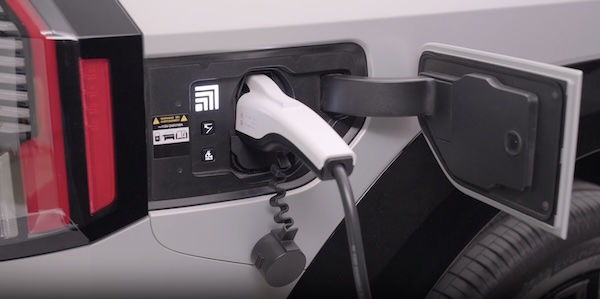
Charging Connector - Auto/Lock Mode
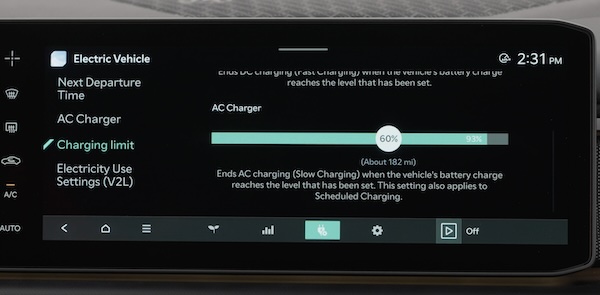
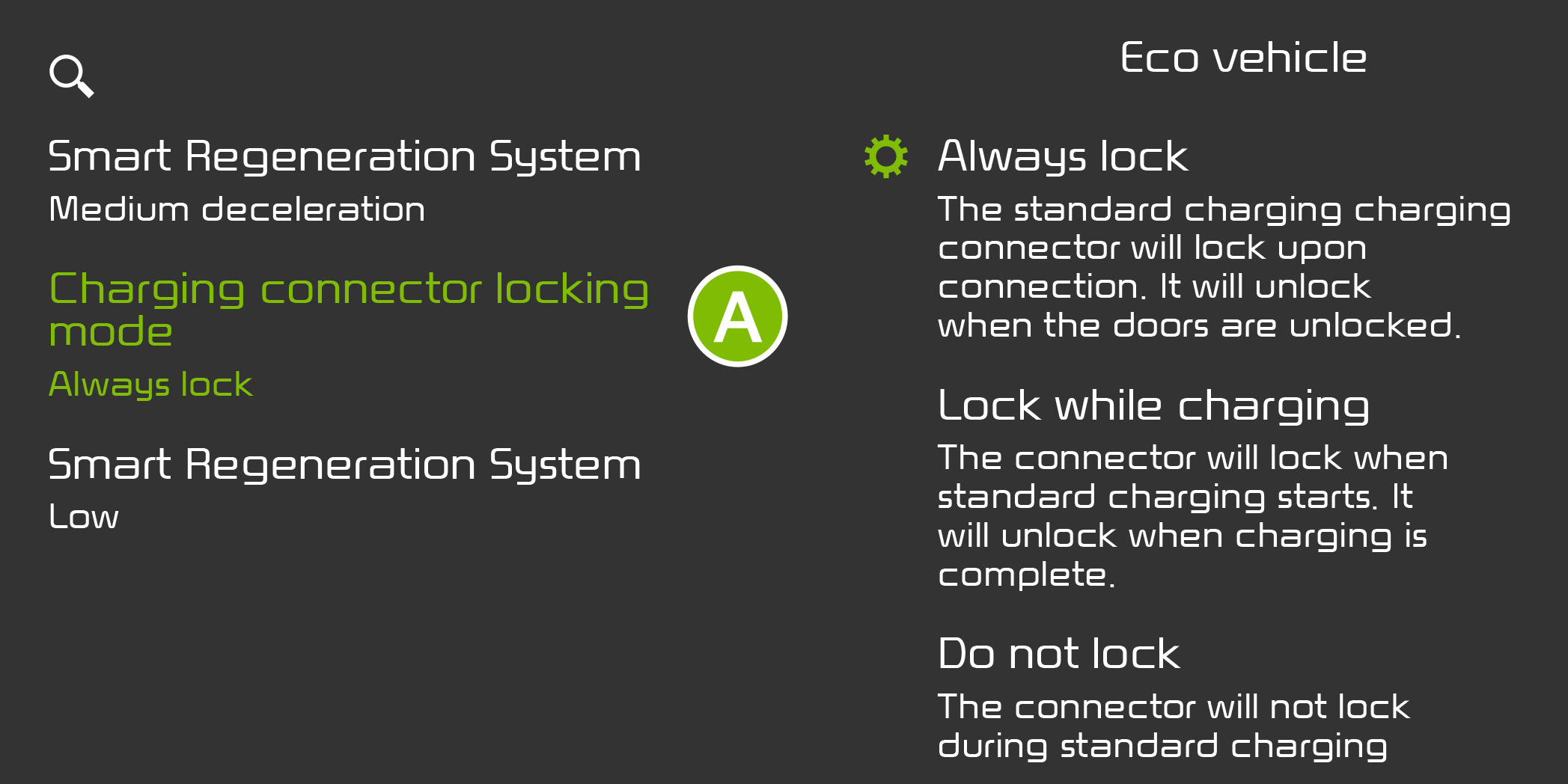
The Charging Connector can be set to various locking modes while in the charging inlet and charging (always lock, lock while charging, or do not lock).
To select the locking mode, go to Vehicle Settings in the Infotainment System. Press the SETUP key on the Infotainment System. Select EV, and CHARGING CONNECTOR LOCKING MODE  .
.
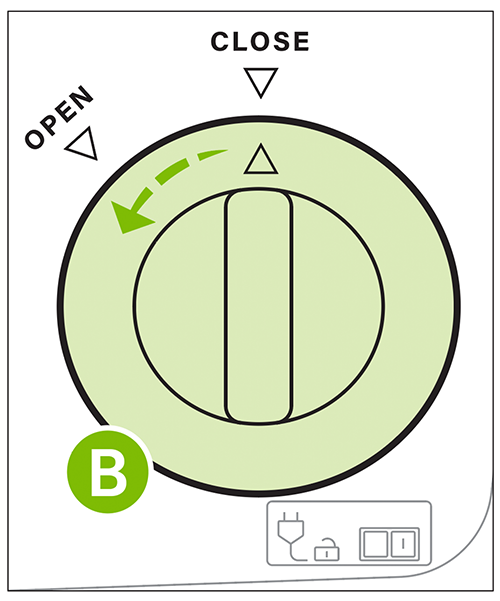
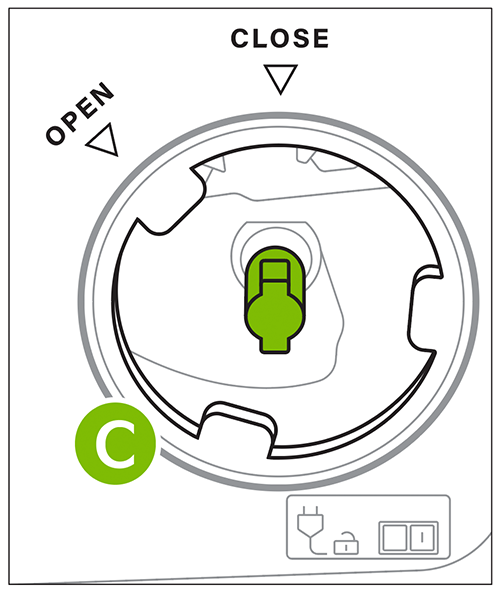
Emergency Release: If the charging connector is not unlocking, then use the emergency release lever inside the trunk. Turn the Emergency Release cover to open  and remove. Pull the Emergency Release lever
  to unlock the changing connector.
Button configuration may vary. Images are for illustrative purposes only and may not reflect actual feature or operation.

