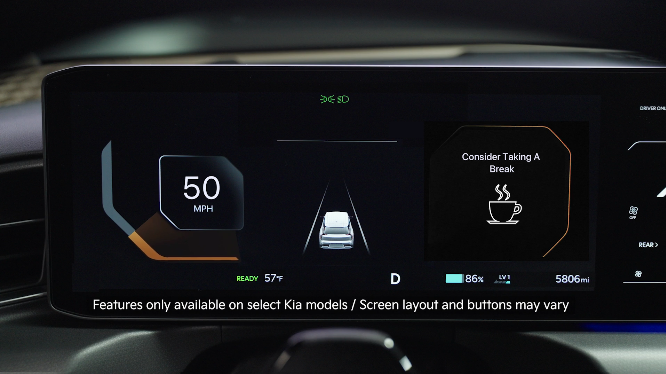
Driver Attention Warning (DAW)
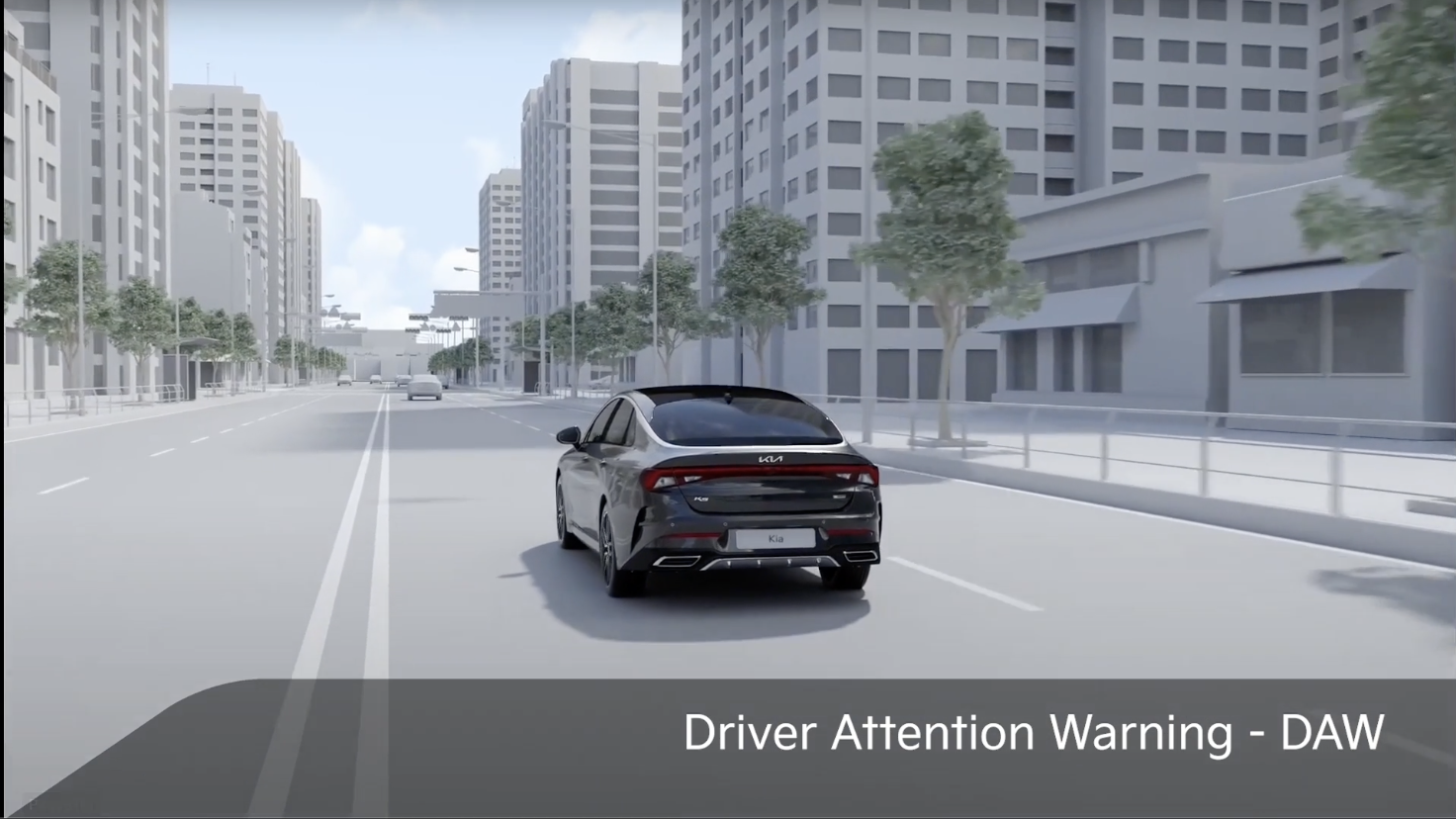
Driver Attention Warning is designed to alert the driver if it detects inattentive driving patterns and, in certain situations, can give a warning signal to take a break.
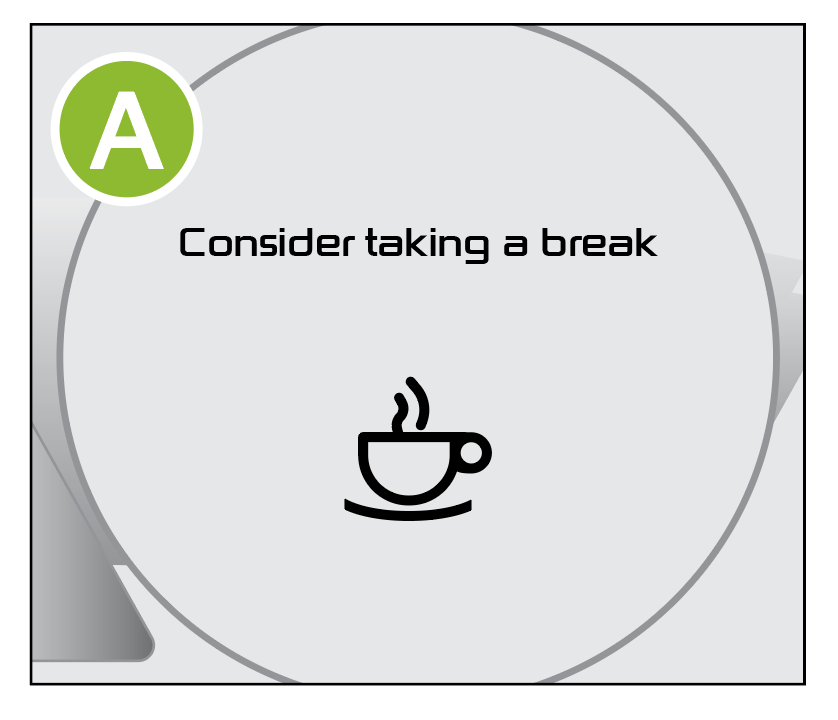
When the driver’s attention level has become low, the message “Consider taking a break” appears on the LCD  and a warning sounds to suggest the driver take a break.

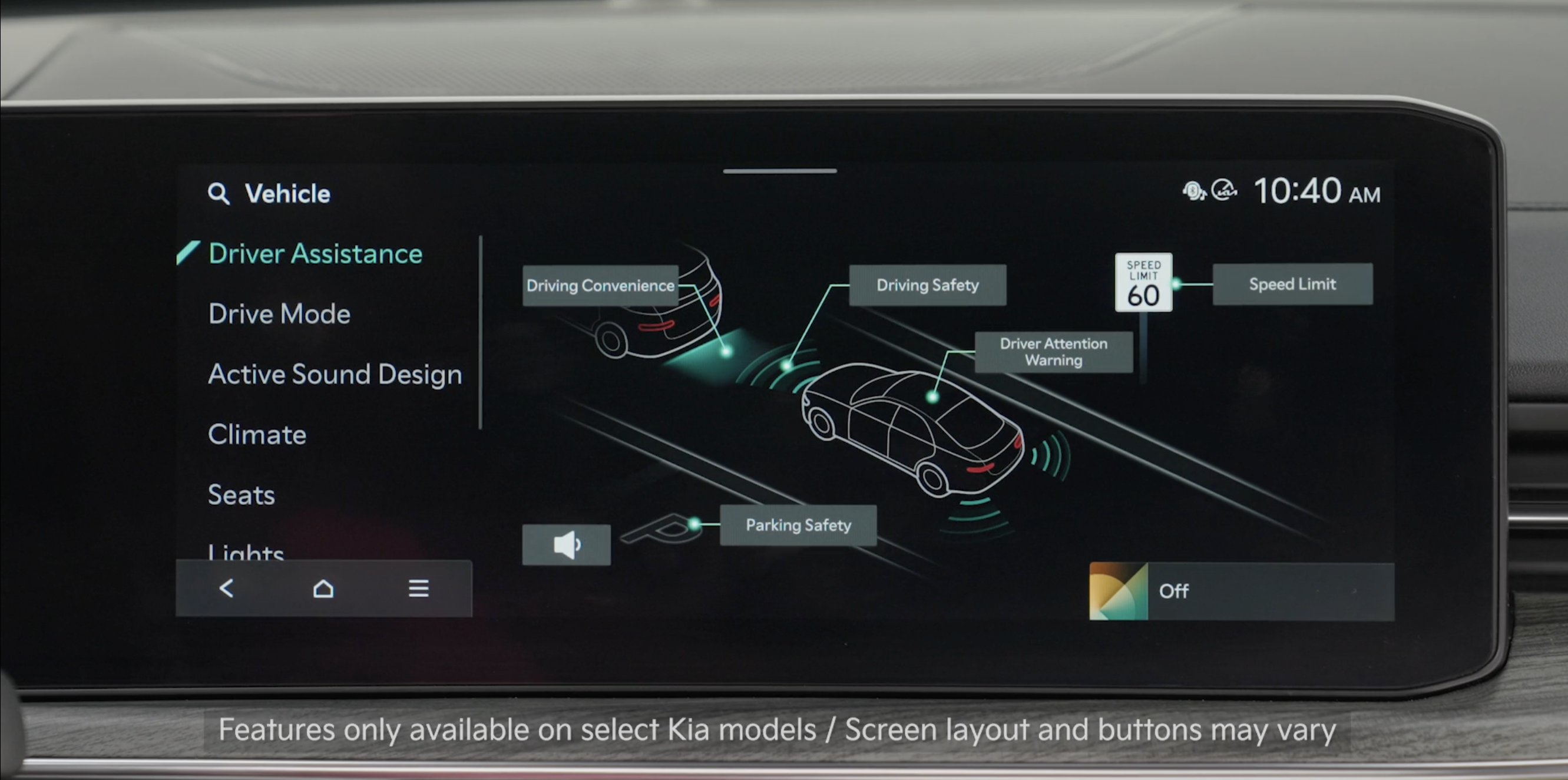
DAW Settings:
Warning Methods: To adjust the WARNING VOLUME: Press the SETUP button to go to VEHICLE SETTINGS on the Infotainment System. Press VEHICLE, DRIVER ASSISTANCE, and under WARNING METHODS, you can adjust WARNING VOLUME, and turn HAPTIC WARNING and DRIVER SAFETY PRIORITY on or off
Adjusting the Warning Methods or Volume will adjust settings for other driver assistance systems.
*See LEGAL page for legal information
This feature may not be available on all Kia models.
When engaged, these systems are not substitutes for safe driving and may not always warn the driver if the vehicle is driven outside of its lane. Always drive safely and use caution.
Images are for illustrative purposes only and may not reflect actual feature or operation. See section 7 in the Owner’s Manual for more information.

