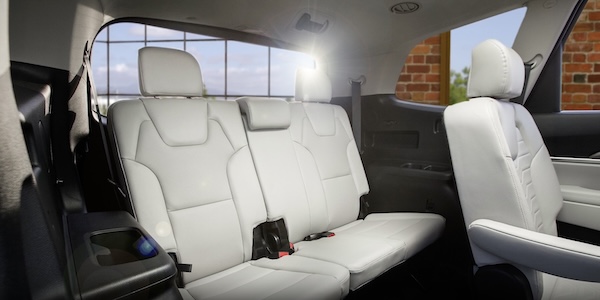
Rear Occupant Alert (ROA) with Door Monitoring
Rear Occupant Alert (ROA) with Door Monitoring is designed to help alert the driver when a rear passenger may be left in the vehicle.
The alert will be a message on the Instrument Cluster LCD stating to “Check rear seats”  and an alert will sound.
To activate or deactivate ROA, go to Vehicle Settings on the Infotainment System by selecting VEHICLE, then select Convenience, then Rear Occupant Alert and check/uncheck the box.
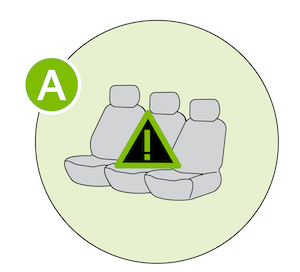 (Message on Cluster Display)
*See LEGAL page for legal information. When engaged, Rear Occupant Alert is not a substitute for one’s attention within the vehicle. Always check the vehicle interior when exiting the vehicle. See section 5 in the Owner’s Manual for more information. Button configuration may vary. Images are for illustrative purposes only and may not reflect actual feature or operation.

