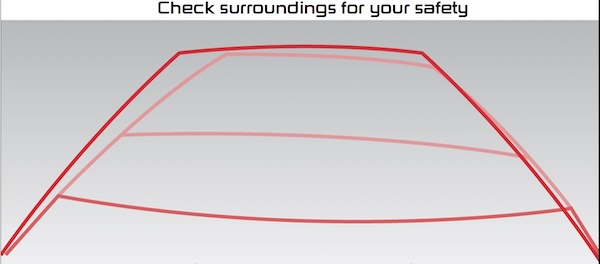
Rear View Monitor displays the area behind the vehicle to assist when parking or backing up.
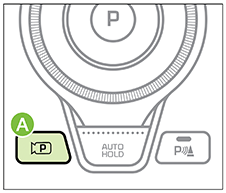
To turn RVM on/off, press the Parking/View button  on the center console or or shift Rotary Dial Shifter into Reverse.

RVM Vehicle Settings:
The Rear View Monitor activates when the:
Press the Parking/View button when rotary dial shifter knob is in the Neutral or Drive position.
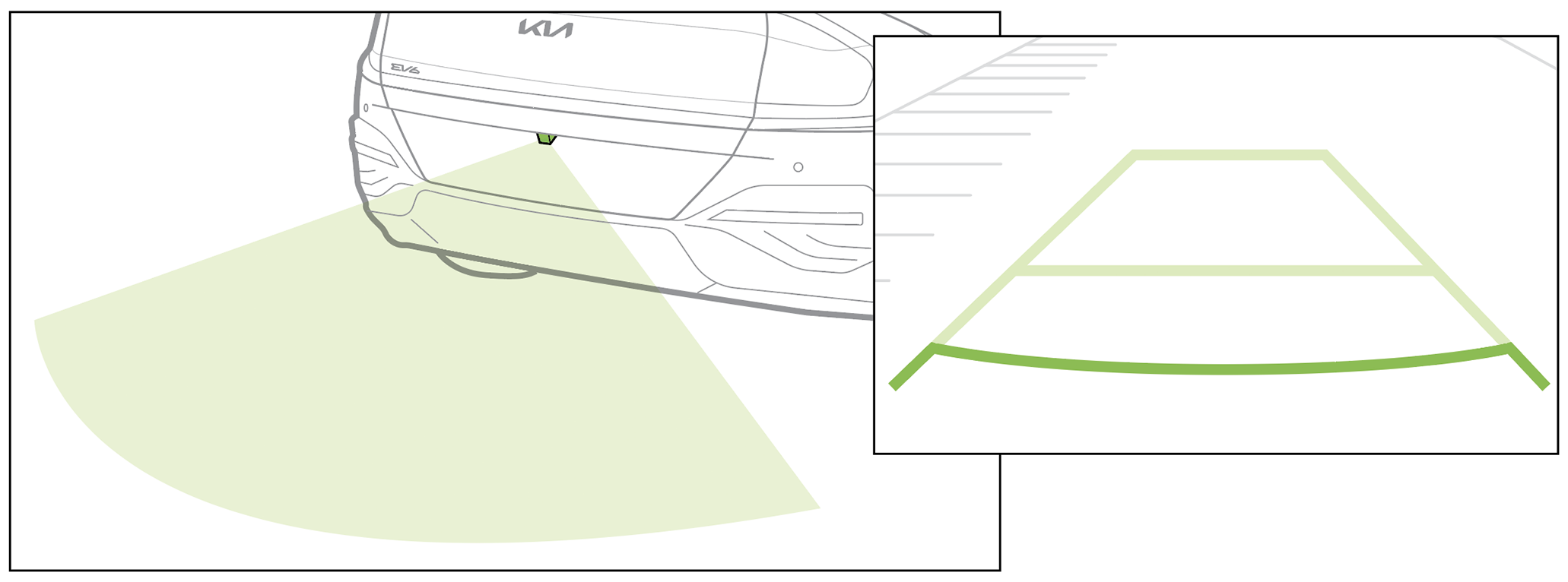
*See LEGAL page for legal information. This feature may not be available on all Kia models.
Button configuration may vary. Images are for illustrative purposes only and may not reflect actual feature or operation. When engaged, RVM is not a substitute for proper and safe backing-up procedures. Rear View Monitor may not display every object behind the vehicle. Always drive safely and use caution when backing up.

