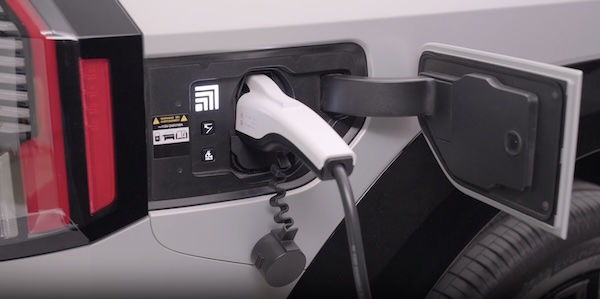
Scheduled Charging
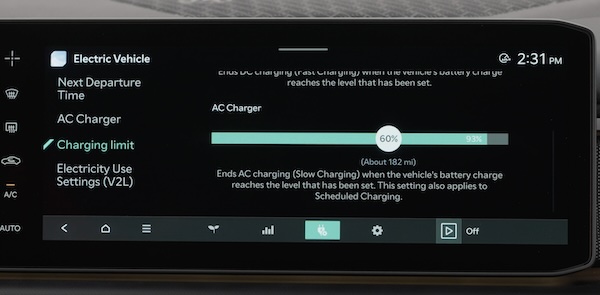
Charging times can be set through the Infotainment System Vehicle Settings. Select EV, then CHARGING AND CLIMATE. You can also use the Scheduled Charging* feature on the Kia Access app.
The Kia Access app can help you find the nearest charging station, and also displays charging status and Scheduled Charging information. On your smartphone, go to an app store or marketplace to download the Kia Access app.
When Scheduled Charging is set and the charger is plugged in, charging of the electric vehicle will not begin until the time and date set.
Deactivate Scheduled Charging:
Depress the Charging button  to temporarily disable the scheduled charging feature when immediate charging is required.
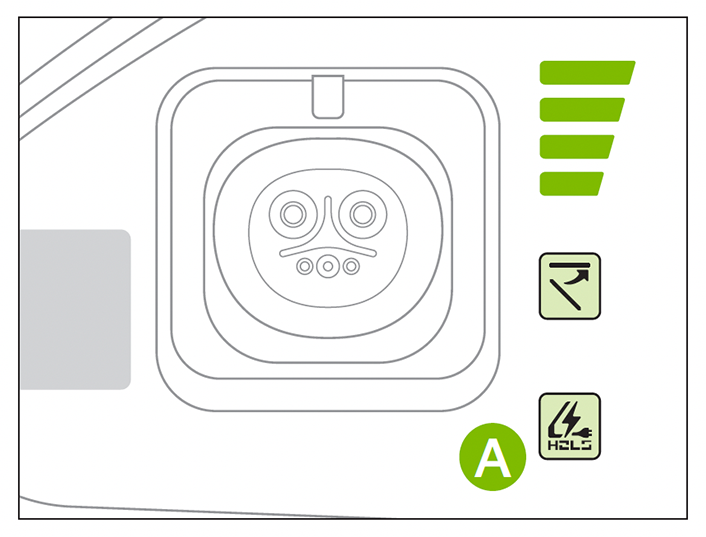
When you press the Deactivate Scheduled Charging button the reserved charging setting will temporarily disable, and start immediate charging mode. If you need to completely deactivate the scheduled charge setting, change the setting in the Infotainment System’s Vehicle Settings or the Kia Access smartphone app.
*See LEGAL page for legal information
This feature may not be available on all Kia models. Button configuration may vary. Images are for illustrative purposes only and may not reflect actual feature or operation. For more detail and/or subsequent steps in charging your vehicle, please seesection 1 of the Owner’s Manual

