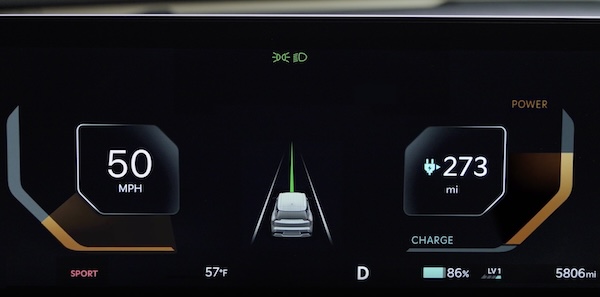
Trip Modes / Trip Computer
The Trip Computer is a driver information system that displays information related to driving, such as average and instant accumulated info, drive info, and after recharging.
It appears on the LCD display when the Power button is in the ON position and the Instrument Cluster LCD is in the Information Mode.
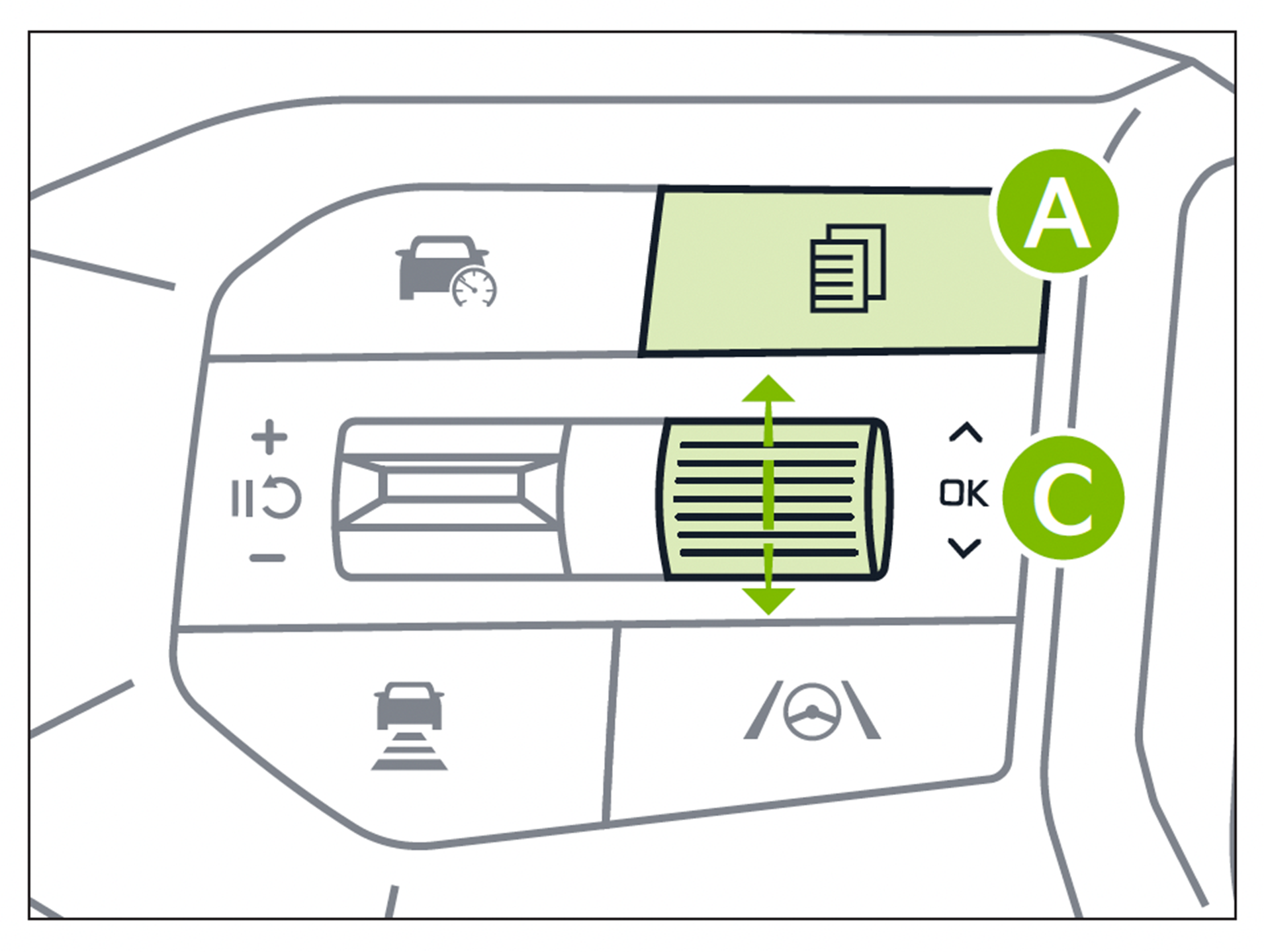 To cycle through the Instrument Cluster LCD modes
  , press the Mode button
 on the Left side of the Steering Wheel.
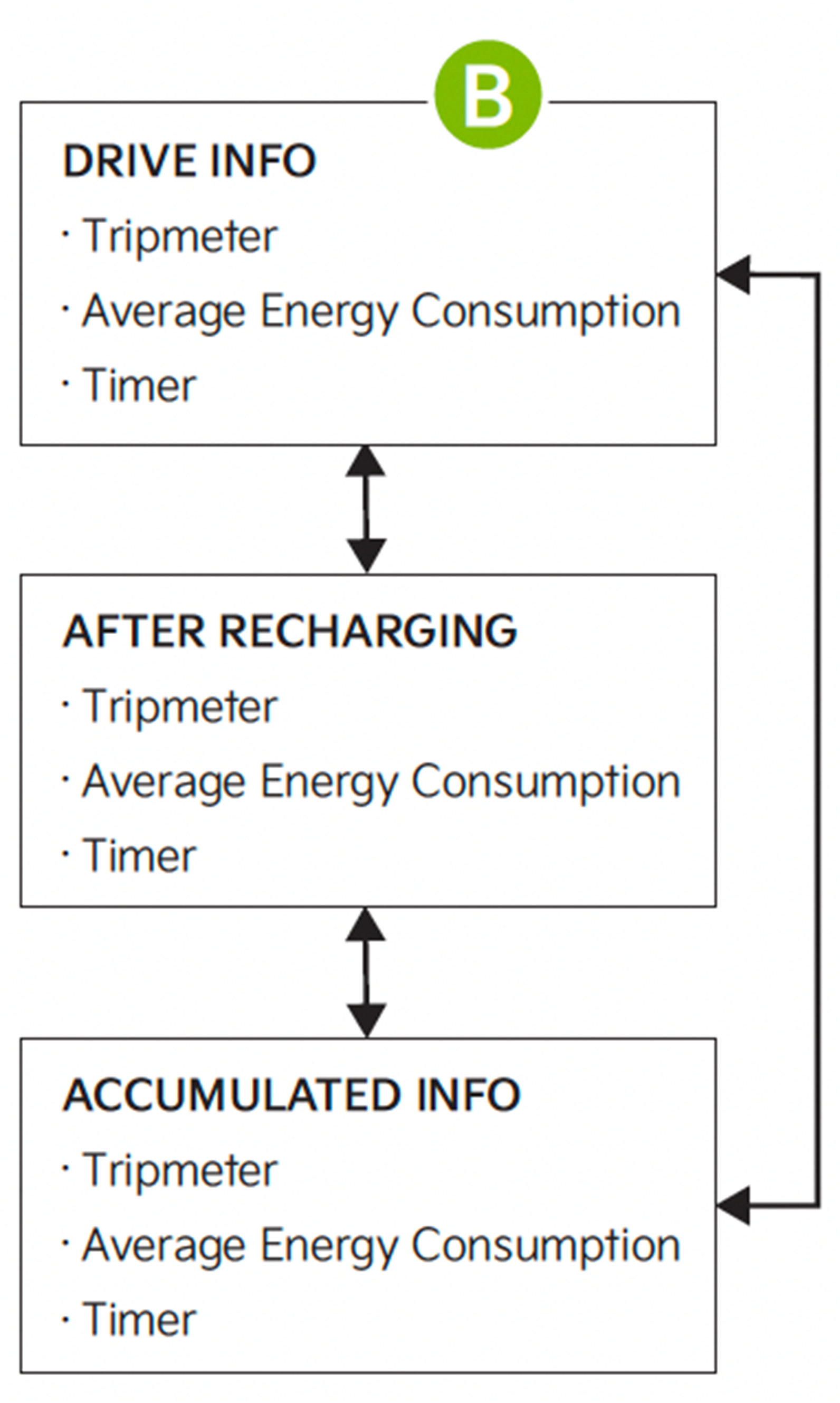
When in the Trip Computer mode  , press the OK button
  up/down to cycle through the screens. When displaying information screens, press and hold the OK button to reset to zero.
Images are for illustrative purposes only. For more information, refer to section 5 in the Owner’s Manual.

