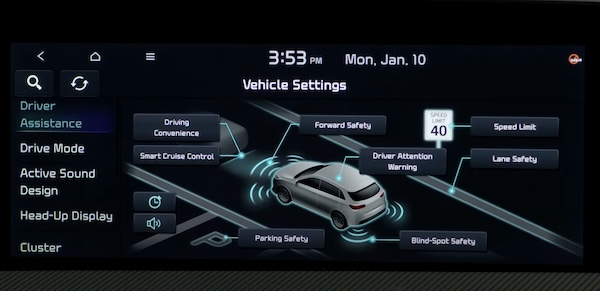
Vehicle Settings - Infotainment System
To enter the Vehicle Settings mode in the Infotainment System, press the SETUP key or the onscreen SETUP button, when the vehicle is at a standstill, Rotary Dial Shifter Knob in Park, and while the Power button is in the ON position. Then select VEHICLE to enter the Vehicle Settings menu.
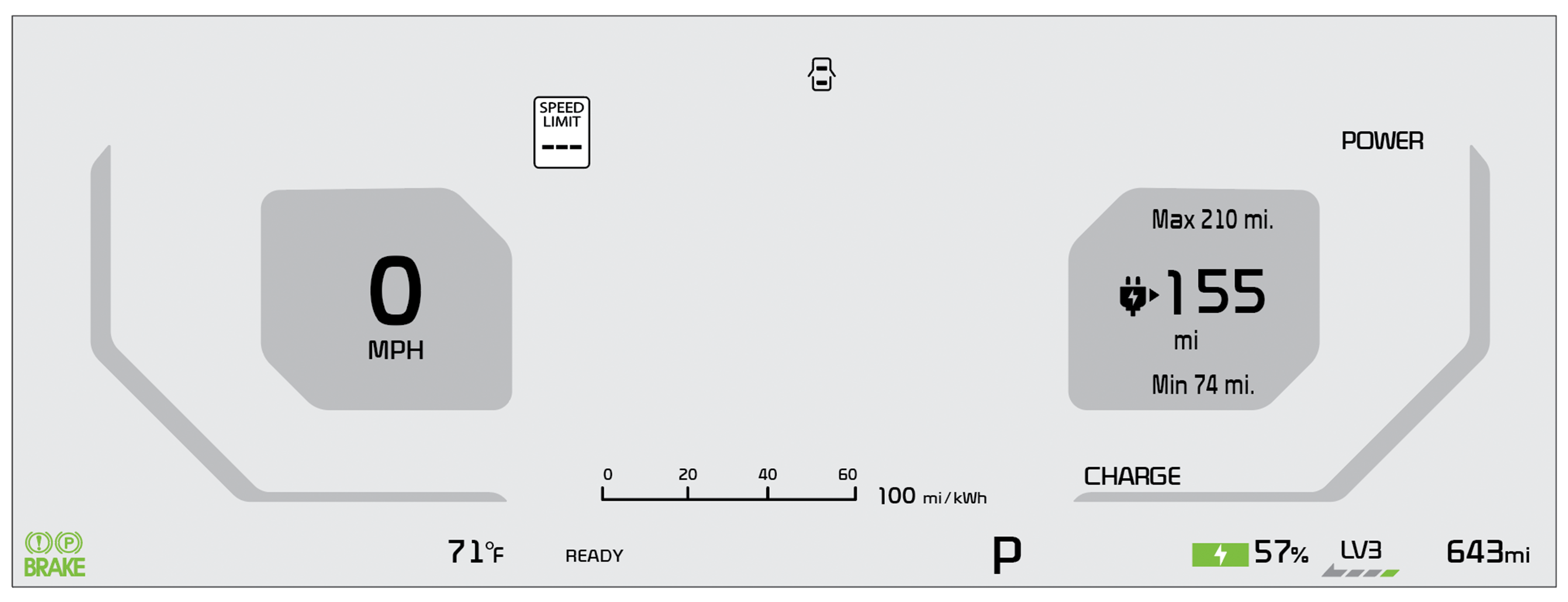
Driver Assistance:
Drive Mode:
Active Sound Design:
Climate:
Seats:
Lights:
Door:
Digital Keys:
Convenience:
Driving while distracted is dangerous and should be avoided. Do not attempt to change vehicle system settings while driving.
Images are for illustrative purposes only. Actual feature, buttons and screen may vary.
For more information, refer to the Owner’s Manual or the Car Infotainment System Quick Reference Guide.

