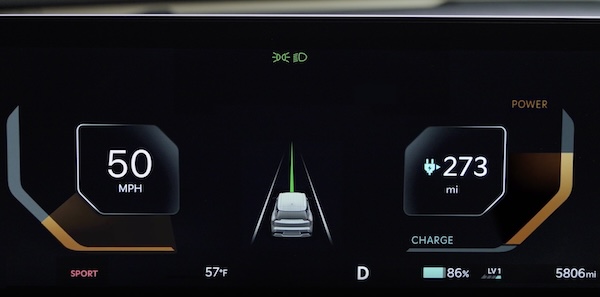
Trip Modes / Trip Computer
The Trip Modes or Utility Information Mode is a driver information system that displays information related to range, tire pressure, current trip information, average energy consumption after charging, accumulated trip info after since last reset and energy flow. It appears on the LCD display when the Power button is in the ON position and the Instrument Cluster is in the Utility Information Mode.
To cycle through the Instrument Cluster LCD modes  , press the Mode button
 on the Left side of the Steering Wheel.
When in the Utility Information Mode  , press the OK button
  up/down to cycle through the screens. When displaying trip information screens, press and hold the OK button to reset to zero.
Button configuration may vary. Images are for illustrative purposes only and may not reflect actual feature or operation. For more information, refer to section 5 in the Owner’s Manual.

