REVERSE PARKING COLLISION-AVOIDANCE ASSIST* (PCA)

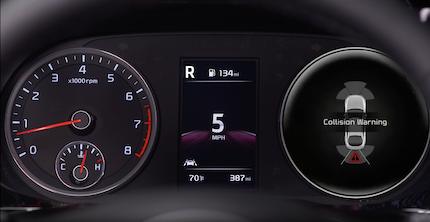
Reverse PCA is designed to detect certain objects/pedestrians behind the vehicle and issues an audible warning and applies emergency braking to help reduce the possibility of a collision when the vehicle is in reverse.

PCA Settings:

Quick Tips:

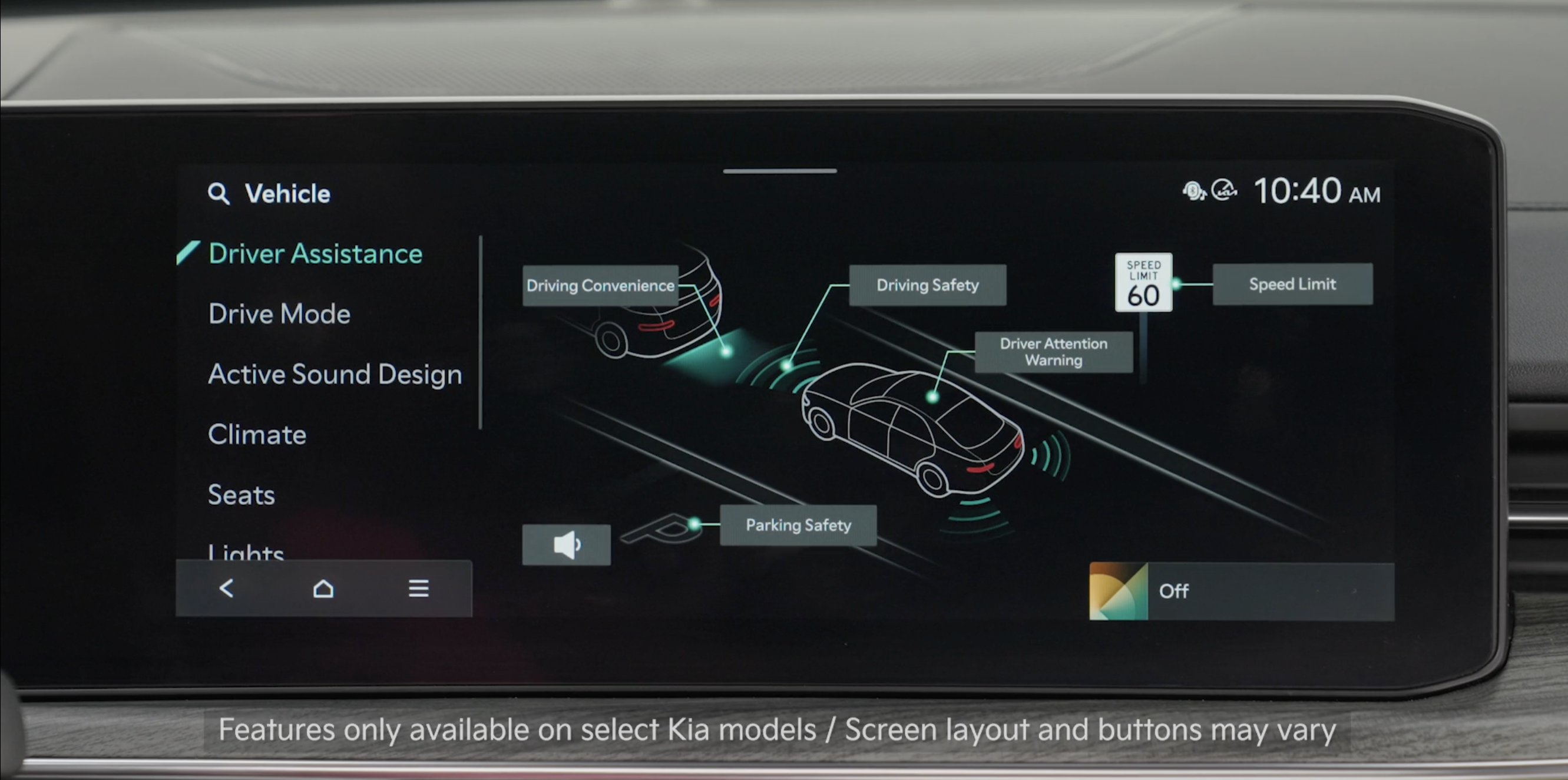
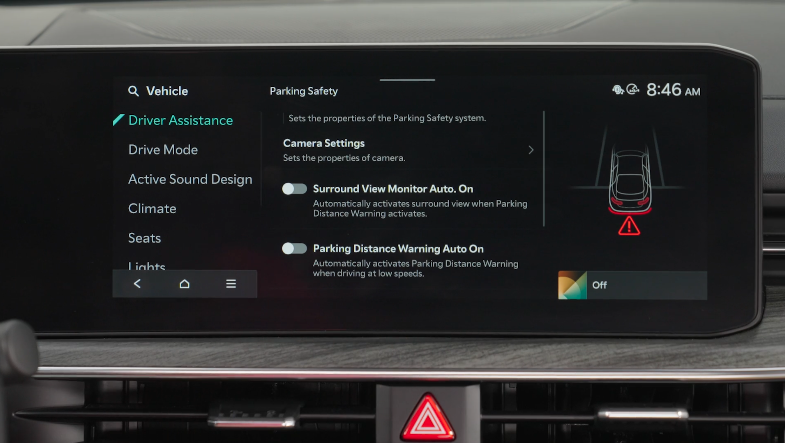
  • To adjust the WARNING VOLUME: Press the SETUP button to go to VEHICLE SETTINGS on the Infotainment System. Press VEHICLE, DRIVER ASSISTANCE, and under WARNING METHODS, you can adjust WARNING VOLUME, and turn HAPTIC WARNING and DRIVING SAFETY PRIORITY on or off
  • Adjusting the Warning Timing and Warning Methods or Volume will adjust settings for other driver assistance systems

Reminders:

  • PCA is operational when REAR SAFETY is selected on the PARKING SAFETY menu in the Vehicle Settings
  • PCA will only operate when:
    - The vehicle’s speed is below 6 mph 
    - The liftgate/trunk and doors are closed
    - The gear shift is in R (Reverse)
  • Some driver assistance systems use a Haptic Warning, which alerts the driver by gently pulsing the steering wheel when certain conditions are detected

*See LEGAL page for legal information

This feature may not be available on all Kia models.

Images are for illustrative purposes only and may not reflect actual feature or operation.

See section 5 in the Owner’s Manual for more information.