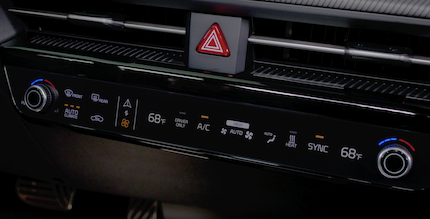
Climate Control System
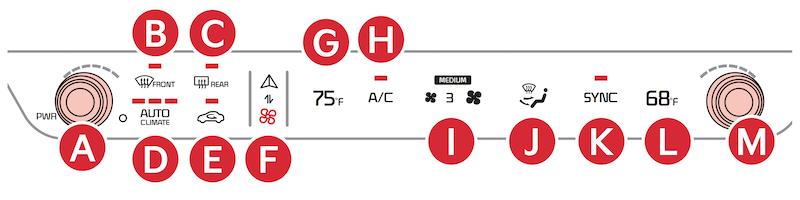
 Driver’s temperature control knob
 Front windshield defroster button
 Rear window defroster button
 Auto Climate indicator
 Circulation control button
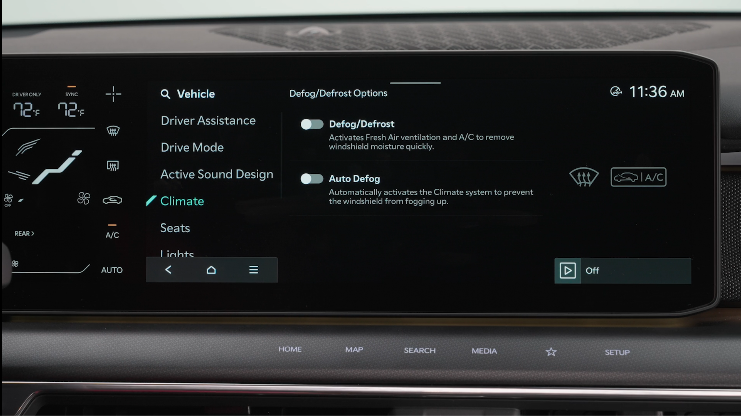
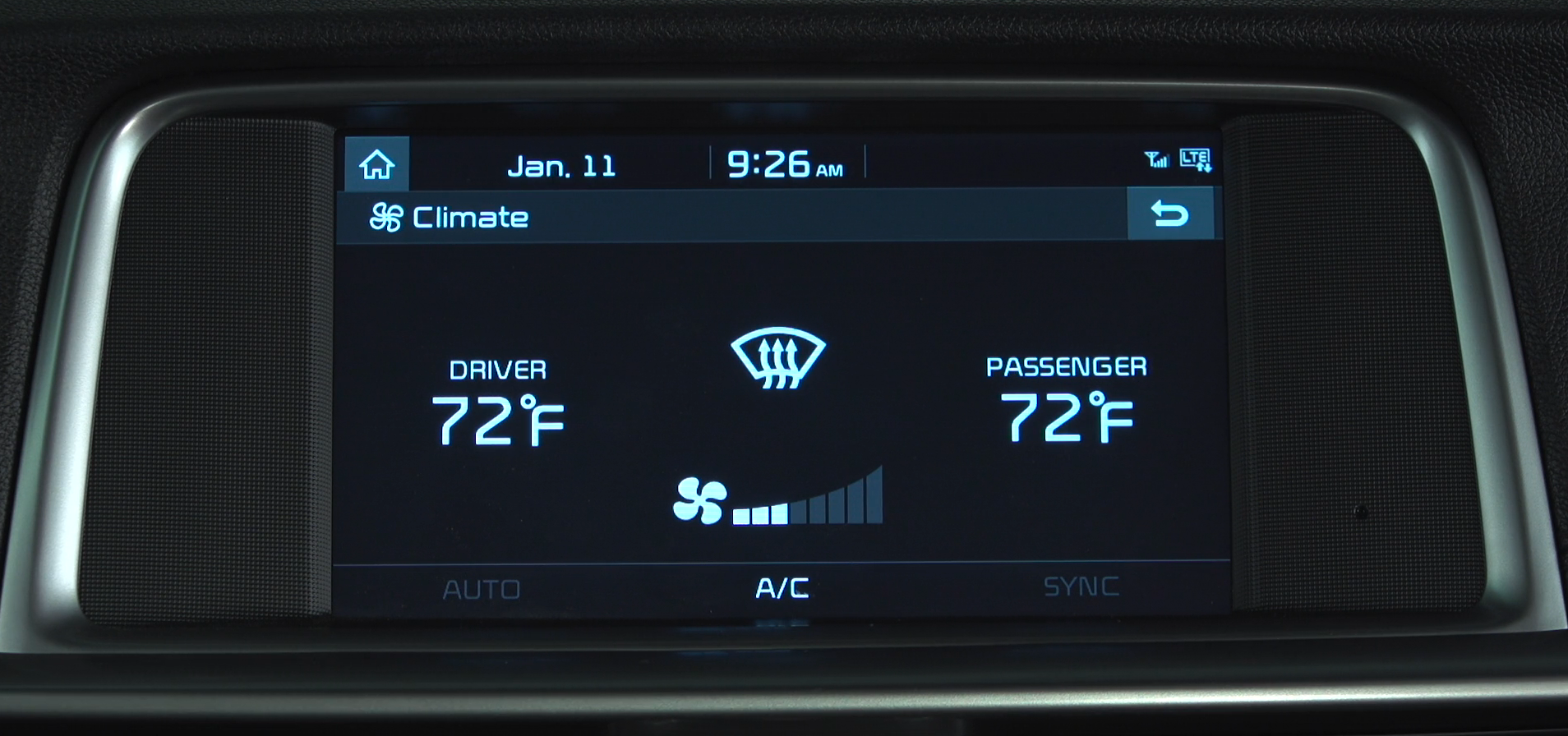
 Infotainment/Climate Control
 Driver’s temperature setting
 A/C on/off button
 Fan speed control buttons
 Mode selection button
 A/C Sync button
 Passenger temperature setting
 Passenger temperature control knob
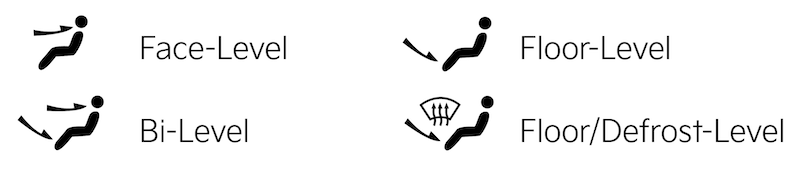
To select Air Flow Modes, press the mode buttons to choose the desired mode:
A/C button indicator will not illuminate if the desired adjusted temperature is greater than that of the ambient temperature. Vehicle will automatically switch to recirculation mode when Max A/C is turned onto select Full Auto Operation. Press once for the air flow high setting, twice for medium setting and once more for the lower setting. The Auto setting automatically controls the airflow modes, fan speeds, air intake and air conditioning according to the temperature setting selected to set desired fan speed to set desired temperature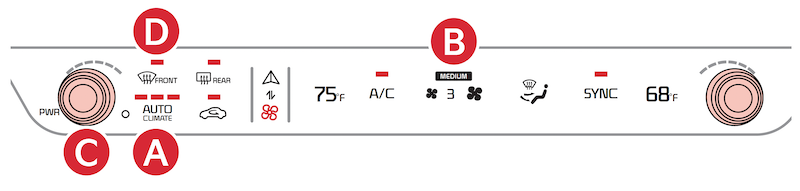
Defrost Outside Windshield:
to the highest position to Hot 
Auto defogging is designed to reduce the fogging up of the inside of the windshield by automatically sensing the moisture of the inside of the windshield. The system will automatically change to defrost mode in certain conditions.
Auto Defogging is set ON by default and will operate when the Climate Control system is ON. To cancel Auto Defogging, press the Front Defrost 
Certain features are available only on select Kia models.
Your Automatic Climate Control system may differ from those in the illustrations.
Refer to section 4 in the Owner’s Manual for more information.

