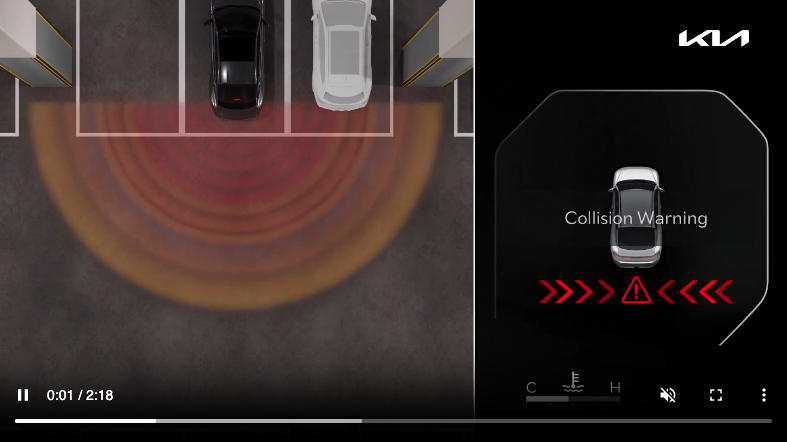
Rear Cross-traffic Collision-Avoidance Assist (RCCA)
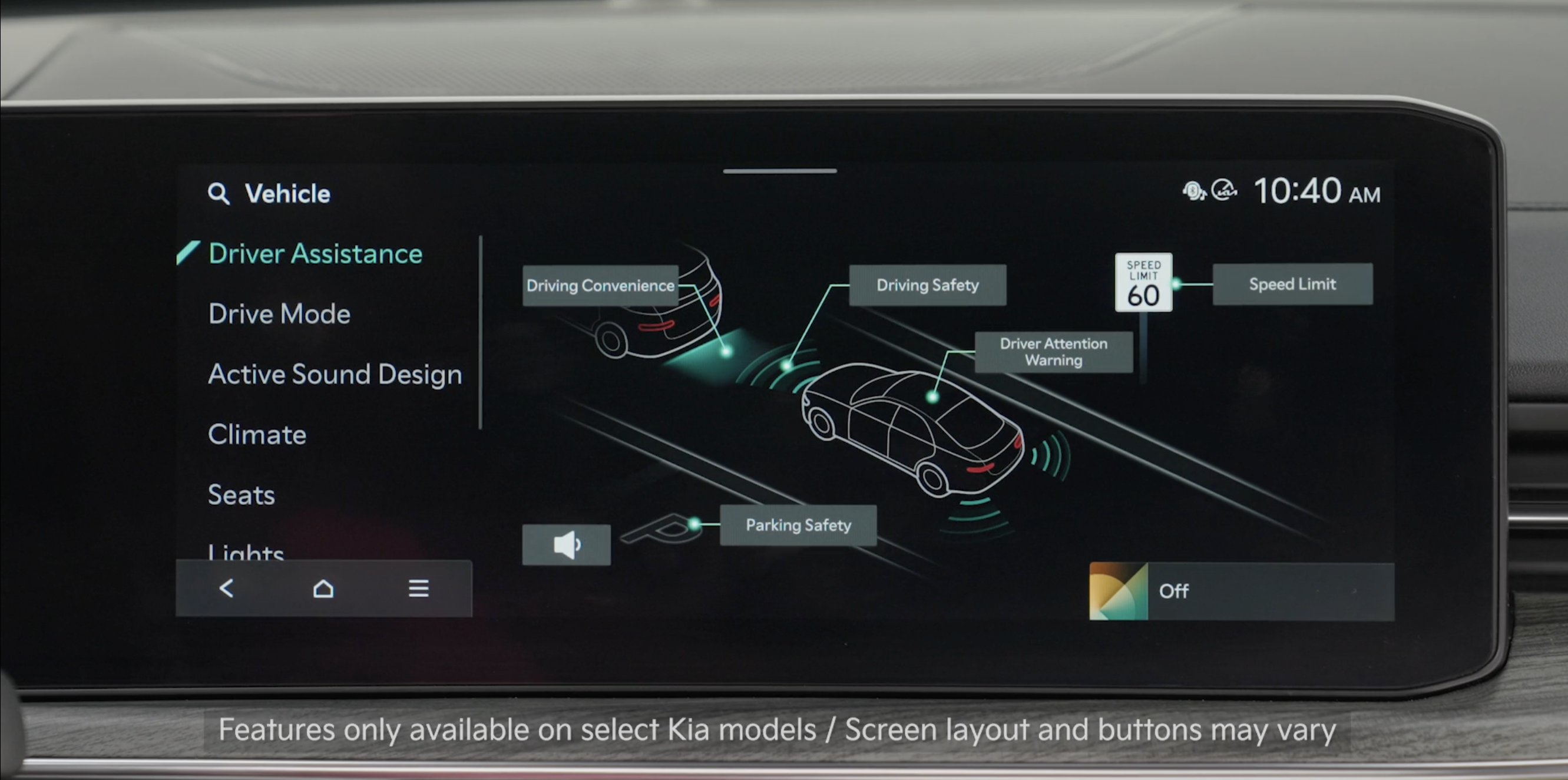
Rear Cross-traffic Collision-Avoidance Assist is designed to detect vehicles approaching from the left and right side while your vehicle is reversing and may warn the driver that a collision is imminent with a warning message and an audible warning. RCCA may automatically apply the brakes to reduce your speed, potentially helping to minimize the effects of a possible collision.
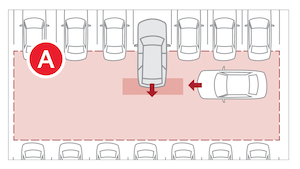
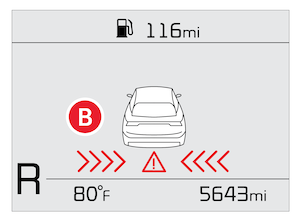
When the rear-corner radar sensors detect approaching vehicles from the rear left or rear right side of the vehicle  , RCCA will sound a warning, the warning indicators on the outside rearview mirror will illuminate and a message will appear on the Instrument Cluster LCD
  and the Infotainment System. If RCCA detects that the collision risk has increased, RCCA is designed to automatically apply the brakes to reduce your speed, potentially helping to minimize the effects of a possible collision.
RCCA is designed to operate under the following conditions:
*See LEGAL page for legal information.
Certain features are available only on select Kia models.
Images are for illustrative purposes only. Actual image or feature may vary.
When engaged, RCCA is a supplemental system. Do not solely rely on this system and always pay attention to the road and its conditions.
Refer to section 5 in the Owner’s Manual for more information.

