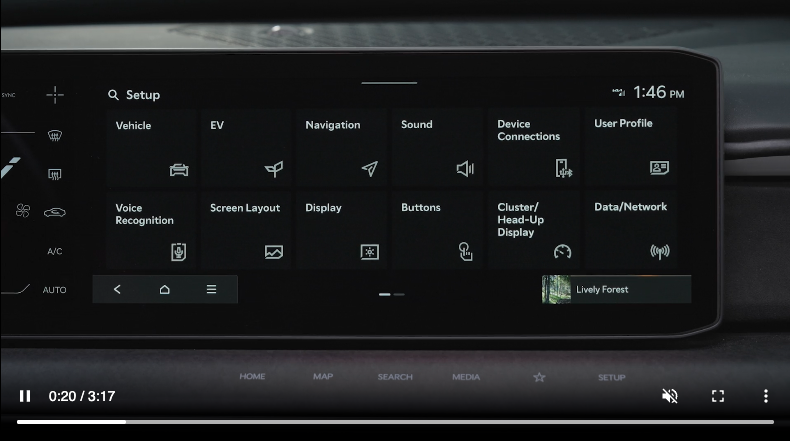
Vehicle Settings
To enter the Vehicle Settings mode in the Infotainment System, press the SETUP key on the infotainment system. Then press the Vehicle icon  , which will take you to the Vehicle Settings. Use the touchscreen to navigate through the menus.
Driver Assistance:
Drive Mode:
Active Sound Design:
Climate:
Seat:
Lights:
Doors:
Digital Keys:
Convenience:
Certain features are available only on select Kia models.
Refer to the Car Infotainment System Quick Reference Guide for more information.

