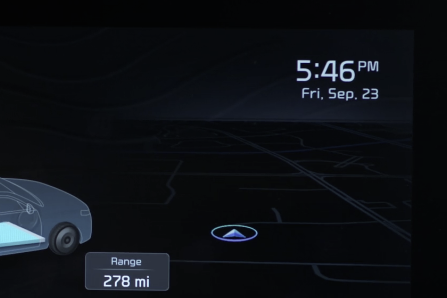
Digital Clock - Infotainment System

Press SETUP, then select General, then select Date/Time from the menu to adjust.

Quick Tips:

  • Press the Return button on the audio head unit to ensure changes are saved
  • When needed, Daylight Savings must be enabled in the Clock Settings screen
  • To access manual date and time setting, turn GPS time OFF in the Clock Settings

Refer to section 5 in the Owner’s Manual for more information.