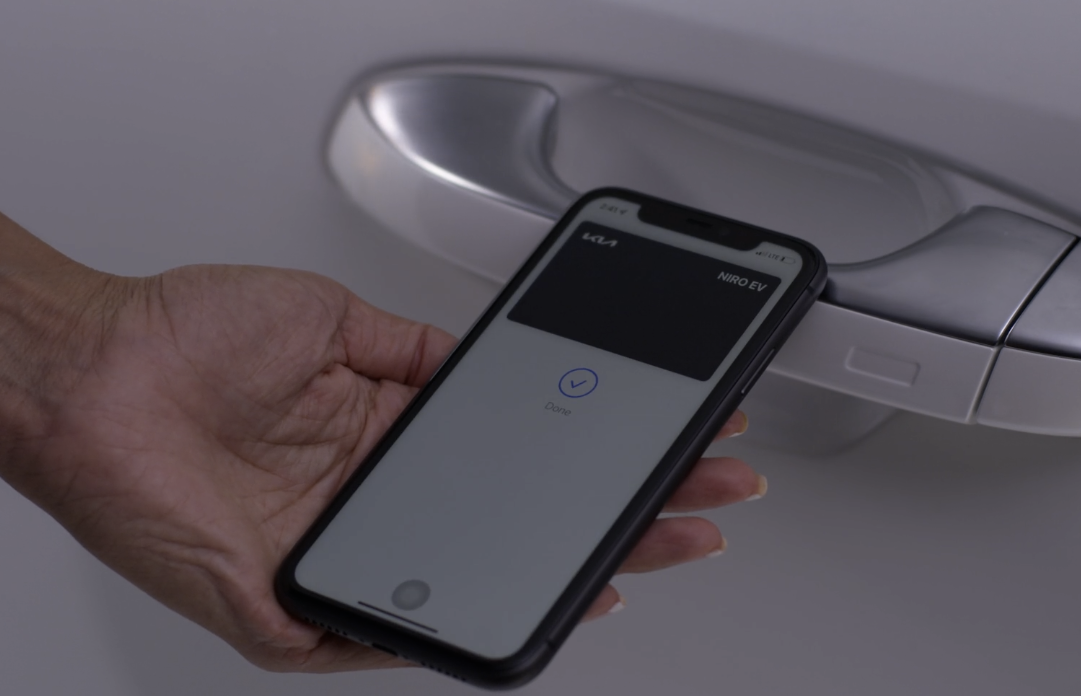
Digital Key 2 Touch
Digital Key 2 Touch, through your smartphone, can be used to lock and unlock your vehicle and allow you to start or power off your vehicle, without needing to have a key fob.
Digital Key 2 Touch Setup:
 , SMARTPHONE KEY and then MY SMARTPHONE KEY
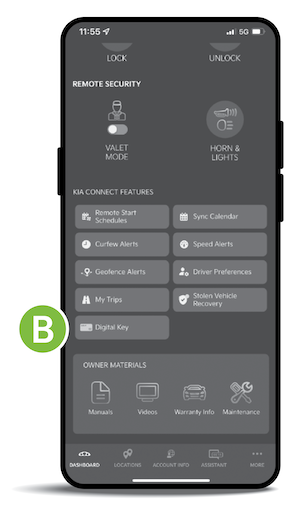
 , CONTINUE TO WALLET APP, then CONTINUE again, which will open the Wallet app. Follow the prompts to complete the registration/pairing of your smartphone (actual steps may vary between apps/smartphones).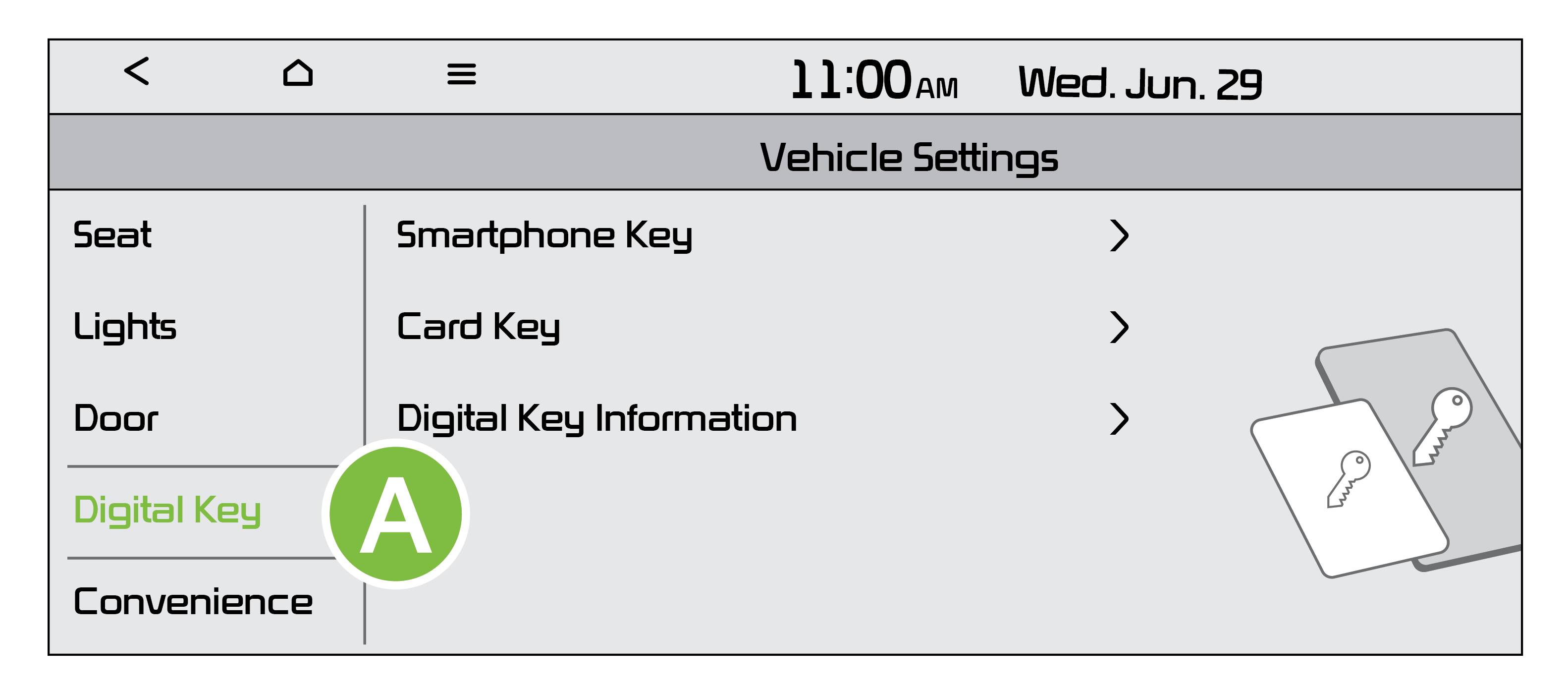
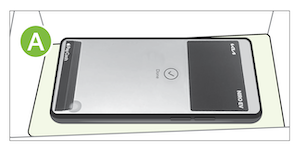
 (wireless charging pad), press the brake pedal and the Power button
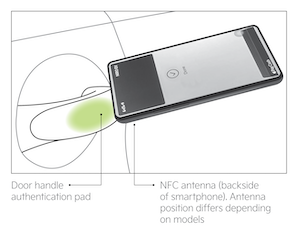
When sharing a Digital Key, the receiver of the share invitation must have the same smartphone operating system, e.g., Apple® to Apple® and Samsung™ to Samsung™.
You can also delete a key using the Wallet app on your smartphone. Open the Wallet app, click on the Kia Digital Key and select the menu icon to enter settings. Under People, click on the contact to revoke. Then click on Revoke Access (actual steps may vary between apps/smartphones).
Go to the Vehicle Settings* on the Infotainment System. Press SETUP, VEHICLE, DIGITAL KEY and SMARTPHONE KEY. Then press DELETE.
Digital Key 2 Touch is currently only compatible with Apple iPhone & iWatch® and Samsung™ smartphones. Your iPhone® Wallet or Samsung™ Wallet app content may vary as the apps are updated. The actual steps for Digital Key 2 Touch setup, usage and sharing may change. During the Digital Key saving process, the process will cancel when:
You may need to set up language for Samsung smartphones. Currently compatible devices:
*See LEGAL page for legal information.
This feature may not be available on all Kia models.
Refer to section 5 in the Owner’s Manual for more information. Images are for illustrative purposes only and may not reflect actual feature or operation.

