Intelligent Speed Limit Assist (ISLA)
Intelligent Speed Limit Assist uses information from the detected road signs and the navigation system data to inform the river of the speed limit and to help maintain within the speed limit.
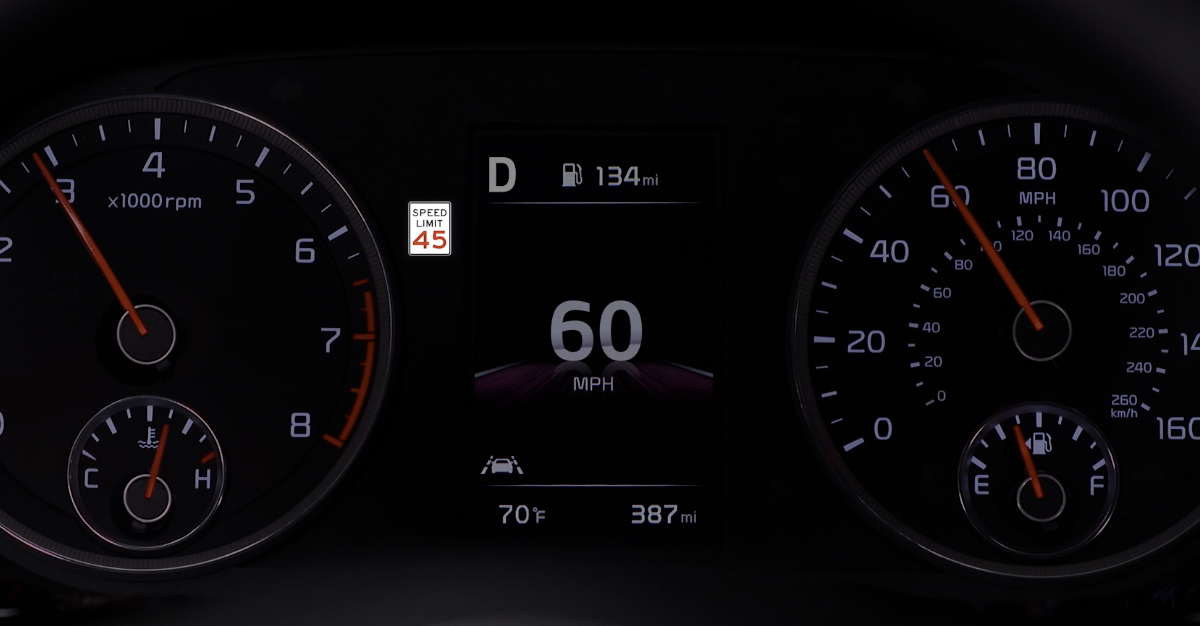
When ISLA is on and active, the speed limit information will display on the Instrument Cluster of the detected speed limit  . When driving at a speed higher than the displayed speed limit, the speed limit is displayed in red.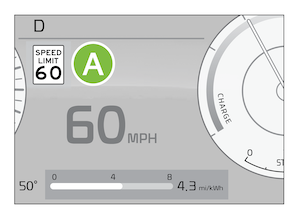
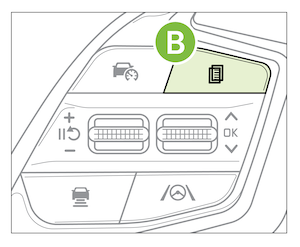
To enable ISLA on, press the MODE button 
 on the Steering Wheel. You can also press the SETUP key/button on the Infotainment System. Select the VEHICLE button to enter the Vehicle Settings*. Select DRIVER ASSISTANCE, then SPEED LIMIT.
 Select one of the three modes:
and warns the driver when the vehicle is traveling faster than the posted speed limitYou can set a speed limit offset to the posted speed limit by going to Vehicle Settings, Driver Assistance, Speed Limit, then Speed Limit Offset. Set the offset to “0” if you want the vehicle to travel at the posted speed limit when ISLA is on
*See LEGAL page for legal information
ISLA is a supplemental system. Do not solely rely on this system and always pay attention to the road and its conditions. See section 7 in the Owner’s Manual for more detailed information, limitations and conditions.

