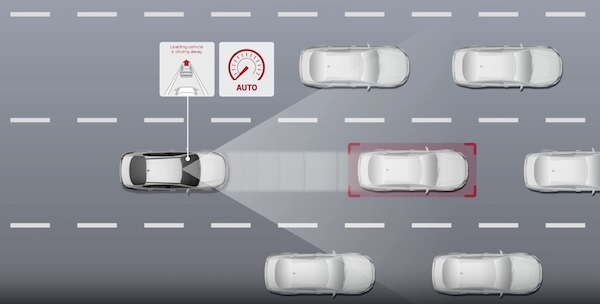
Leading Vehicle Departure Alert (LVDA)
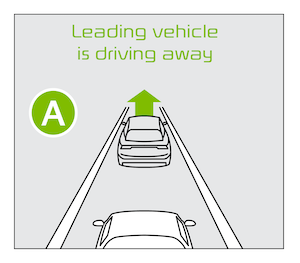
Leading Vehicle Departure Alert is designed to inform the driver when the vehicle in front starts moving or departs from a stop. When LVDA is on, your vehicle is stopped and detects that the leading vehicle is driving away, LVDA sounds an alert to let you know you can start driving. If no action is taken after the vehicle in front drives away, then a message  will appear on the Instrument Cluster.
LVDA User Settings:

 on the Steering Wheel, and go to User Settings
  in the Instrument Cluster. Press the OK button
  up/down and select Driver Assistance, then press the OK button to select. Go to Driver Attention Warning and then Leading Vehicle Departure Alert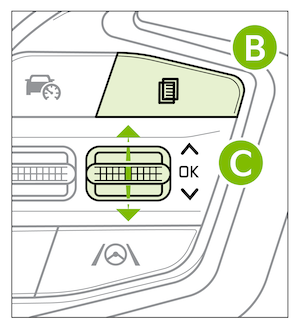
*See LEGAL page for legal information
The Leading Vehicle Departure Alert system is not a substitute for safe and proper driving. Always drive safely and use caution. Images are for illustrative purposes only and may not reflect actual feature or operation. Refer to section 7 in the Owner’s Manual for more information.

