Regenerative Braking with Paddle Shifters
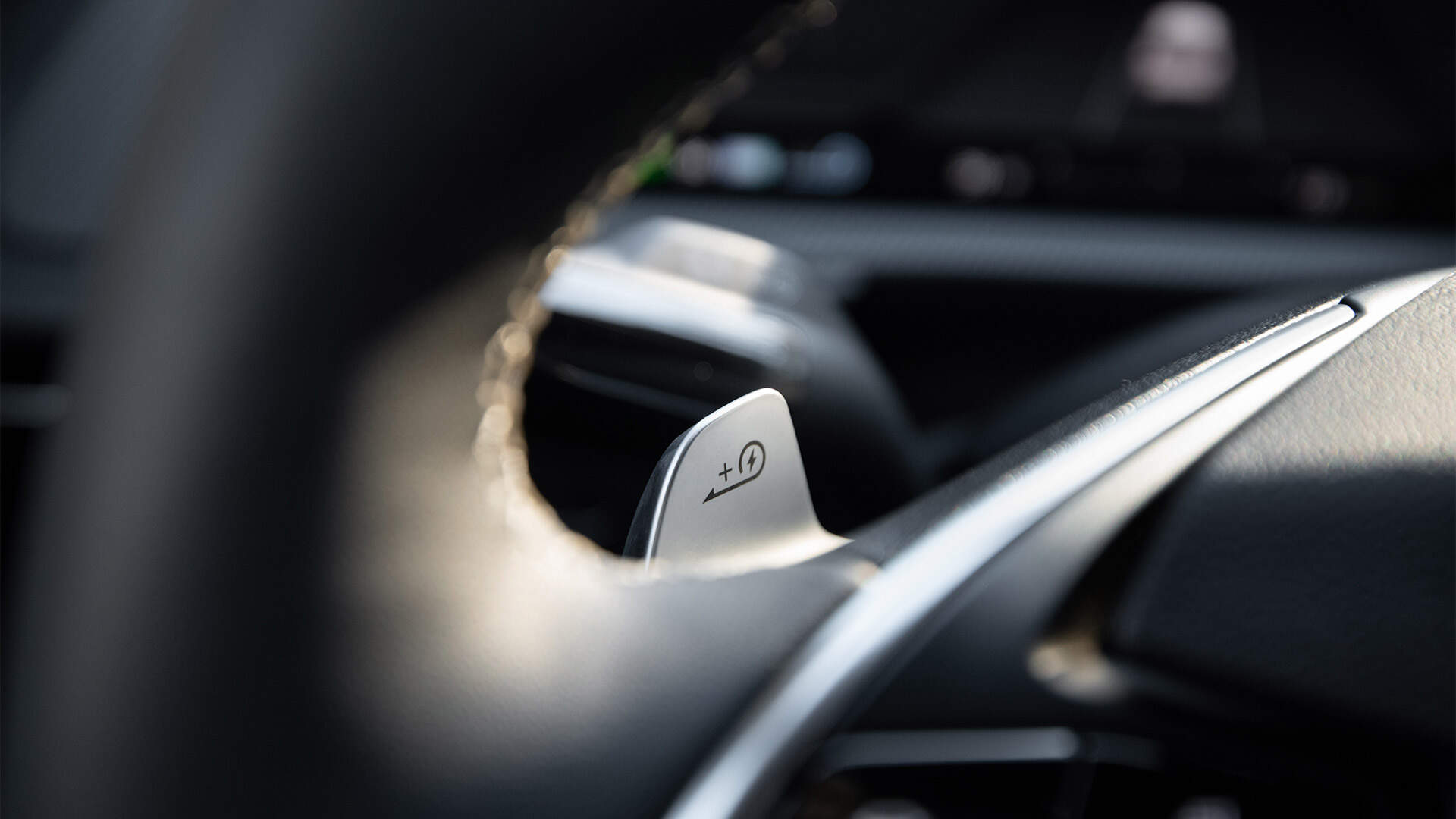
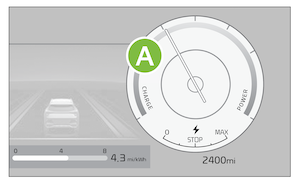
The regenerative braking system charges the battery when coasting or when you use the brakes to stop the vehicle. Use the paddle switches to adjust the regenerative braking level from 0 to 3 during decelerating or braking. The level will be displayed on the Instrument Cluster  .
.
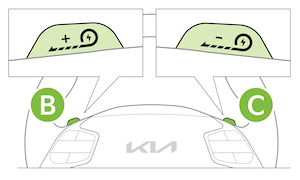
- Pull the left paddle switch
 to increase regenerative braking and deceleration
 - Pull the right paddle switch
 to decrease regenerative braking and deceleration
The paddle switches do not operate when:
- Both paddle switches are pulled at the same time
- The vehicle is decelerating by depressing the brake pedal
- Cruise Control or Smart Cruise Control (SCC) is active
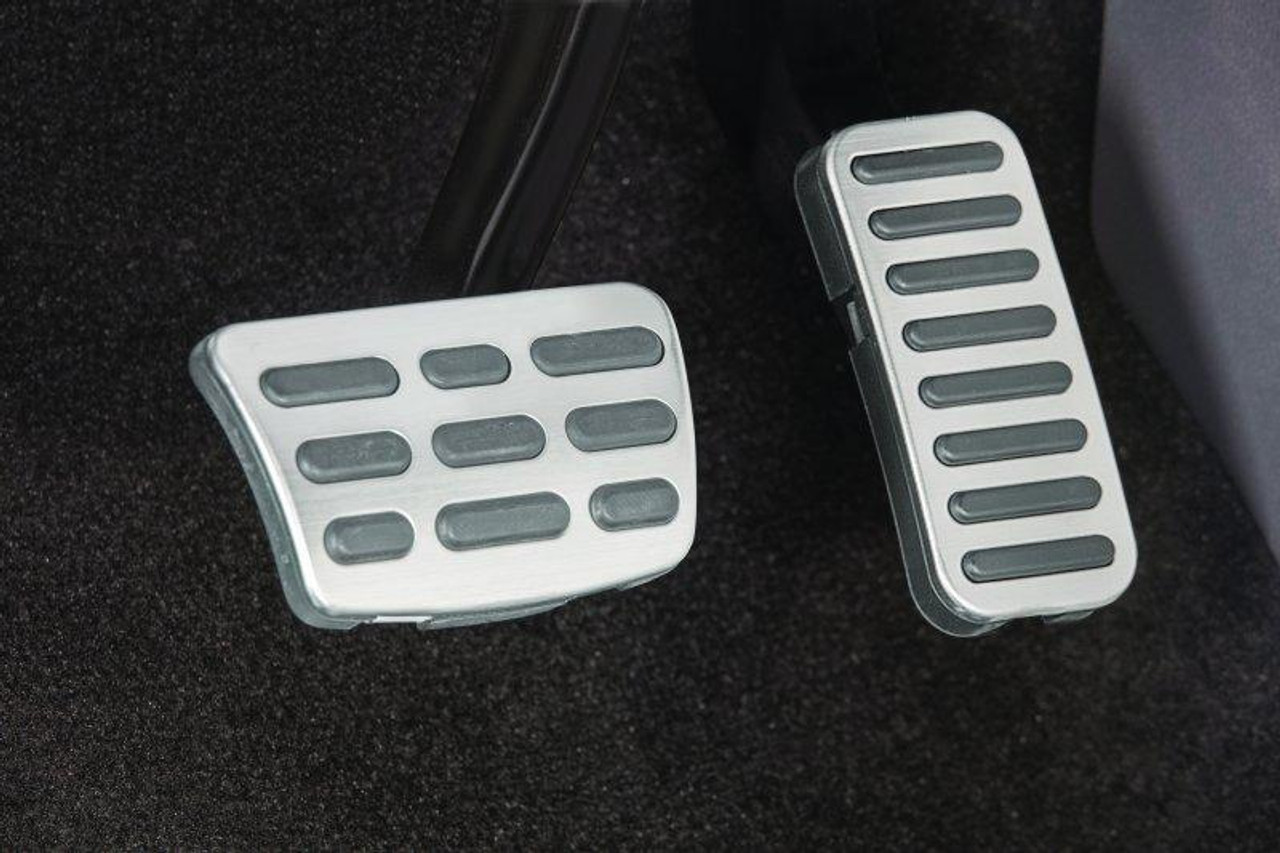
i-Pedal: i-Pedal driving controls the vehicle speed by the accelerator pedal, both acceleration and deceleration.
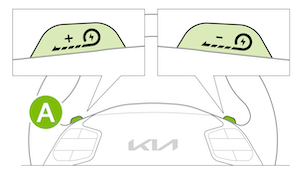
To activate i-Pedal:
- Pull the left side paddle switch to Level 3 regenerative braking (see indicator on Instrument Cluster)
- Then pull the left side paddle switch once again when the regenerative braking level is set to Level 3
The i-Pedal indicator symbol will be illuminated on the Instrument Cluster.
Quick Tips:
Each of the different Drive Modes allows the regenerative braking level to be set at the driver’s preference.
Reminders:
- The driver’s seat belt must be fastened to operate i-Pedal driving.
One Pedal Driving
One pedal driving increases the regenerative braking amount to above level 3 and enables you to come to a full stop by pulling down the left paddle.
- Pull and hold the left paddle switch while coasting
- When the vehicle speed is above 2 mph, release the left paddle switch for less than 0.5 seconds to return to the previously set level of regenerative braking
- When the vehicle speed is below 2 mph, the brake and hold system stops the vehicle even though the left paddle switch is released
- While one-pedal driving is active, the driver can stop the vehicle by pulling the paddle switch
Reminders:
The driver’s seat belt must be fastened to operate one-pedal driving.
Smart Regeneration System

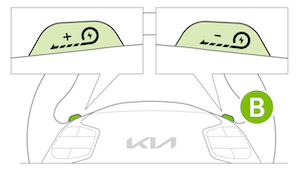
This system automatically adjusts the regenerative braking level based on a vehicle being detected in front of the Niro EV.
- Activate Smart Regeneration in the User Settings* or the Vehicle Settings* mode. AUTO will be displayed on the Instrument Cluster. AUTO regenerative brake adjusts regenerative braking based on the distance with the vehicle in front and its speed
- Pull and hold the right paddle switch for more than 1 second to turn on/off the automatic change of the regenerative braking. The minimum regenerative braking level can be adjusted when in AUTO mode by using the left and right paddle switch
This feature may not be available on all Kia models.
Do not solely rely on i-Pedal driving to stop the vehicle, as it may not be able to stop the vehicle depending on vehicle and road conditions. Always use pedal braking when necessary. Pay attention to the road condition ahead and apply the brake if necessary.
-
Smart Regeneration is a supplemental system for the driver’s convenience. Do not solely rely on this system to stop the vehicle or avoid collisions. Always cautiously look ahead to prevent unexpected or sudden situations.
-
For more information on regenerative braking, one-pedal driving or the Smart Regeneration System, please refer to your Owner’s Manual.
-
Images are for illustrative purposes only and may not reflect actual feature or operation.

