
Reverse Parking Collision-Avoidance Assist (PCA)
Reverse Parking Collision-Avoidance Assist is designed to detect pedestrians or objects behind the vehicle and may warn the driver or assist with braking to help avoid a collision while the vehicle is backing up. When Reverse Parking Collision Avoidance Assist activates, a line appears behind the vehicle image  on the Instrument Cluster.
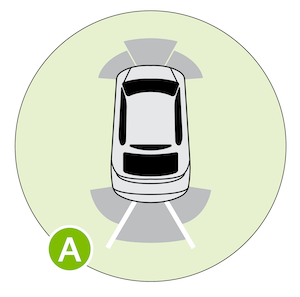
PCA User Settings:
To turn PCA on, press the SETUP key/button on the Infotainment System. Select VEHICLE, DRIVER ASSISTANCE, PARKING SAFETY. Select:
*See LEGAL page for legal information.
Images are for illustrative purposes only and may not reflect actual feature or operation. Refer to section 7 in the Owner’s Manual for more information.

