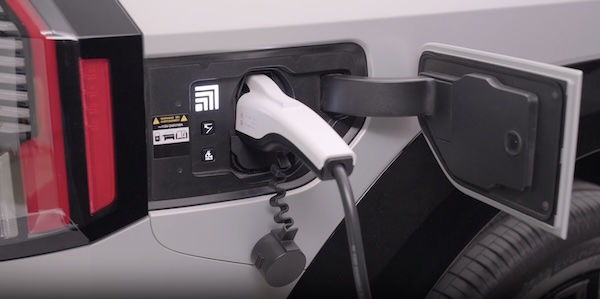
EV Scheduled Charging Video
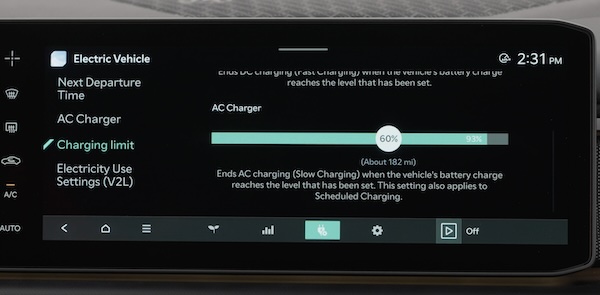
Charging times can be set using the Infotainment System screen. You can also use the Scheduled Charging feature on the Kia Access app.
Charging with the Kia Access app:
The Kia Access app can help you find the nearest charging station, and also displays charging status and Scheduled Charging information. On your smartphone, go to an app store or marketplace to download the Kia Access app.
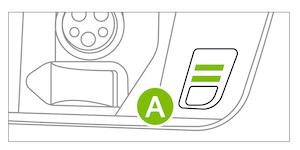
Deactivate Scheduled Charging - Depress the Deactivate Scheduled Charging button  to temporarily disable the scheduled charging feature when immediate charging is required.
Images are for illustrative purposes only.

