
Vehicle & User Settings Video
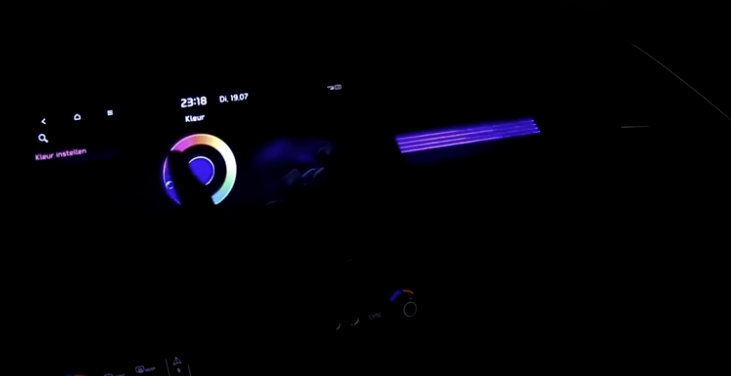
To enter the User Settings in the Instrument Cluster, press the Mode button  when the vehicle is at a standstill, Rotary Dial Shifter Knob in Park while the Power button is in the ON position. Then select User Settings
  by pressing the OK button.
You can navigate the selections on the display by pressing the OK button  up/down, and then selecting the item by pressing the OK button again.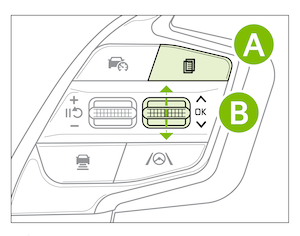
Driver Assistance:
Cluster:
Lights:
Door:
Convenience:
Head-Up Display:
Language:
Units:
Reset:
Driving while distracted is dangerous and should be avoided. Do not attempt to change vehicle system settings while driving.

