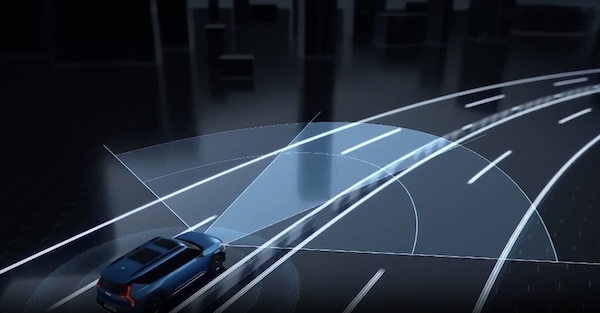
Highway Driving Assist (HDA)
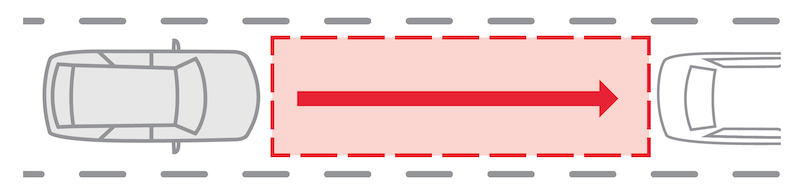
While driving on a highway, Highway Driving Assist is designed to support the driver in specific conditions by detecting vehicles and lanes ahead, maintaining a set speed, keeping a safe following distance from the vehicle ahead, and helping to keep the vehicle centered within its lane.
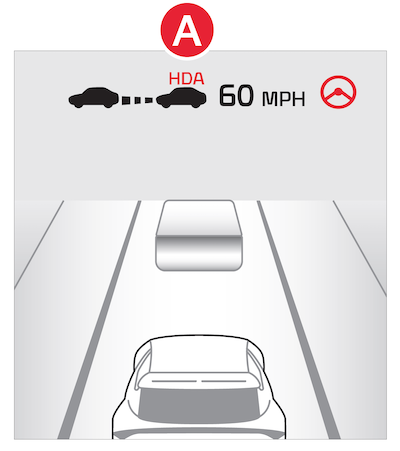
When HDA is activated and the conditions are met, the HDA indicator  will illuminate green. If the conditions are not met, HDA will be in standby mode and the HDA indicator light will illuminate gray. When in operation, and if both lanes are detected, the Instrument Cluster will show the lanes illuminated white and the HDA indicator illuminated green.
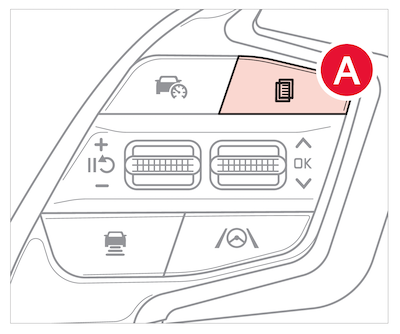
To enable HDA in Vehicle settings in the Infotainment System – Press the SETUP key on the Infotainment System or the onscreen SETUP button. Press VEHICLE to enter Vehicle Settings. Select Driver Assistance, then Driving Convenience and Highway Driving Assist.
HDA will operate only when these conditions are met:
When the ignition is cycled, the system returns to its previous state, on or off.
*See LEGAL page for legal information.
Certain features are available only on select Kia models.
When engaged, Highway Driving Assist is not a substitute for safe driving, may not detect all objects around the vehicle, and only functions on certain federal highways. Always drive safely and use caution.
Images are for illustrative purposes only and may not reflect actual feature or operation. See section 7 in the Owner’s Manual for more detailed information, limitations and conditions.

