User Settings - Instrument Cluster
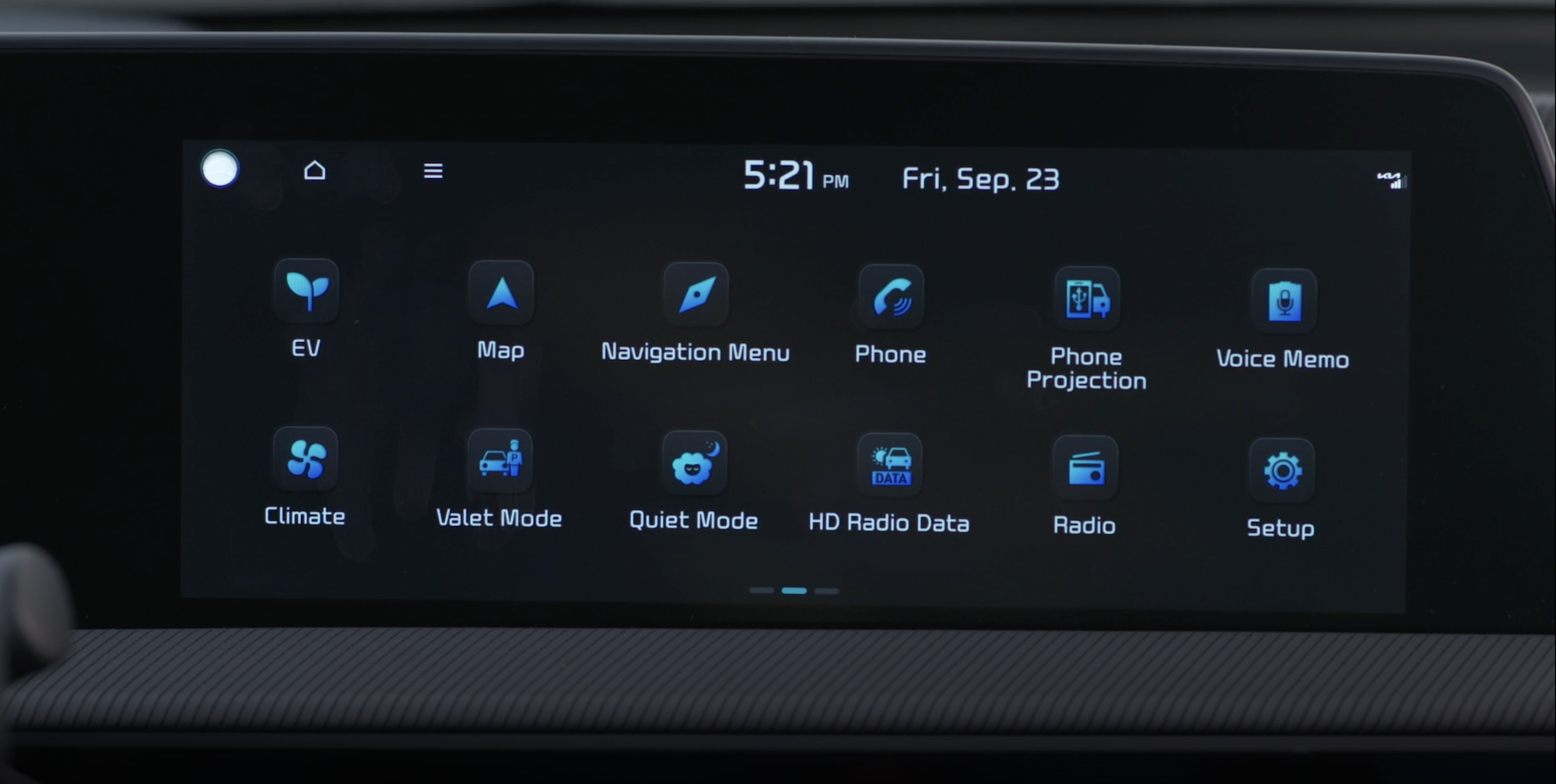
USER SETTINGS - INSTRUMENT CLUSTER
To enter the User Settings in the Instrument Cluster, ensure that the vehicle is at a standstill, put the shift lever in Park, and place the Engine Start/Stop button or Key in the ON position. Then press the Mode button 
 and select User Settings
  .
.
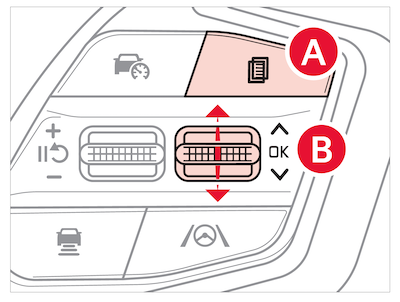
You can navigate the selections on the display by pressing the OK button  up/down and then select the item by pressing the OK button again.
User Settings Modes:
Driver Assistance:
- Driving Convenience
- Speed Limit
- Warning Methods
- Haptic Warning
- Driver Attention Warning (DAW)
- Driving Safety
- Parking Safety
Cluster:
- Theme selection
- Wiper/Lights display
- Traffic Signs
- Ice Road Warning
- Cluster Voice Guidance Volume
- Welcome Sound
Door:
- Automatically Lock/Unlock
- Two-press Unlock
- Horn Feedback
- Power Liftgate
- Power Liftgate Opening Speed/Height
- Smart Liftgate
- Remote Window Control
Convenience:
- Seat Easy Access
- Rear Occupant Alert
- Service Interval
- Oil Change Reminder
- Welcome Mirror/Light
- Wireless Charging System
- Auto Rear Wiper
Units:
- Speedometer Unit
- Fuel Economy Unit
- Temperature Unit
- Tire Pressure Unit
Digital Key:
- Smartphone Key
- MFC Card Key
- Digital Key Information
Language:
- Language: Set the language
Reset:
- Choosing reset will restore defaults for all User Settings menus
Some settings in certain models may be available through the audio head unit screen. Drivers should remain attentive to driving and always exercise caution when using the steering-wheel-mounted controls while driving. Refer to section 5 in the Owner’s Manual for more information.

