Electronic Parking Brake (EPB) / Auto Hold
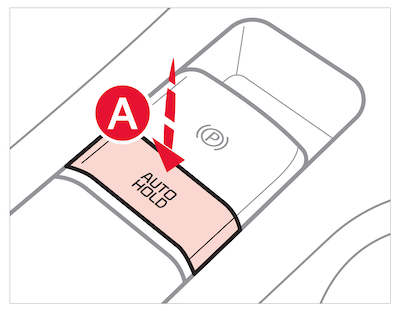
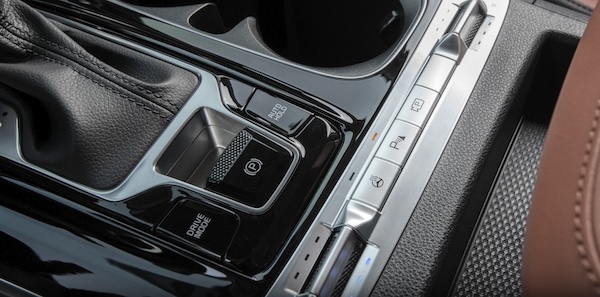
Auto Hold temporarily maintains the vehicle at a standstill even though the brake pedal is not depressed after the driver brings the vehicle to a complete stop by depressing the brake pedal. Auto Hold can be turned On/Off using the AUTO HOLD button  on the center panel below the gear shift. Before Auto Hold will operate, the driver’s door, engine hood, and liftgate must be closed and the driver's seat belt must be fastened.
The Auto Hold indicator on the Instrument Cluster has four states:
pressed on, the indicator will illuminate white. While driving the vehicle (vehicle is not at a standstill), the Auto Hold indicator will remain white.is manually pressed off or when the EPB is manually turned on.Certain features are available on select Kia models.
Refer to section 5 in the Owner’s Manual for more information. Button configuration may vary. Images are for illustrative purposes only and may not reflect actual feature or operation.