DIGITAL CLOCK
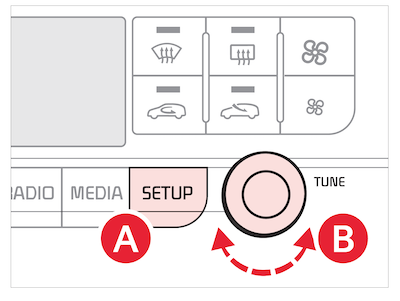
- Press SETUP on the Infotainment System

- Select General
- Press the onscreen Date/Time button to enter the clock settings
- Use the onscreen Date/Time button to enter the clock settings and use the knob
 to adjust.
to adjust. Images are for illustrative purposes only and may not reflect actual feature or operation.
Refer to the Car Infotainment System Quick Reference Guide for more information.