Digital Key 2 Touch - Part 1
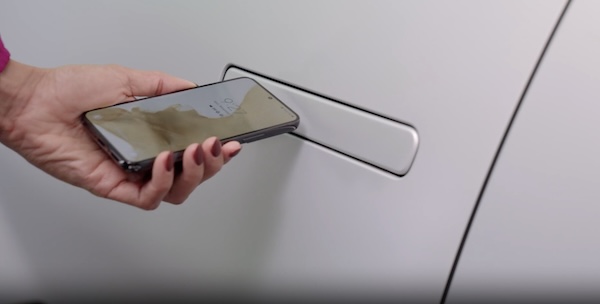
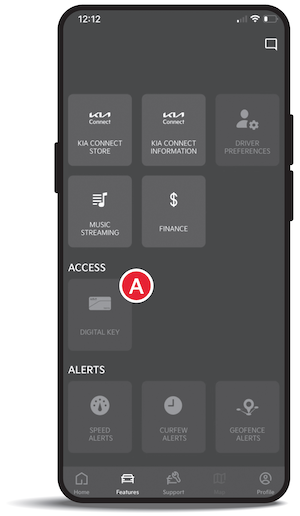
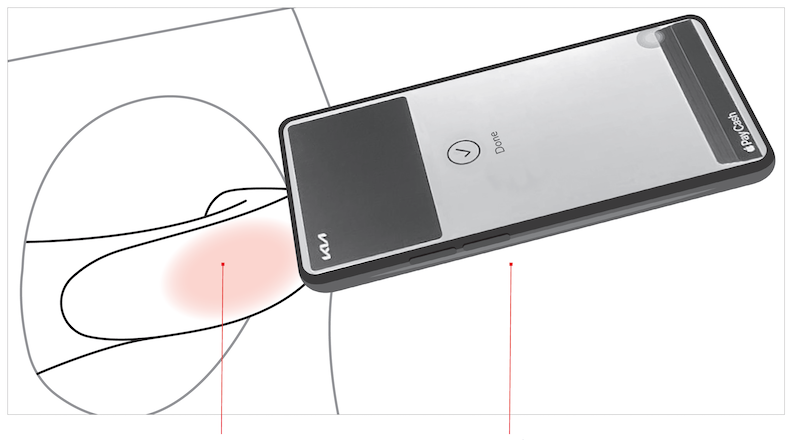
Digital Key 2 Touch, through your smartphone, can be used to lock and unlock your vehicle and allow you to start or power off your vehicle, without needing to have a key fob.
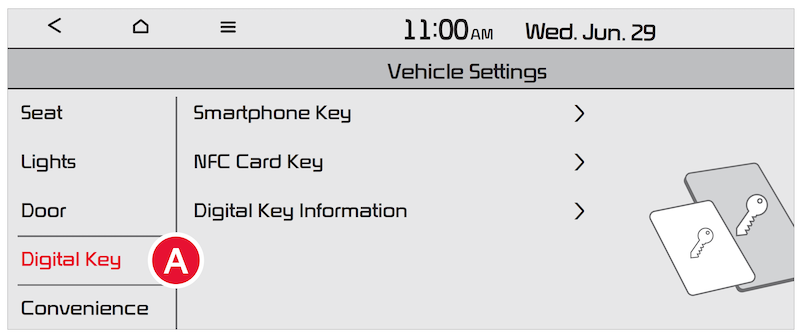
 , SMARTPHONE KEY, MY SMARTPHONE KEY, and then SAVE
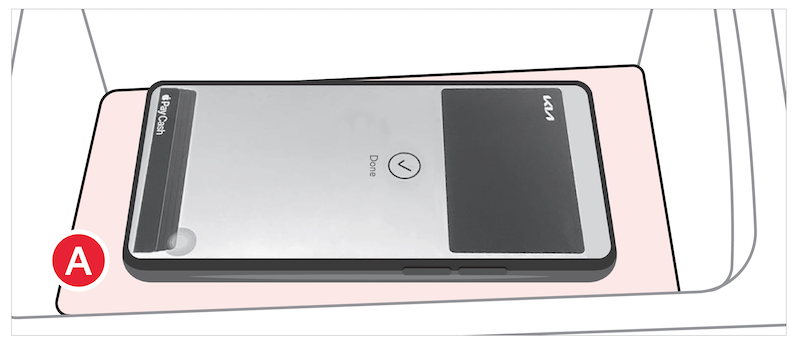
 (wireless charging pad; see below), press the brake pedal and the Start/Stop button
When sharing a Digital Key, the receiver of the share invitation must have the same smartphone operating system, e.g., Apple® to Apple® and Samsung® to Samsung®.
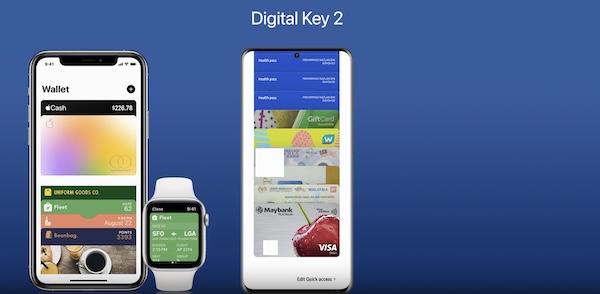
You can also delete a digital key using the Wallet app on your smartphone.
-The smartphone is removed from the in-vehicle authentication pad
-Changing the Infotainment System screen
-The vehicle is powered off or the gear is shifted
-There is no smart key (saving process will not begin)
Currently compatible devices:
*See LEGAL page for legal information. This feature may not be available on all Kia models.
Kia Digital Key 2 Touch requires an eligible Kia Connect subscription and a compatible smart device with an active data plan. Normal cellular service rates may apply when using a smart device. Button configuration may vary. Images are for illustrative purposes only and may not reflect actual feature or operation.