Drive Mode Integrated Control System
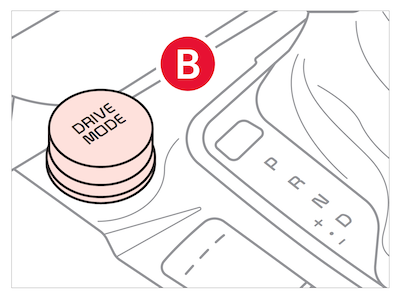
The drive modes may be changed according to the driver’s preferences or road conditions. To cycle through the drive modes  or deactivate a drive mode, rotate the DRIVE MODE knob
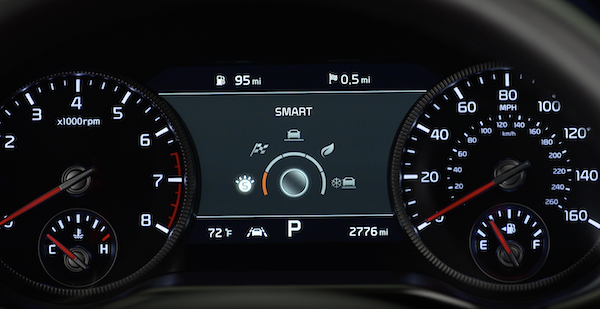
When a drive mode is selected, the drive mode indicator will illuminate in the Instrument Cluster or the Infotainment System screen (except for NORMAL). The system’s default mode is NORMAL mode and when selected, the indicator will not be illuminated.
When vehicle is turned off while in SPORT or SMART Mode, the system will default to NORMAL mode. SPORT or SMART mode would need to be selected again once the vehicle is restarted.
Certain features are available only on select Kia models.
Image is for illustrative purposes only and may not reflect actual feature or operation. Your vehicle’s buttons may differ from those in the illustrations.
Refer to section 5 in the Owner’s Manual for more information.