Instrument Cluster Overview
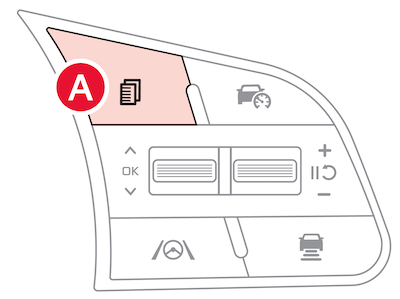
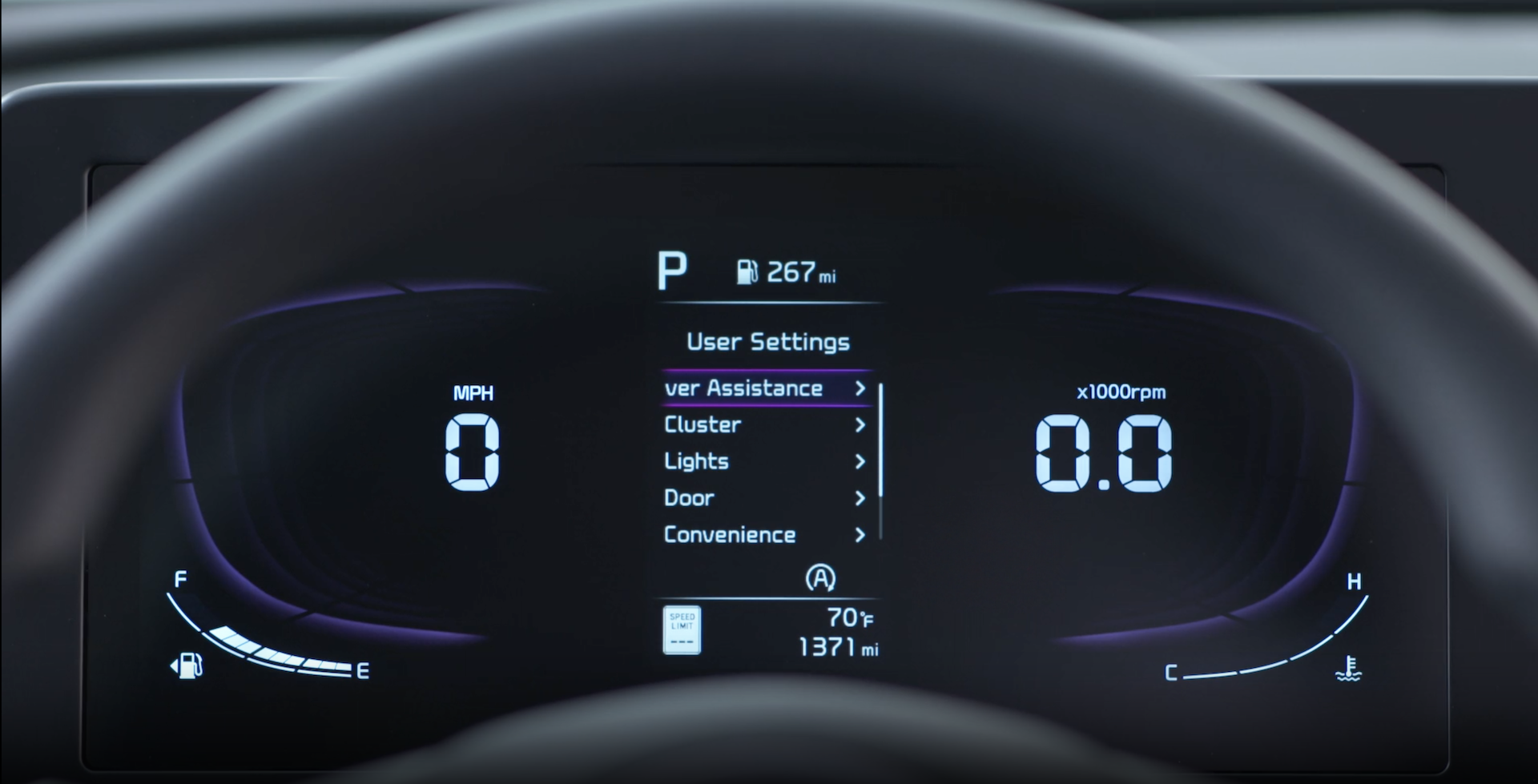
Press the Mode button  to cycle through different Instrument Cluster LCD Modes. Type B Cluster:
 Driving Assist: Displays information for Forward Collision-Avoidance Assist, Lane Keeping Assist, Blind-spot Collision-Avoidance Assist*, Smart Cruise Control*, Lane Following Assist, Driver Attention Warning
 Trip Computer Mode: Displays driving information for fuel economy, accumulated info, AUTO STOP* etc.
 Turn-by-Turn Mode: Displays information for the route guidance and destination
 User Settings Mode: Change settings of the Driver Assistance cluster, doors, lights, convenience, units, and other features
 Information/Master Warning Mode: Informs of Drive Force Distribution and warning messages related to the vehicle, TPMS, Driver Assist systems
Driving while distracted is dangerous and should be avoided. Drivers should remain attentive to driving and always exercise caution when using the steering-wheel-mounted controls while driving.
Refer to section 4 in the Owner’s Manual for more information.