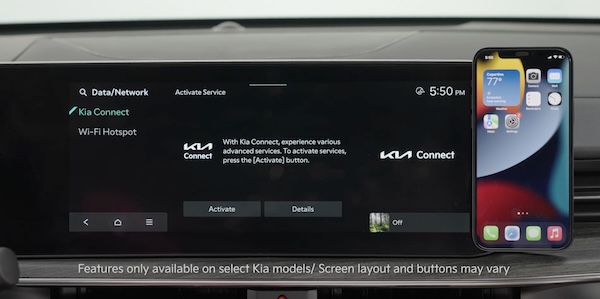
Kia Connect Activation*
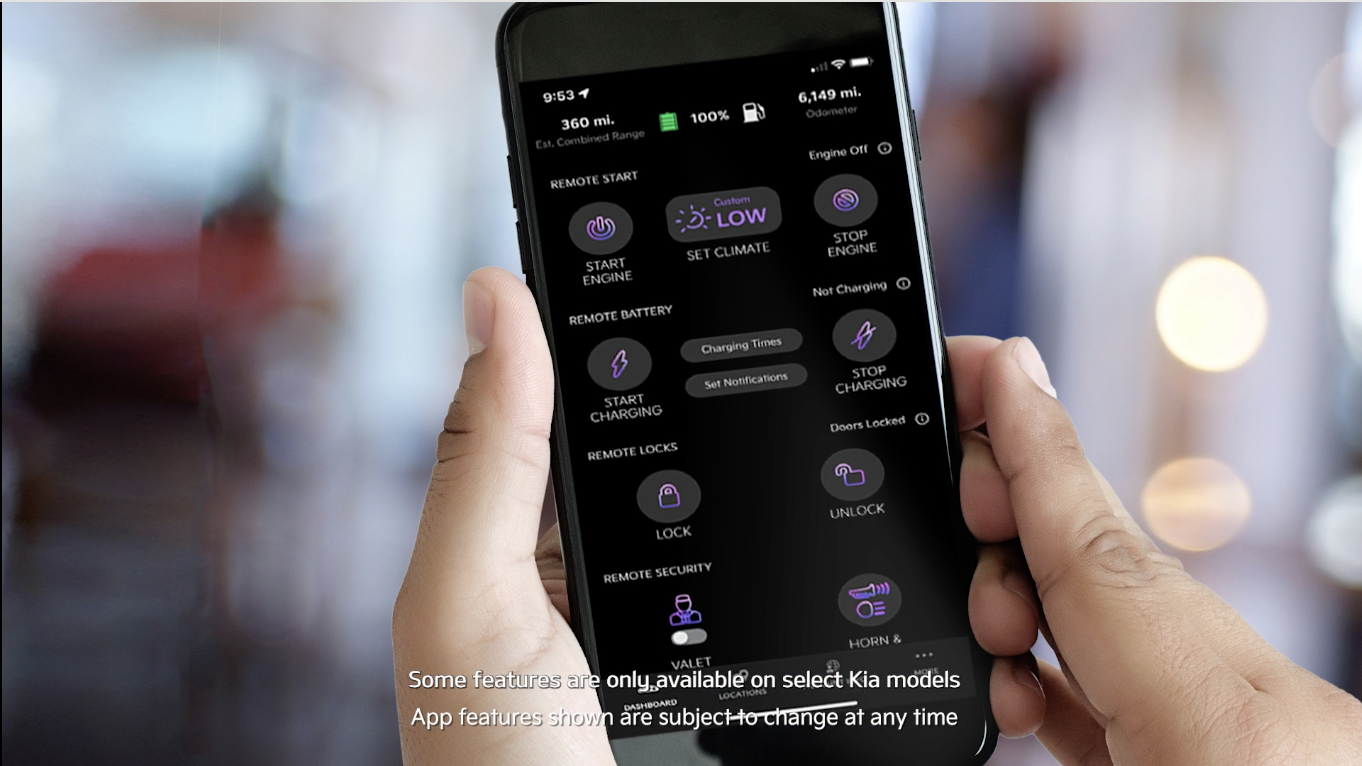
Follow these steps to activate your Kia Connect system:
To enter the activation screen on the Infotainment System
a. Press SETUP key
b. Press Kia Connect†1 icon
c. Press Activate
This vehicle is equipped with over-the-air system updates. Download map updates for the navigation system by going to update.kia.com. Check for updates that are generally available twice a year.
*See LEGAL page for legal information
This feature may not be available on all Kia models. For more setting information, refer to the Car Infotainment System Quick Reference Guide.
Kia Connect* is currently unavailable for model year 2022 and later vehicles sold or purchased in Massachusetts. See Kia Connect Terms of Service at owners.kia.com for more information on its availability.
Driving while distracted can result in a loss of vehicle control that may lead to an accident, severe bodily injury, and death. The driver’s primary responsibility is in the safe and legal operation of a vehicle, and any handheld devices, other equipment, or vehicle systems which take the driver’s eyes, attention and focus away from the safe operation of a vehicle or which are not permissible by law should never be used during operation of the vehicle.

