Leading Vehicle Departure Alert (LVDA)
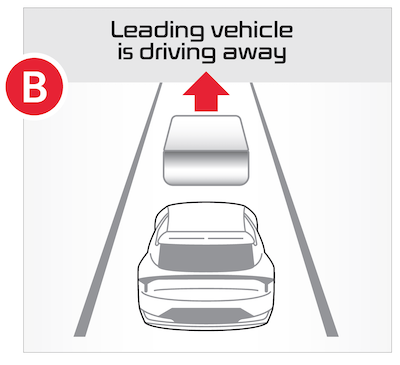
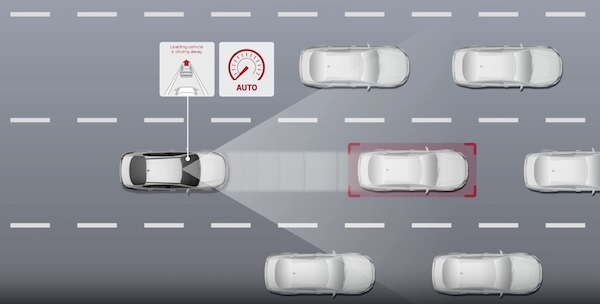
If the vehicle is stopped and Leading Vehicle Departure Alert (LVDA) is enabled, when a detected vehicle in front starts to depart, LVDA can inform the driver by sounding an alert and displaying a message  on the Instrument Cluster.
Only adjust settings when the vehicle is at a standstill, gear shift is in Park and the ignition is on or the Engine Start/Stop button* is in the ON position.
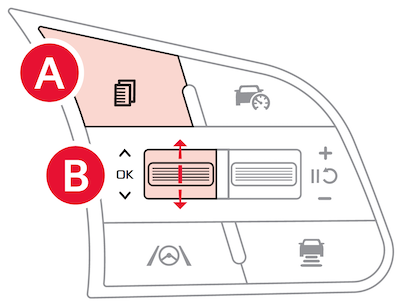
To enable/disable LVDA in User Settings in the Instrument Cluster -

 on the Steering Wheel to toggle to User Settings
  up/down to toggle to Driver Assistance, then Driver Attention Warning. Select Leading Vehicle Departure Alert to enable it
To enable/disable LVDA in Vehicle settings in the Infotainment System –
*See LEGAL page for legal information. Certain features are available on select Kia models.
When engaged, Driver Attention Warning is not a substitute for safe driving and may not detect all instances of inattentive driving practices. Failure to pay attention to travel conditions and vehicle operation could result in loss of vehicle control. Always drive safely and use caution.
Refer to section 5 in the Owner’s Manual for more information.
Images are for illustrative purposes only and may not reflect actual feature or operation.