Multimedia USB Port, Power Outlets & USB Charger Port
Power Outlets  : Use the power outlets for mobile phones and other devices designed to operate on a 12V (180W max) power outlet.
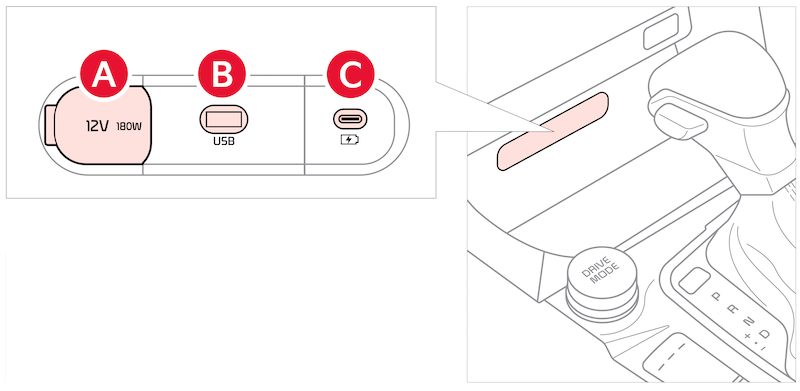
 : Use Multimedia USB port to connect USB audio devices and smartphones.
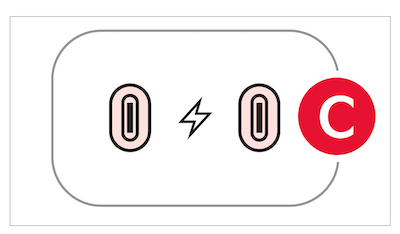
USB-C Charger Ports  : Devices can be recharged using a USB-C cable. The Engine Start/Stop button needs to in the ACC/ON/START position to operate the USB-C Charger Port.
For more information on the Aux/USB Ports and Power Outlets, refer to section 4 in the Owner's Manual.
These features may not be available on all Kia models. Button configuration may vary. Images are for illustrative purposes only and may not reflect actual feature or operation.