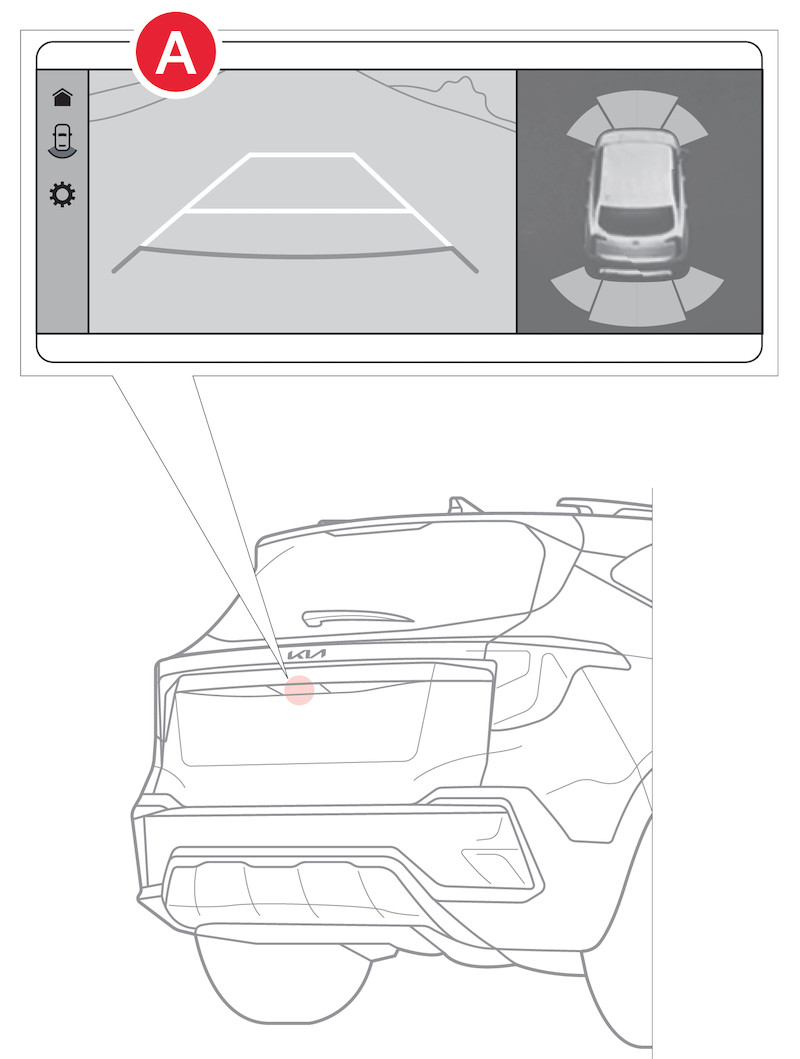
Rear View Monitor (RVM)

Rear View Monitor is a supplemental system that displays the view behind the vehicle through the Infotainment System screen while the vehicle is in R (Reverse). Press the Parking/View button to turn RVM on. Press again to turn off.
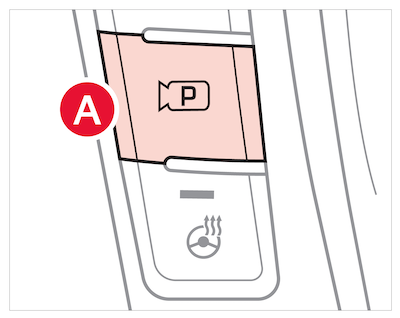
Reminders:

  • Through normal use and after inclement weather or washing, the rear camera may become dirty or obstructed. Use a clean, microfiber cloth to remove any dirt, debris or spots that may have accumulated on the lens 
  • While Rear View Monitor is active, the volume will be lowered only if Parking Safety Priority setting is enabled
RVM Camera Settings

Press the onscreen settings button to adjust the display contents and display settings. 

You can also go to Vehicle Settings in the Infotainment System –

  1. Press the SETUP button or key, VEHICLE, DRIVER ASSISTANCE, PARKING SAFETY and CAMERA SETTINGS 

Rear View Monitor activates when the: 

1. Engine Start/Stop button is in the ON (Red light) position 

2. Gear Shift Lever is in the R (Reverse) position 

*See LEGAL page for legal information. Certain features are available on select Kia models.

When engaged, RVM is not a substitute for proper and safe backing-up procedures. Rear View Monitor may not display every object behind the vehicle. Always drive safely and use caution when backing up.

Rear View Monitor may not display every object behind the vehicle.

Images are for illustrative purposes only and may not reflect actual feature or operation.