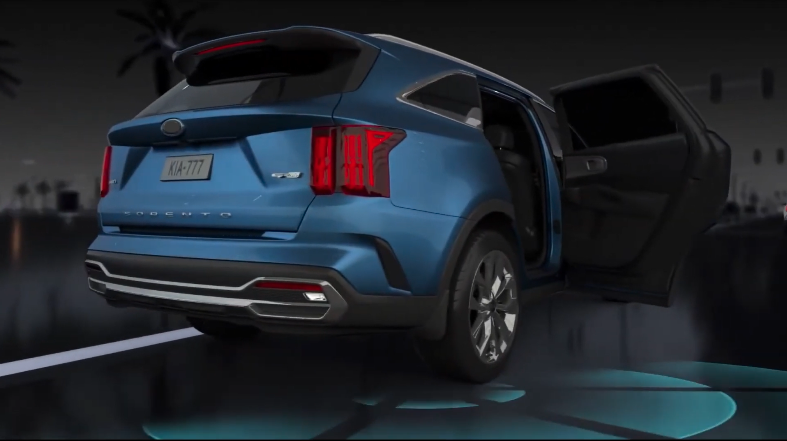
Safe Exit Warning (SEW)
While your vehicle is stopped, and if Safe Exit Warning detects a vehicle approaching the rear corner of your vehicle and a passenger opens a door, SEW can warn the driver with a warning message, a blinking warning light on the side view mirror, and a warning sound to help avoid a collision.
Only adjust settings when the vehicle is at a standstill, gear shift is in Park, the ignition is on, or the Engine Start/Stop button is in the ON position
To enable/disable SEW in User settings in the Instrument Cluster -

 on the Steering Wheel to toggle to User Settings
To enable/disable SEW in Vehicle settings in the Infotainment System –
*See LEGAL page for legal information
Certain features are available only on select Kia models.
When engaged, these systems are not substitutes for safe driving and are not substitutes for safe driving and may not always detect objects or people around the vehicle.
Images are for illustrative purposes only and may not reflect actual feature or operation.
See section 6 in the Owner’s Manual for more information.

