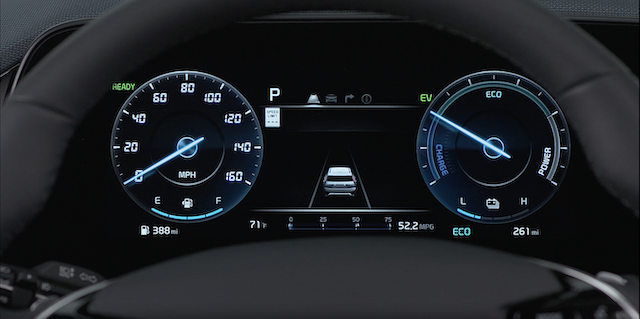
Instrument Cluster Overview
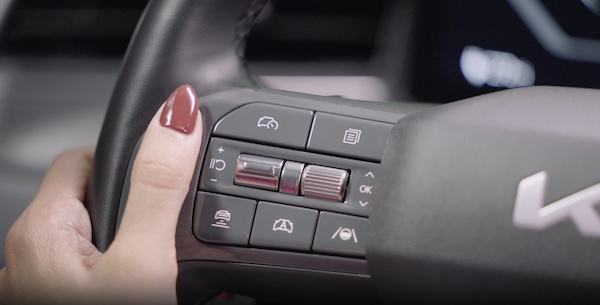
Press the Mode button  to scroll through different LCD Cluster LCD Modes:
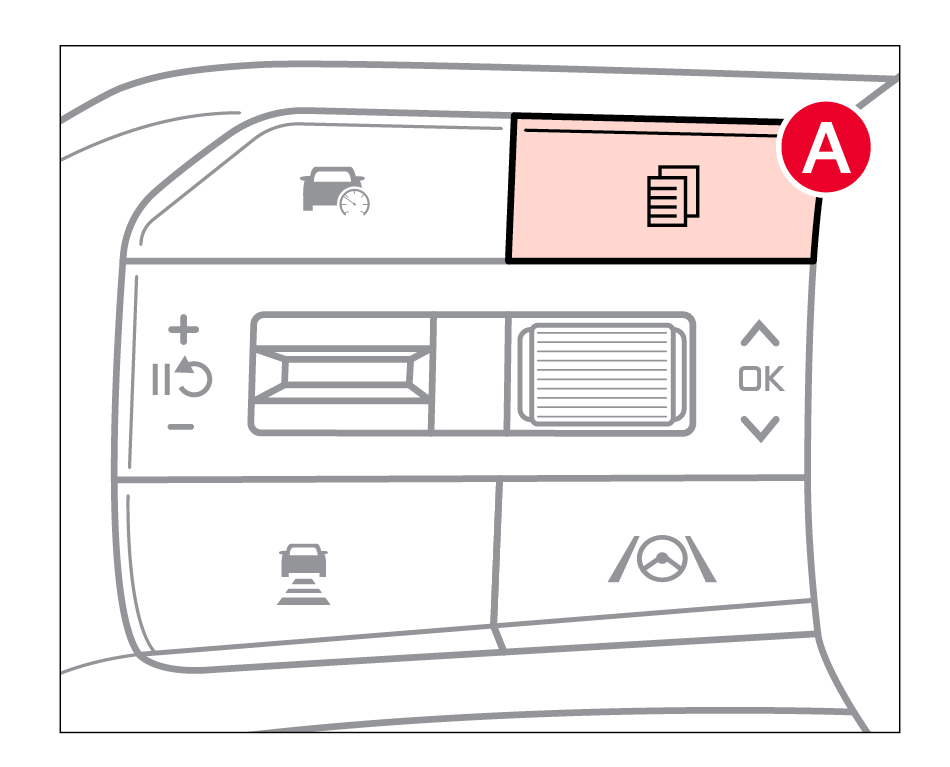
 Driving Assist Mode: Displays information on Lane Keeping Assist, Lane Following Assist/ Highway Driving Assist, Driver Attention Warning

Utility Information View: Low Pressure Warning Display, Fuel Economy, Drive Info Display, Information Since Refueling, Accumulated Driving Information Mode

**Service Mode: **Displays Scheduled Maintenance Information and may notify when service is required
Some features may not be available on all Kia models.
Your vehicle’s LCD modes may differ from those in the illustrations.
Driving while distracted is dangerous and should be avoided. Drivers should remain attentive to driving and always exercise caution when using the steering-wheel-mounted controls while driving.
Refer to Section 5 in the Owner’s Manual for more information.

