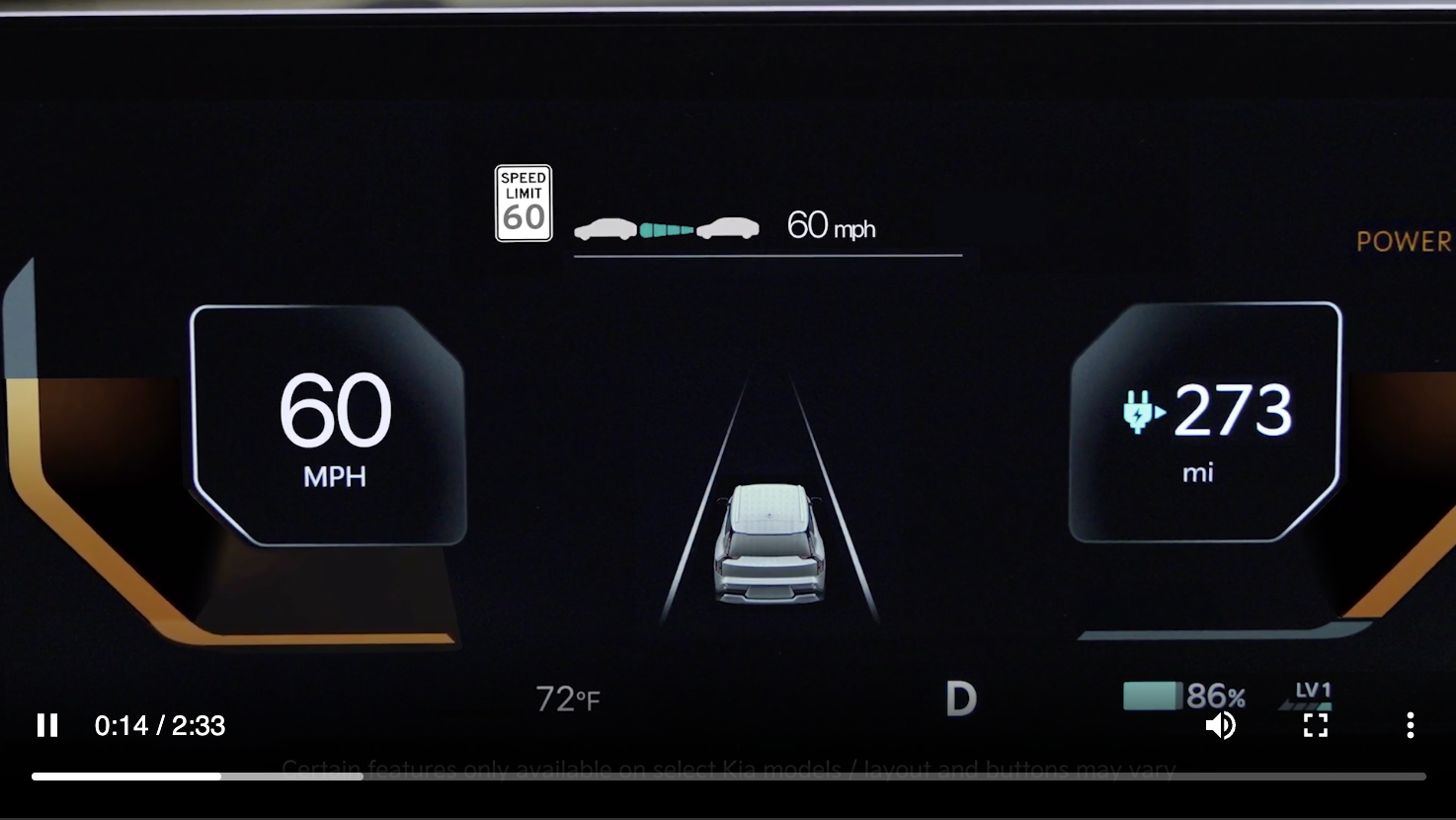
Intelligent Speed Limit Assist (ISLA)
Intelligent Speed Limit Assist is designed to use speed limit information from the navigation system to inform the driver of the posted speed limit.
When ISLA is on and active, the system will display the posted speed limit on the Instrument Cluster LCD  .
.
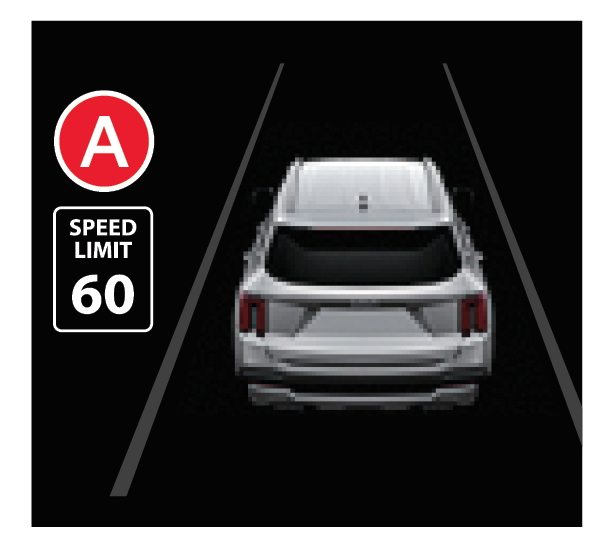
If the vehicle’s current speed exceeds the detected speed limit, the speed limit icon will illuminate red on the LCD.
To enable ISLA:
Select one of the three modes:
when driving at a speed higher than the displayed speed limit. The red speed limit indicator will appearYou can set a speed limit offset to the posted speed limit by going to Vehicle Settings, Driver Assistance, Speed Limit, then Speed Limit Offset. Set the offset to “0” if you want the vehicle to travel at the detected speed limit, when ISLA is on.
*See LEGAL page for legal information
This feature may not be available on all Kia models.
When engaged, these systems are not substitutes for safe driving and may not always warn the driver if the vehicle is driven outside of its lane. Always drive safely and use caution.
Images are for illustrative purposes only and may not reflect actual feature or operation. See section 7 in the Owner’s Manual for more information.

