Navigation-based Smart Cruise Control (NSCC)
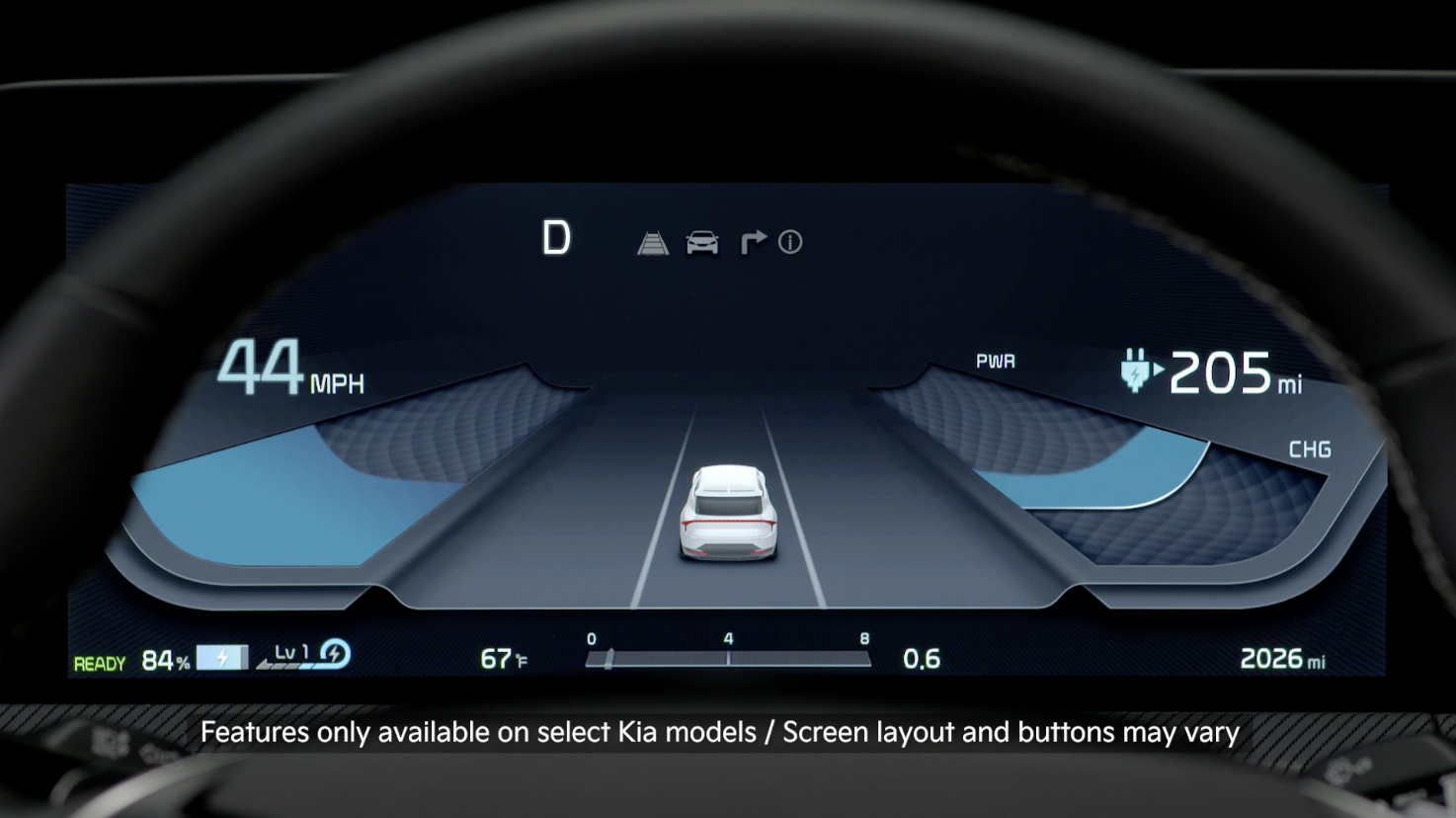
Navigation-based Smart Cruise Control is designed to use navigation system data to help maintain a safe speed based on road conditions when driving on highways while Smart Cruise Control is active.
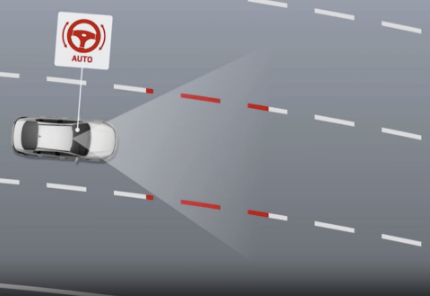
NSCC can automatically adjust the vehicle speed when it detects a curved road ahead and when it receives road information from the navigation system. When NSCC detects a curve ahead, NSCC activates and reduces the vehicle speed. During speed control, the NAV indicator  will blink. When the vehicle passes the curved road, the vehicle may return to it previously set speed.
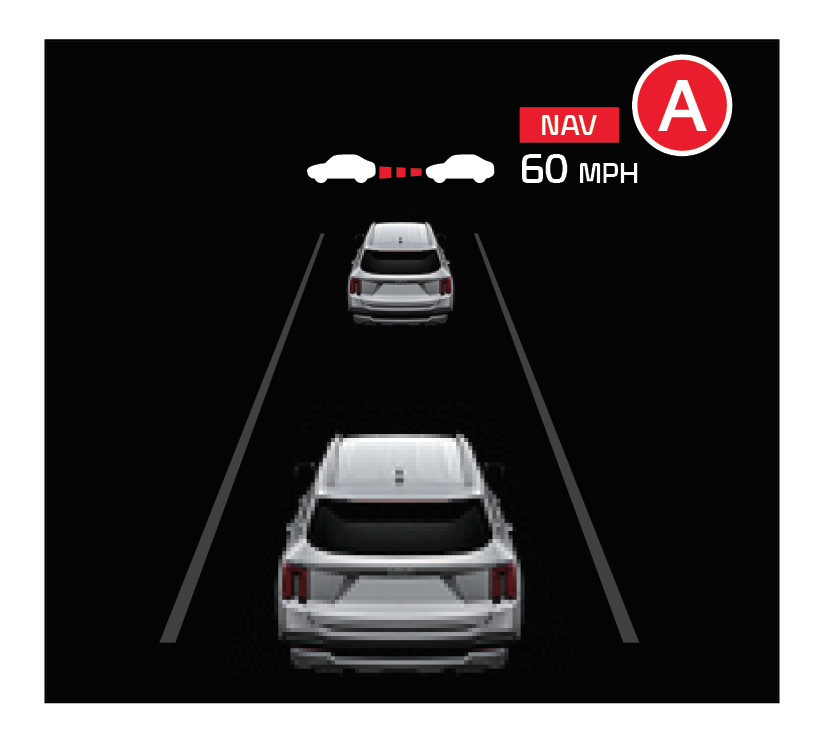
With SCC turned on and activated, the vehicle distance set, and the system detects a vehicle slowing or stopping, the system can bring the vehicle to a complete stop. When the vehicle ahead starts to move forward, SCC re-engages. If the vehicle ahead stops for more than 3 seconds, the accelerator pedal or the  button must be pressed to start moving the vehicle.
SCC will adjust acceleration based on the drive mode selected in the Drive Mode Integrated Control system.
Press the Driving Assist button on the Steering Wheel to activate SCC and the speed will be set to the current vehicle speed. SCC may decrease the speed to maintain the distance with the vehicle in front.
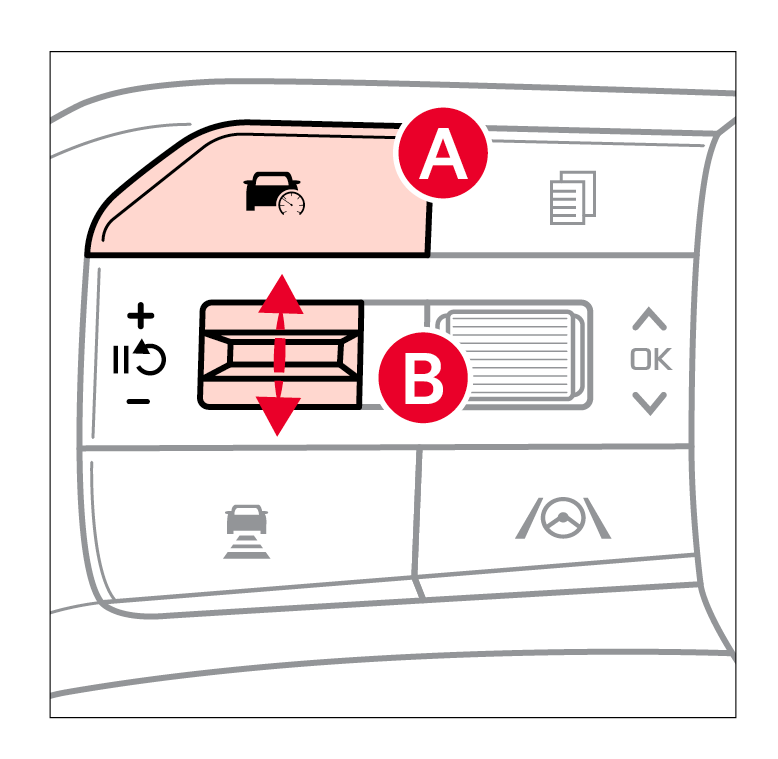
The CRUISE indicator will illuminate on the Instrument Cluster. Press the button  up/down to accelerate/decelerate to the desired speed.
Press the button to set the speed.
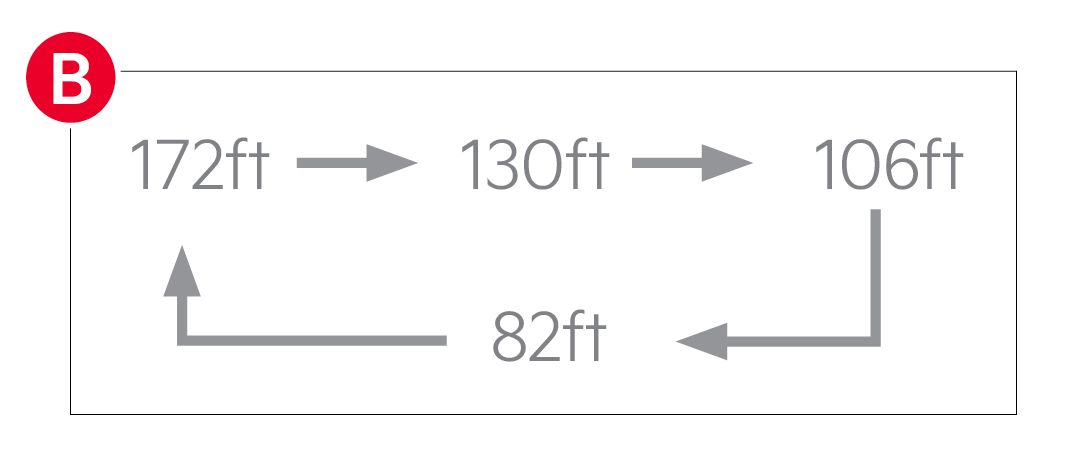
To set the vehicle distance: Press the Vehicle Distance button on the steering wheel. Each time you press the button, the vehicle distance will change , indicated by the number of bars that appear on the display.
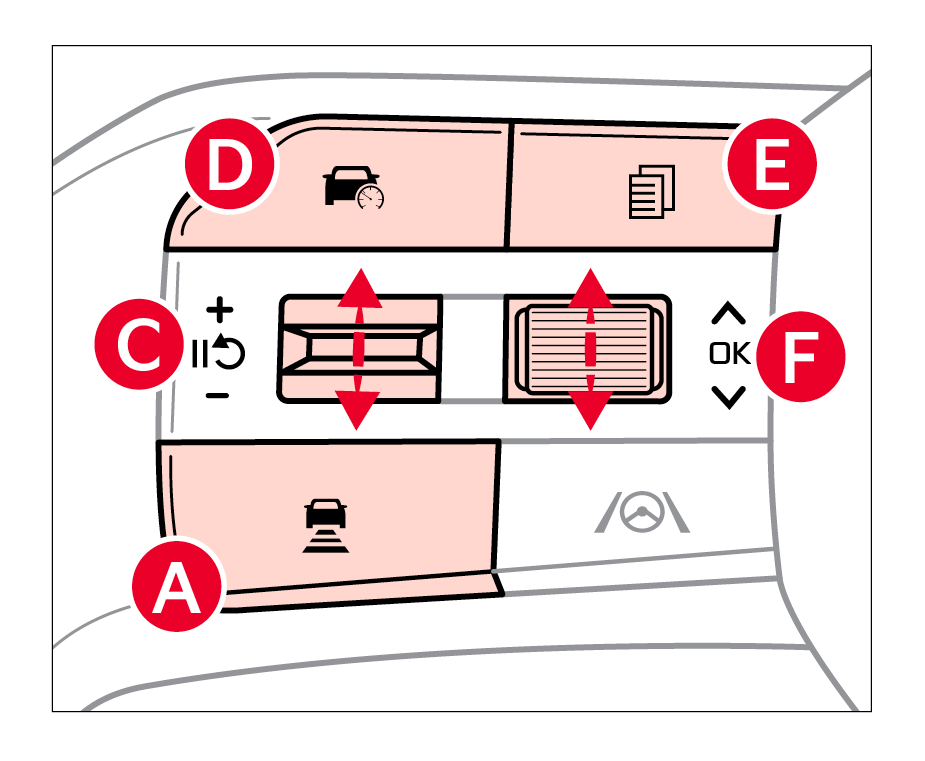
To pause/resume SCC operation: Depress the brake pedal or press the Pause/Resume button  . The NAV indicator on the Instrument Cluster will change.
**To turn NSCC OFF: **Press the Driving Assist button  . The CRUISE indicator on the Instrument Cluster will turn OFF.
To adjust the sensitivity of NSCC: Press the mode button 
 on the Steering Wheel. With the OK button
  , select Drive Assistance, then SCC Response. Then select Fast, Normal or Slow.
*See LEGAL page for legal information
This feature may not be available on all Kia models. For more setting information, refer to the Car Infotainment System Quick Reference Guide or See section 7 in the Owner’s Manual.
NSCC and Cruise Control are supplemental systems and are not substitutes for safe driving. It is the responsibility of the driver to always check the speed and distance to the vehicle ahead.
Images are for illustrative purposes only and may not reflect actual feature or operation.

