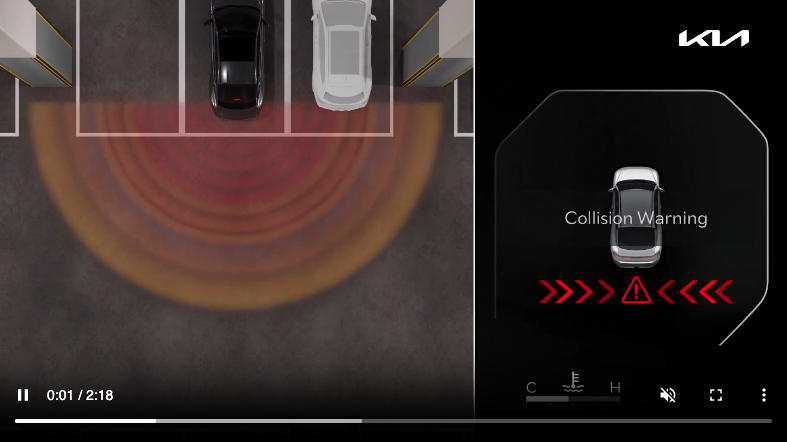
Rear Cross-traffic Collision-Avoidance Assist (RCCA)
Rear Cross-traffic Collision-Avoidance Assist is designed to warn the driver, under certain conditions, and may temporarily apply braking if it detects cross traffic approaching the vehicle, when vehicle is in reverse.
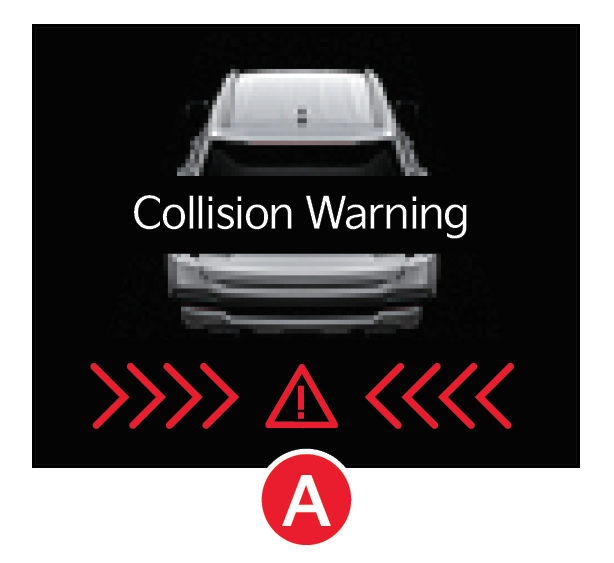
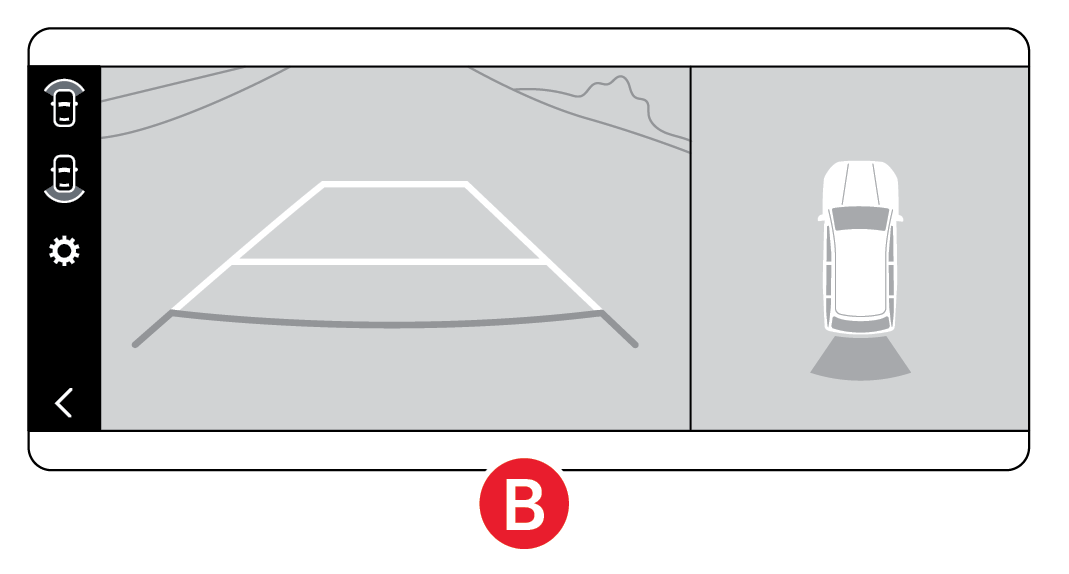
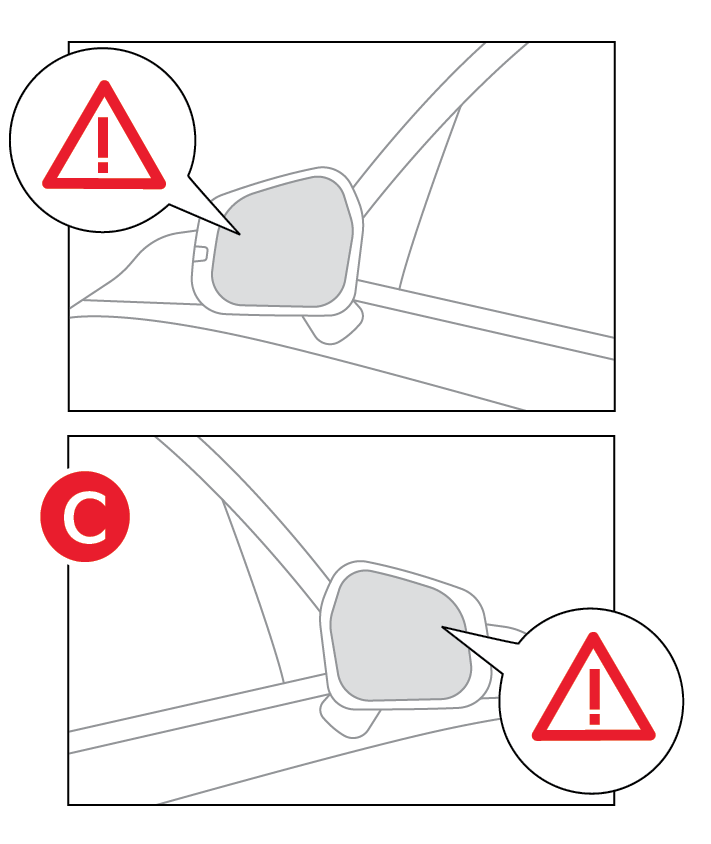
When a collision risk is detected, RCCA alerts the driver with a warning message displayed on the instrument cluster  , the infotainment screen
  , and the outside rearview mirrors
  .
.
If RCCA detects that the collision risk has increased, the system automatically applies the brakes to reduce your speed, potentially helping to minimize the effects of a possible collision.
RCCA is designed to operate under the following conditions:
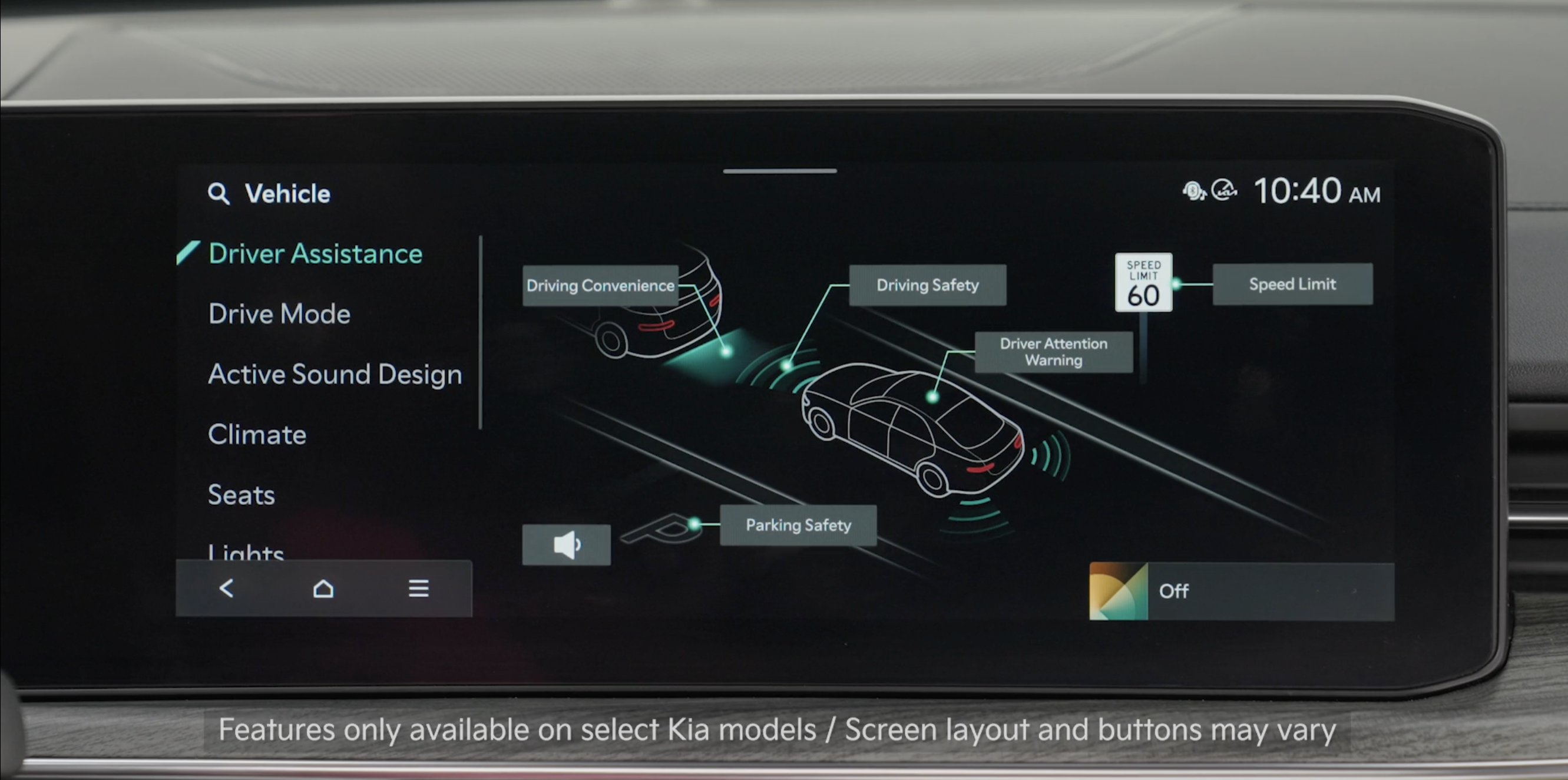
RCCA can be turned ON/OFF by going to Vehicle Settings in the Infotainment System.
Only adjust settings when the vehicle is at a standstill, gear shift is in Park and the ignition is on or the ENGINE START/STOP button is in the ON position.
To access Vehicle Settings in the Infotainment System and enable RCCA:
When vehicle power is cycled, RCCA will remain in the previous state
*See LEGAL page for legal information.
This feature may not be available on all Kia models.
When engaged, RCCA is a supplemental system. Do not solely rely on this system and always pay attention to the road and its conditions.
Refer to section 7 in the Owner’s Manual for more information

