
Kia Full Synthetic Oil
To view the Service Interval Information in the Instrument Cluster LCD, press the Mode button  . System will display the number of miles remaining until the next service is due, as well as the type of service due.
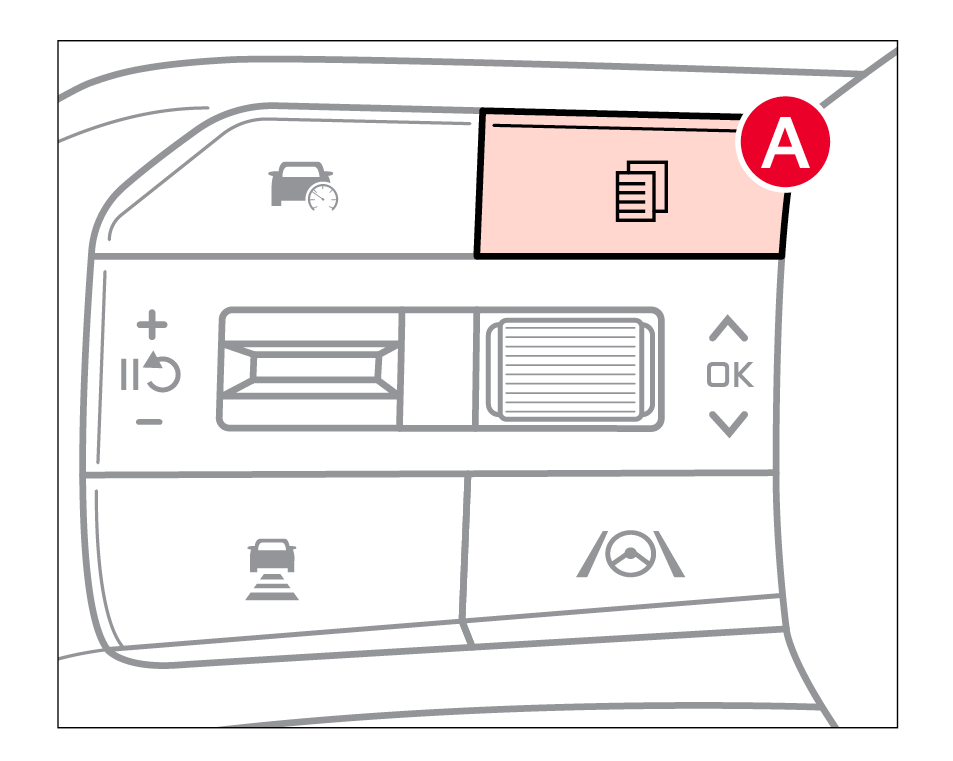
When service is required, the following will be displayed: Service Required  .
.
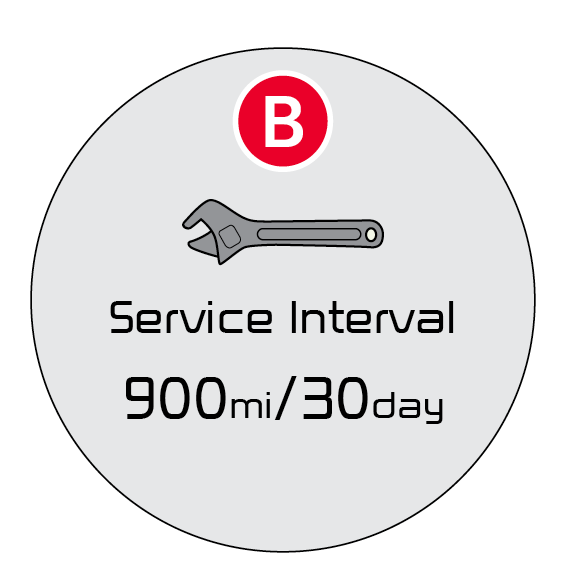
**To set or reset the Service Interval: **
Certain features are available only on select Kia models.
Driving while distracted is dangerous and should be avoided. Do not attempt to change vehicle system settings while driving.
Images are for illustrative purposes only. Your actual display, buttons and/or features may vary.
Refer to section 4 in the Owner’s Manual for more information.

