Smart Cruise Control (SCC)
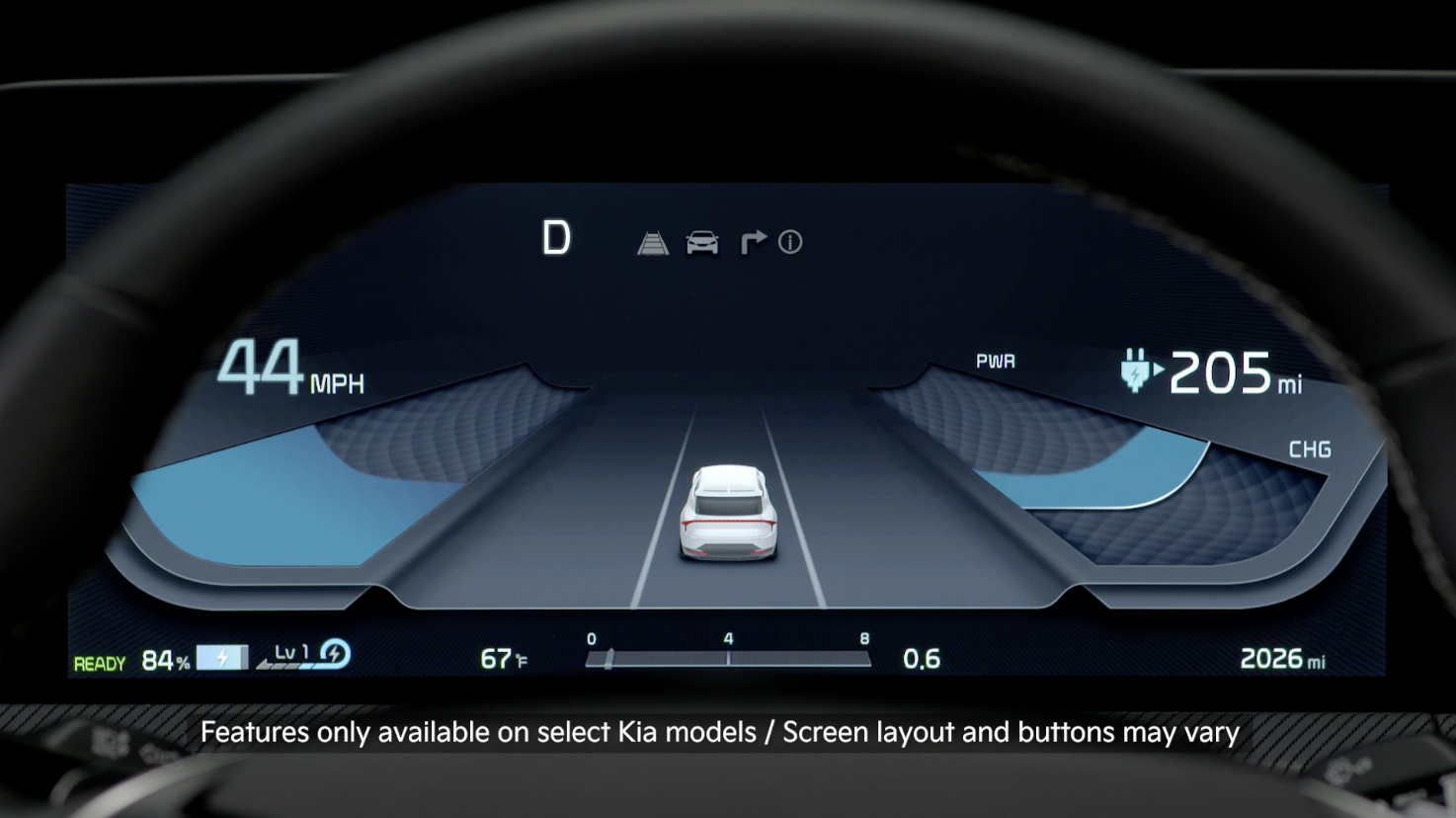
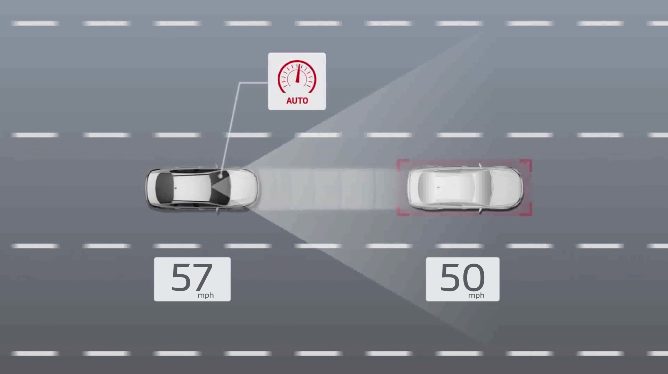
Smart Cruise Control is designed to maintain a predetermined distance from vehicles detected ahead by automatically adjusting the driving speed in certain circumstances.
When traffic is detected, the vehicle is designed to automatically slow to maintain a set distance from traffic without depressing the accelerator or brake pedal. If SCC detects that the driver is attempting to overtake a vehicle in front, SCC may help by assisting acceleration.
SCC Operation: When SCC is on and activated, the vehicle distance set, and the system detects a vehicle slowing or stopping, SCC can bring the vehicle to a complete stop. When the vehicle ahead starts to move forward, SCC reengages. If the vehicle ahead stops for more than 3 seconds, depress the accelerator pedal or operate the button 
 switch to start moving the vehicle.
Only adjust settings when the vehicle is at a standstill, gear shift is in Park and the ignition is on or the ENGINE START/STOP button is in the on position.
To access Vehicle Settings in the Infotainment System:
To turn SCC on:
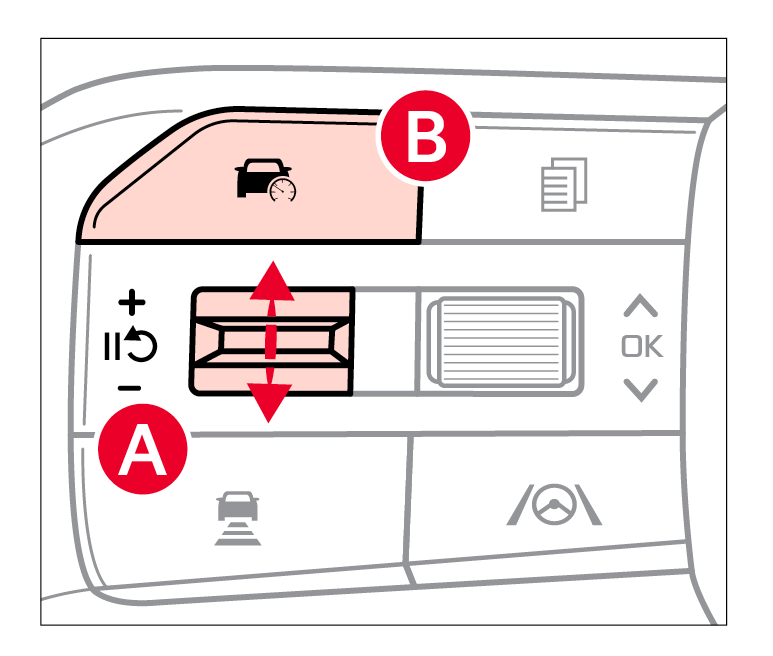
Press the Driving Assist button  to turn the system ON and set speed. The CRUISE indicator will illuminate and the speed will be set to the current speed on the Instrument Cluster.
up to increase the set vehicle speeddown to decrease the set vehicle speed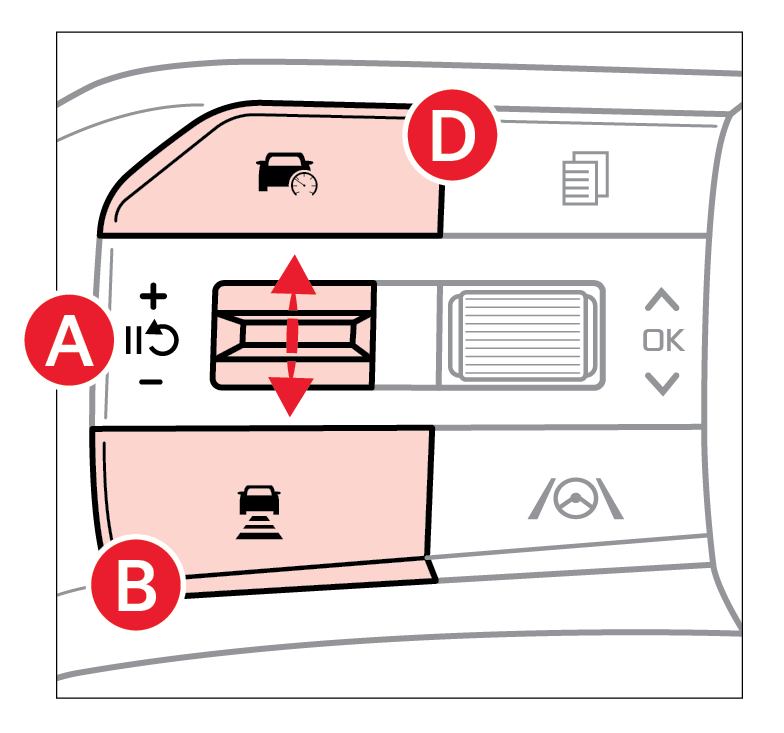
To pause or resume SCC operation: Press the pause/resume switch or depress the brake pedal to pause the SCC operation. To resume Smart Cruise Control after the function was canceled, operate the +, - or press the switch.
switch, the vehicle speed will resume to the preset speedTo set the vehicle-to-vehicle distance: Press the Vehicle Distance button on the steering wheel. Each time the button is pressed the set distance cycles to the next of four possible distance settings. The image on the LCD screen  will change when scrolling through the settings.
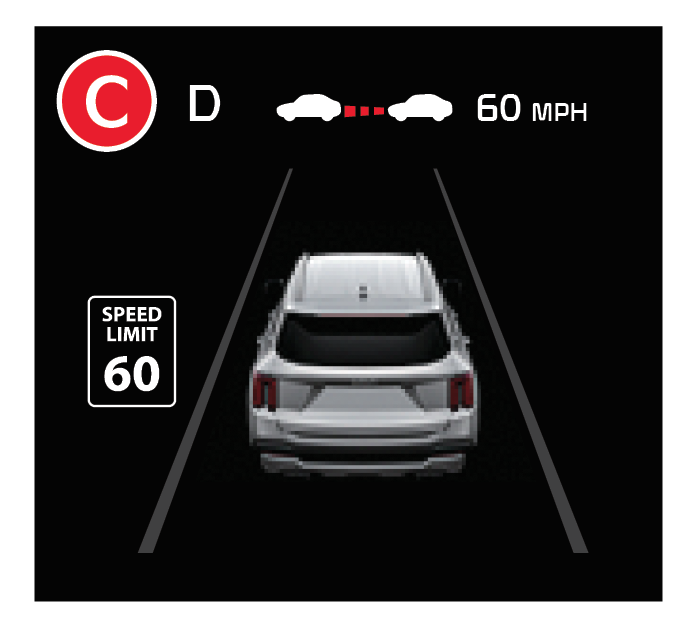
To turn SCC OFF: Press the Driving Assist button 
*See LEGAL page for legal information. Certain features are available on select Kia models
Button configuration may vary. Images are for illustrative purposes only and may not reflect actual feature or operation.
See section 7 in the Owner’s Manual for more information.
When engaged, SCC is a supplemental system and is not a substitute for safe driving. It is the responsibility of the driver to always check the speed and distance to the vehicle ahead.

