Surround View Monitor (SVM)
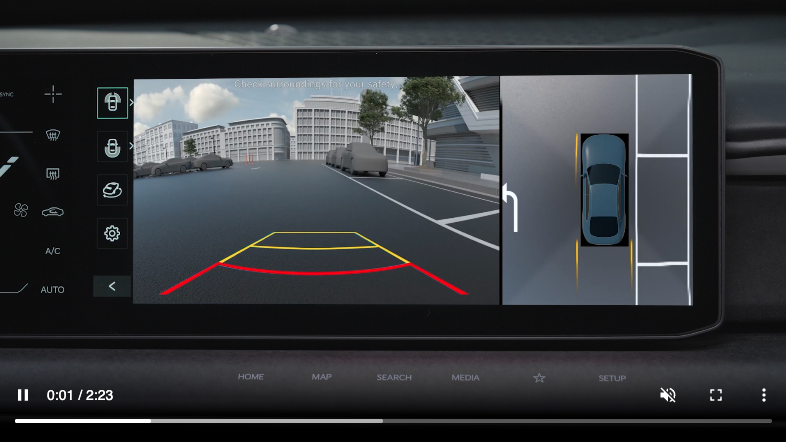
Surround View Monitor is a parking support system that shows the areas around the front, rear, left and right sides of the vehicle via four wide-view cameras displayed onto the Infotainment System. Press  to turn SVM ON/OFF.
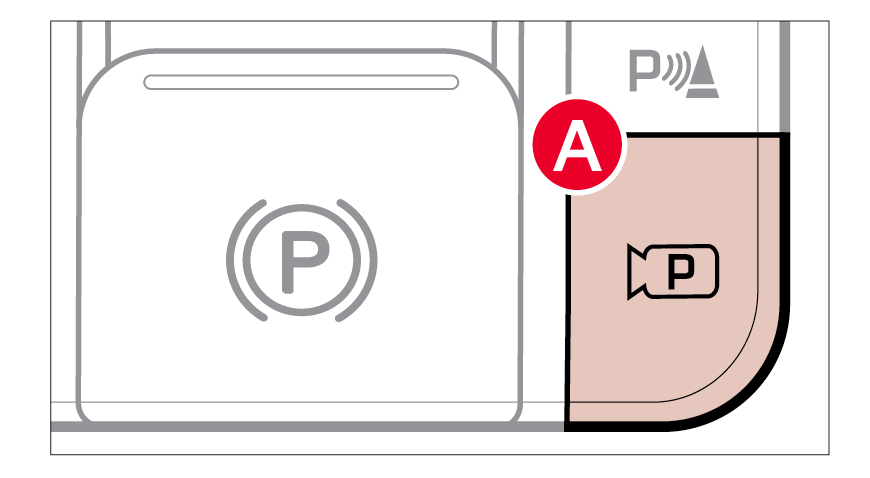
SVM will operate when:
is pressed with the gear in D (Drive) or N (Neutral) when vehicle speed is below 6 mphis pressed with the gear shift in P (Park)Off Conditions:
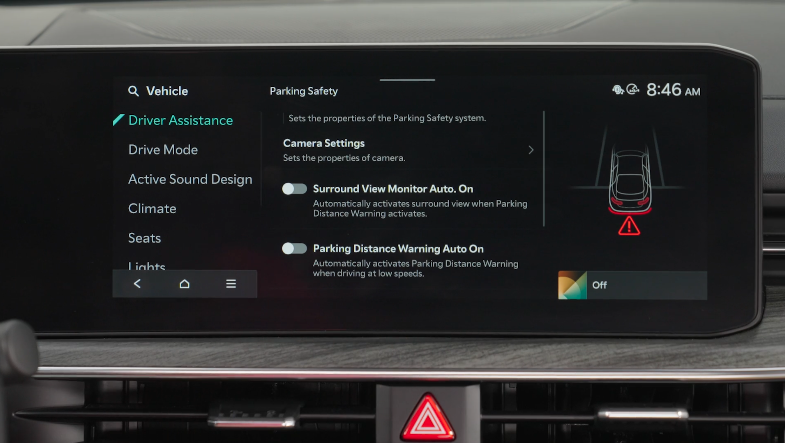
is depressedSVM can be turned on/off by going to the Vehicle Settings in the Infotainment System
Only adjust settings when the vehicle is at a standstill, gear shift is in Park, and the ignition is on or the ENGINE START/STOP button is in the ON position
**To access SVM Settings in the Infotainment System: **
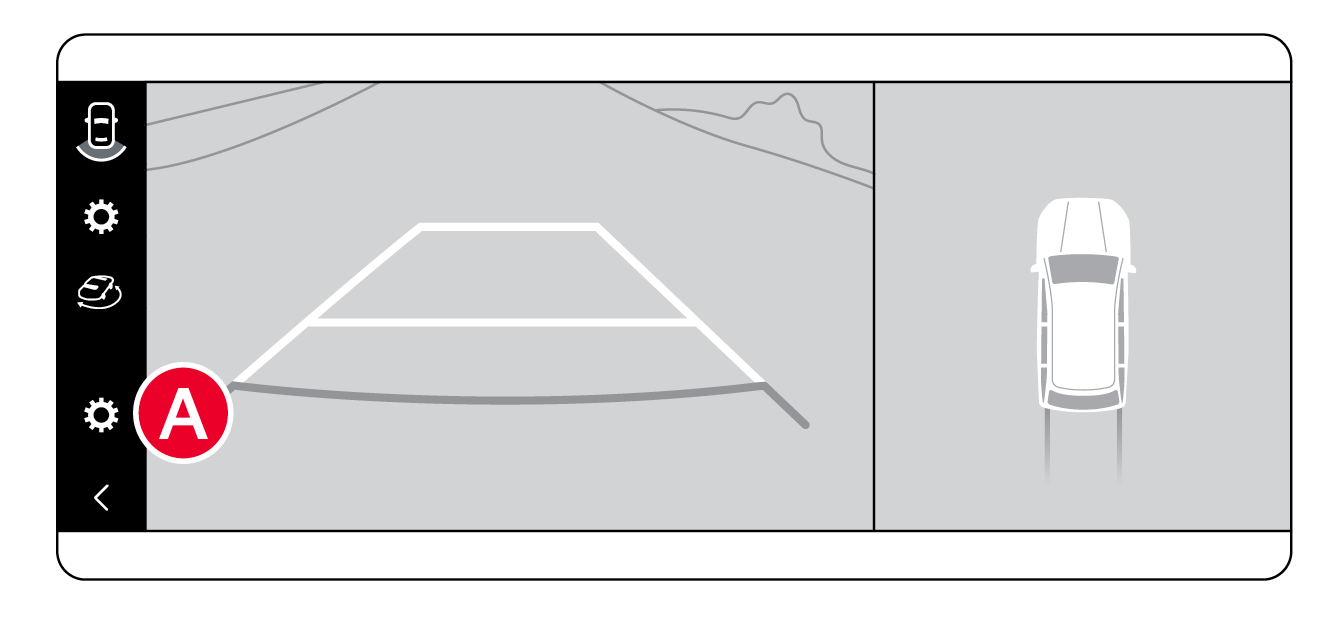
To change the SVM settings:
While SVM is operating, press the onscreen settings icon  .
.
*See LEGAL page for legal information
This feature may not be available on all Kia models.
The Surround View Monitoring (SVM) is only a supplemental device. Drivers should not rely solely on the SVM information when parking and backing up. Drivers should always pay attention and directly check the left/right and rear.
Images are for illustrative purposes only and may not reflect actual feature or operation. See section 7 in the Owner’s Manual for more information

