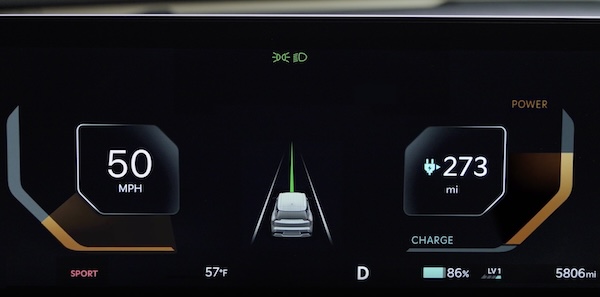
Instrument Cluster Overview
Trip modes and trip information displays driving-related information  on the Instrument Cluster when the Engine Start/Stop button is in the ON position.
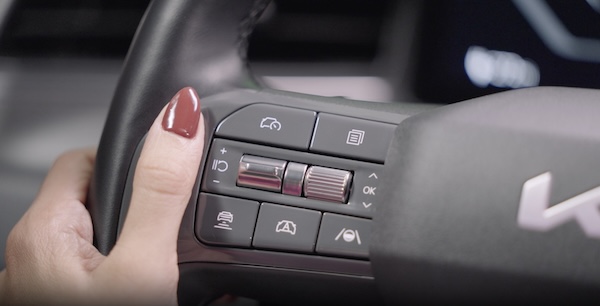
To cycle through the trip modes, press the Mode button  .
.
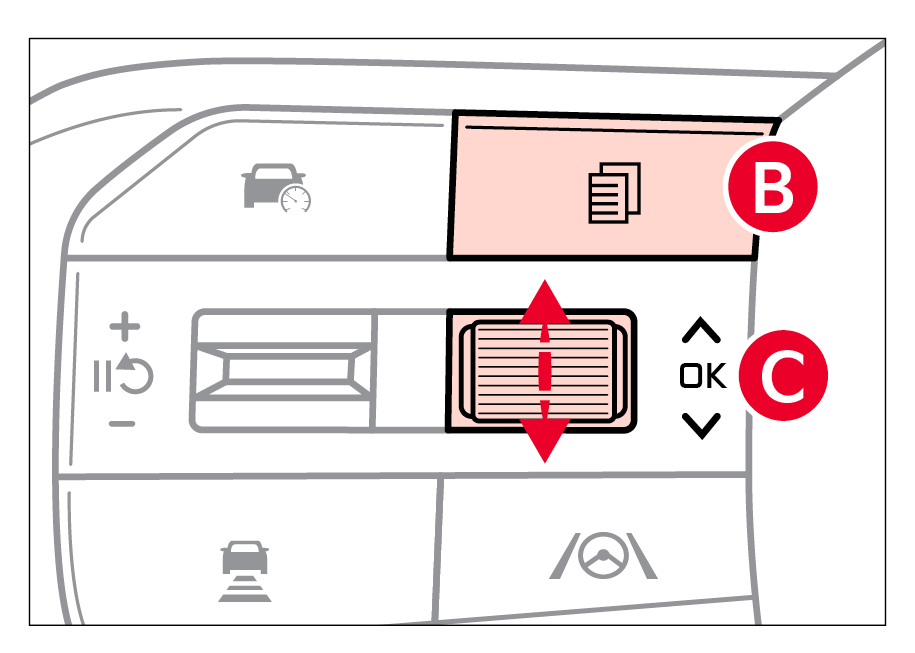
To select and enter the trip information mode  , press the OK button
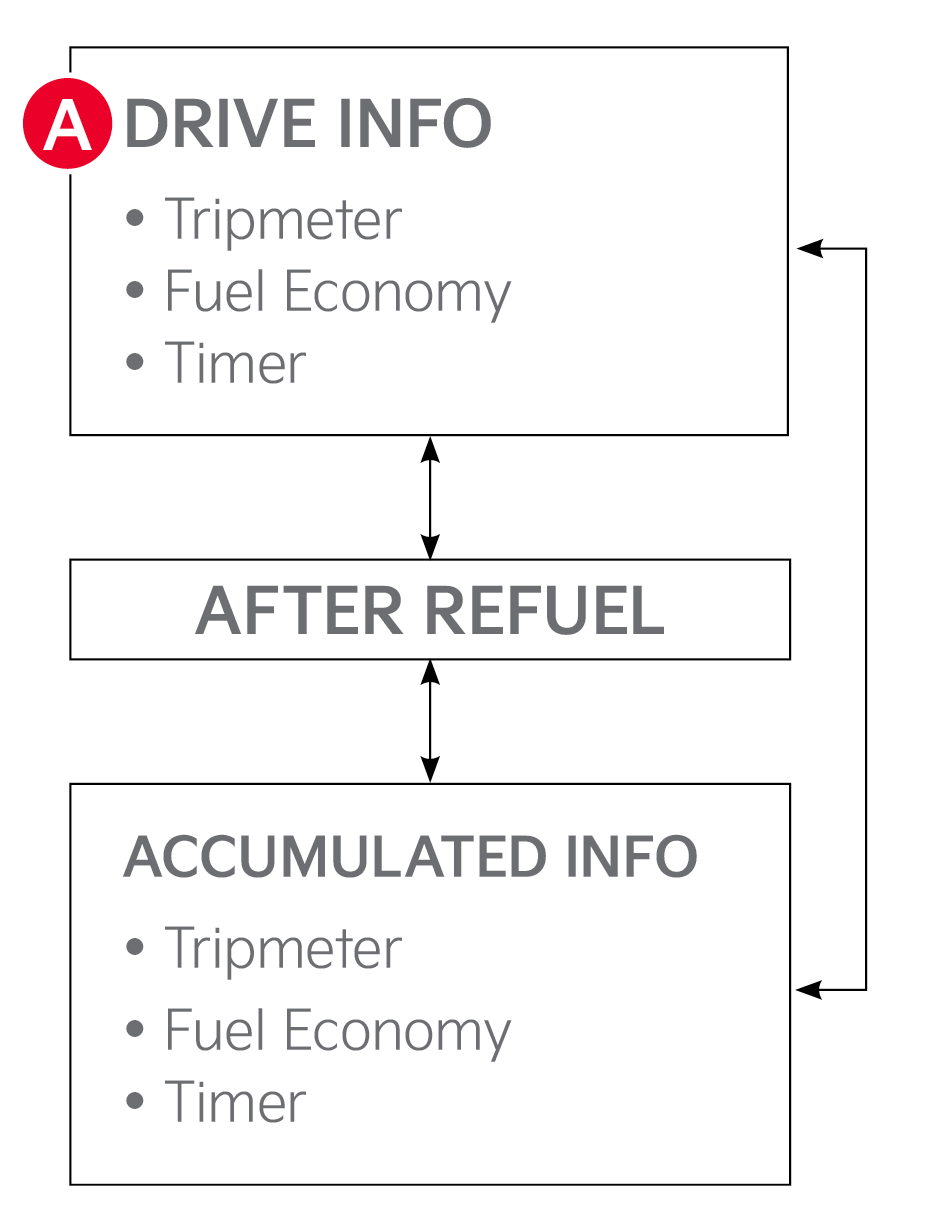
  to enter. To cycle through and select the different screens (Fuel Economy, Accumulated Info, Drive Info), press the OK button up/down again and then press the OK button . When displaying the tripmeter screens, press and hold the OK button to reset the Tripmeter to zero. Press the OK button to go back to the previous mode/item.
Certain features are available only on select Kia models.
Images are for illustrative purposes only. Your actual display, buttons and/or features may vary.
Refer to section 5 in the Owner’s Manual for more information.

