Drive Mode Integrated Control System
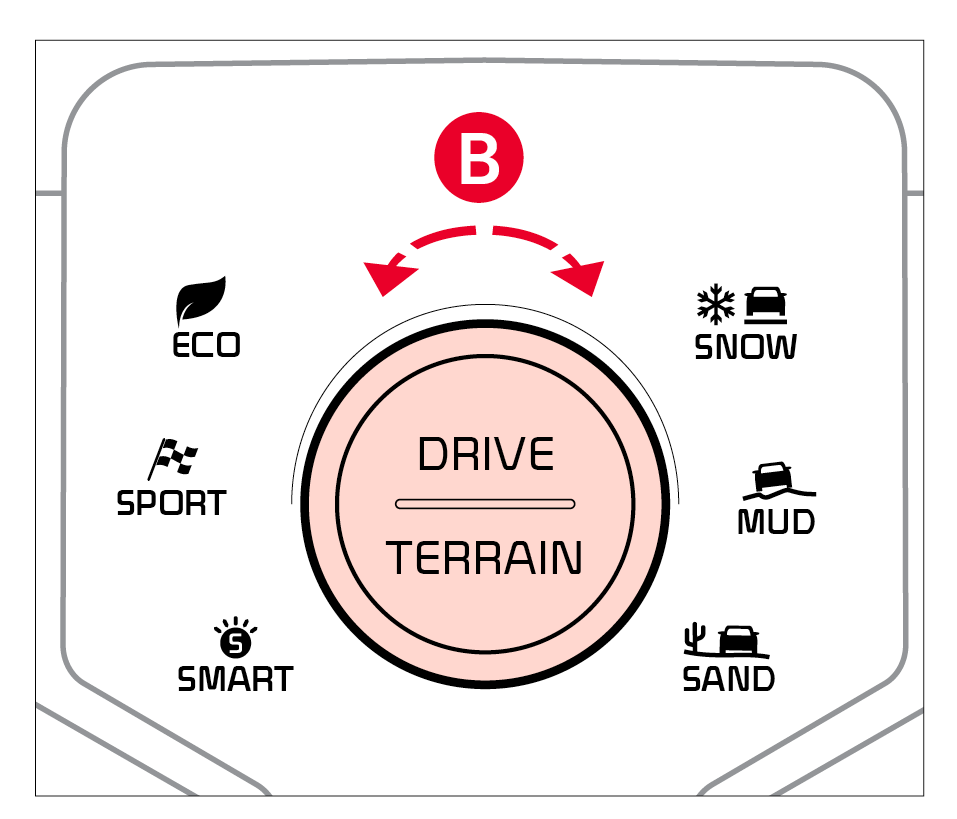
The drive modes may be changed according to the driver’s preferences or road conditions. To cycle through the drive modes  or deactivate a drive mode, rotate the Drive Mode knob
 .
.
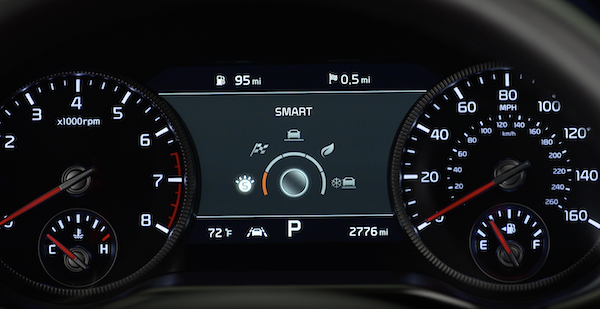
When a drive mode is selected, the drive mode indicator will illuminate in the Instrument Cluster and illuminate next to the Drive Mode knob.
The system’s default mode is ECO mode and when selected, the indicator will not be illuminated.
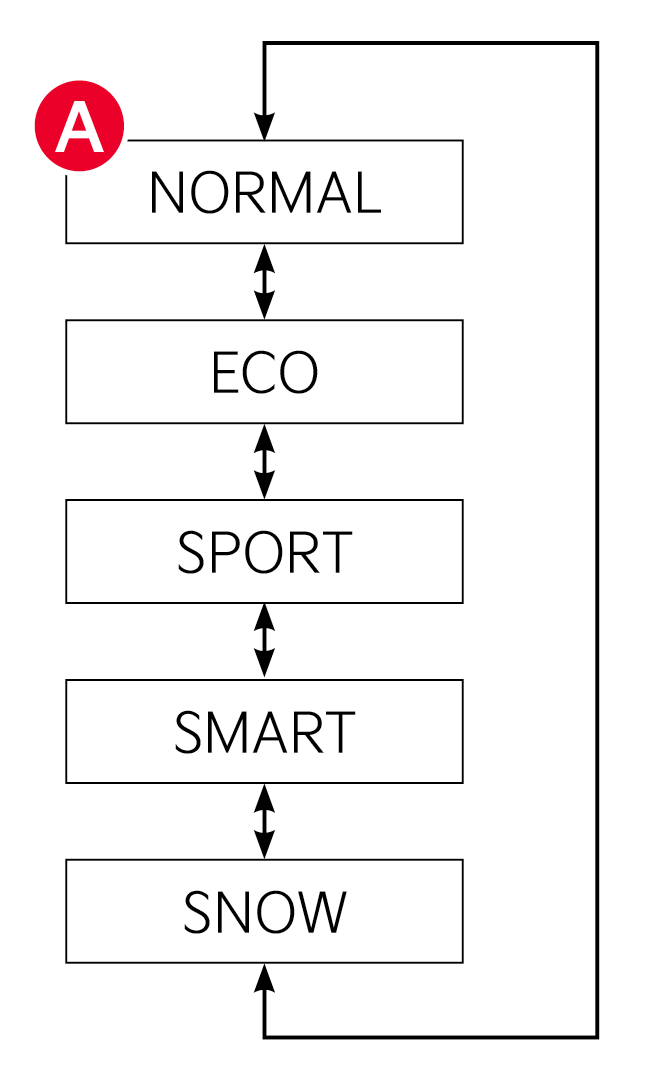
When the vehicle is shut down while in SPORT Mode, the system will default to NORMAL mode when the engine is turned off. SPORT mode will need to be selected again once the vehicle is restarted.
– Acceleration may be slightly reduced even when the accelerator is fully depressed
– Air conditioner performance may be limited
– Shift pattern of the automatic transmission may change
– Engine noise may increase
– System’s power will be limited when driving uphill
Some features may not be available on all Kia models.
For illustrative purposes only. Your actual display, buttons and/or features may vary.
For more information on driving modes, refer to section 6 in the Owner’s Manual or contact your local dealership.

