
Instrument Cluster Illumination Control
With the parking lights/headlights ON, press the button  (+) or (-) to adjust the brightness of the instrument panel illumination.
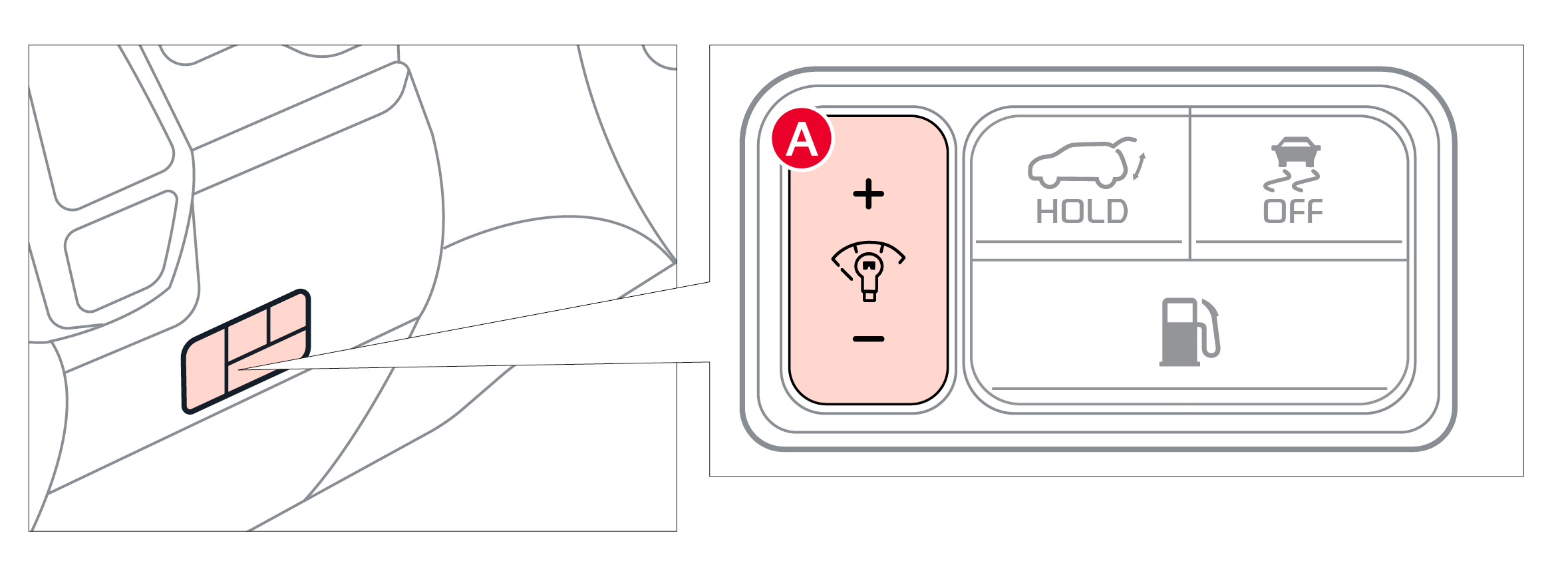
The Instrument Cluster illumination Control does not adjust brightness on the Infotainment System screens. Use the display settings in the Setup menu to adjust the brightness on the screen.
Your vehicle’s Instrument Cluster & indicator light locations may differ from those in the illustrations. For more information on the Instrument Cluster, please refer to section 5 of the Owner’s Manual.
Illustration(s) are for demonstration purposes only. Some indicators and warning lights may not appear in illustrations.

